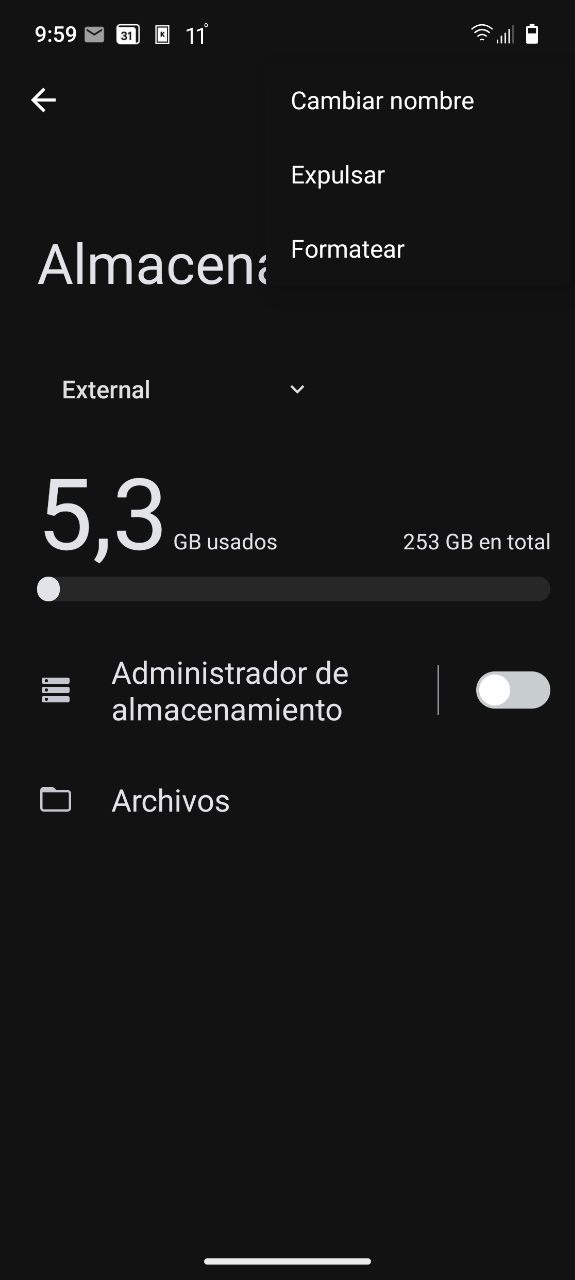
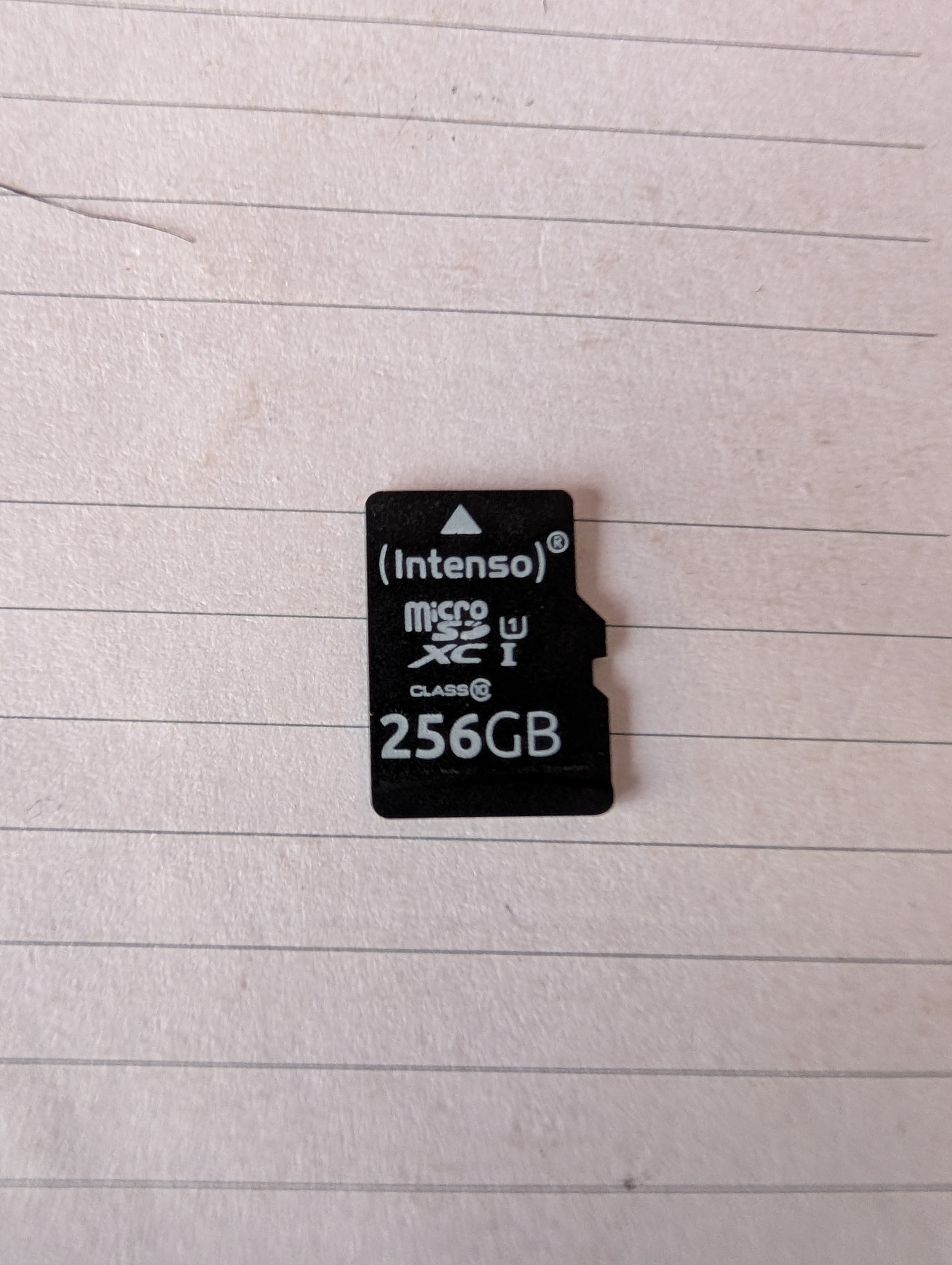
Hello, after formatting the card, I copied music files back onto the 250GB Intenso external card, but today it wouldn’t let me. I refuse to keep formatting the card and moving my entire music file collection every time. What is going on?
Hello, it’s good to know that there is an open issue on Gitlab, but it’s been four months now and the versions are very old. I have /e/OS 3.4-a15-20260….official-FP6, the latest version.
Yes, you can format it from Settings/Storage and selecting the external card.
That’s a lot of information, but I don’t have any of these problems, no random reboots or ejections or unrecognised cards. It’s just that after each update, the system seems to lose permission to write to the card and no longer allows files to be copied to it.
Although, of course, I have not conducted such extensive research, nor do I know how to do so.
I have connected the Fairphone to my computer and installed the adb utility, but I haven’t had much time to get it working. Sorry.
It happened again. A few days ago, I reformatted my SD card so that the system would have write permissions again, and I copied my music collection back onto it. Fine.
Yesterday, the new update for the /e/OS/3.5 system was released on 11 February, and now my SD card is once again write-protected.
I would like some help on how to give write permissions to the SD card without having to format it and lose all its information in the process. Should I install a Linux terminal app for this, perhaps?
Is there an app that does that?
Thank you
I also don’t know how to tag Manoj, @Manoj ? directly so that he reads this message.
I don’t know how to provide more information, I’m sorry. It happens to me in a Fairhone 6 with Version 3.5-a15-20260211580868-official-FP6and the SD card is a 250GB Intenso.
As I said before, I would be very grateful if someone could tell me how to obtain system logs (something like my beloved Debian systemctl, but for Android-/e/OS).
You could collect a log as Capture a debug information from /e/OS. This documentation page (in the first part) includes adb logcat from your PC if preferred. adb logcat --help is also available once the device is connected.
Ideally you should attach logs to the issue and mark the issue confidential. Let me discuss with the developers when they are in office on Monday and get back to you as to how they would want to handle this issue and also more importantly if there is a resolution possible at the /e/OS side to this. Will update during the week.