Im back to /e/OS system on my FP5. I exited Ubuntu Touch.
Im looking for soulution, how to use external monitor (or desktop mode) on FP5 in fullscren. Im not able to find it at settings at “display” nor “developer optinos”… Is it missing or im wrong?
Im able to mirrror FP5s display to external LCD (trouhg HDMI) but…. (click on “mirror display”) only two modes are ready (switchable by developer option “enable freeform windows on secondary display”).
First - mirror of original screen (i see only stripe in the middle horizontal or vertical) Second - fullscreen picture with cicrcle with dots (see attachment), but not able to see any app on external display or use mouse there…
FP5 is running (these days latest) build IMG-e-3.4-a15-20260114569178-official-FP5
What si goal of this my excercise?
Firstly to have phone de-googleed phone.
AND secondly have “desktop” or “thin client”. To be able to connect keyboard, mouse, ethernet and monitor (FullHD is enough) to phone trought USB-C dock. To be able to connect to virutal server (desktop) with RDP, SSH, VNC… I dont need more than “thin client in my pocket”.
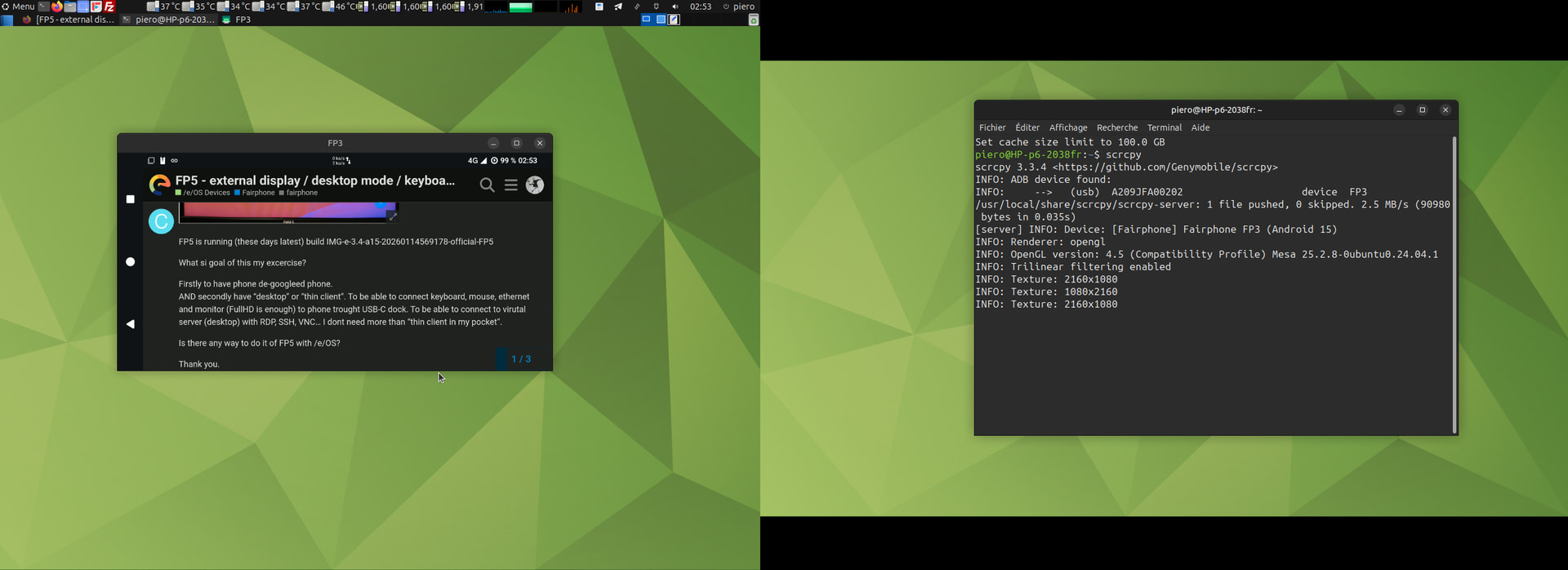
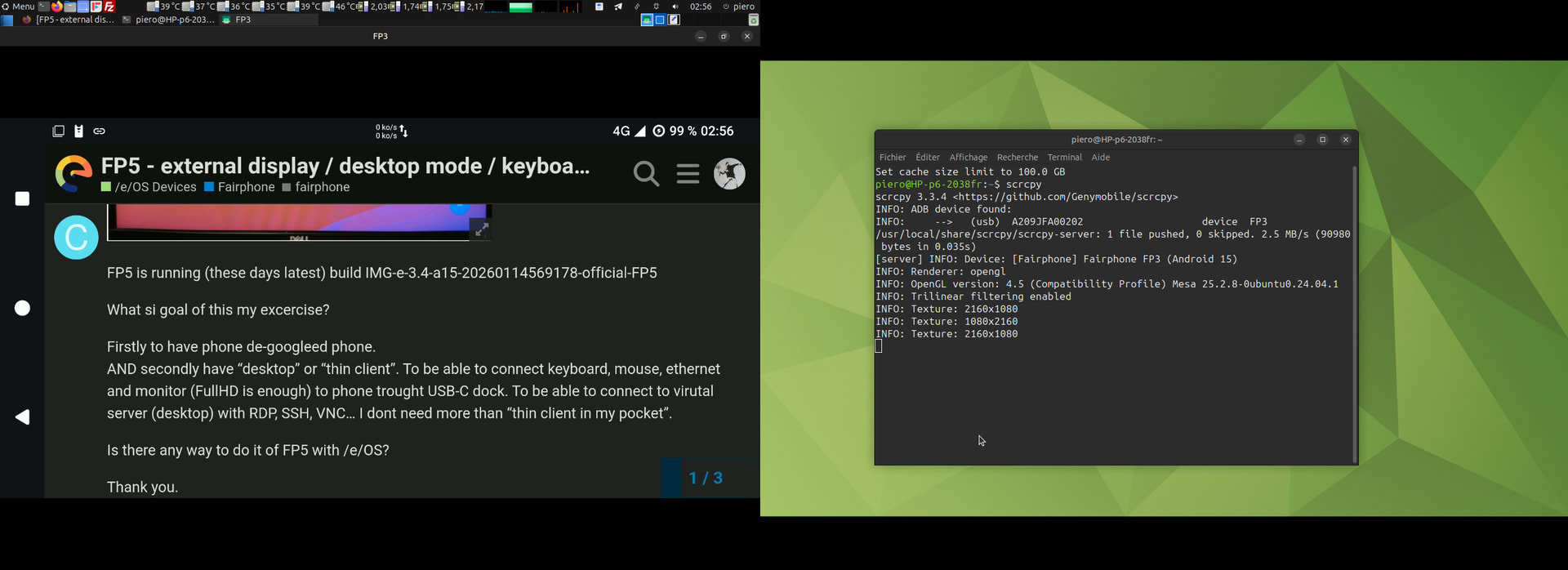
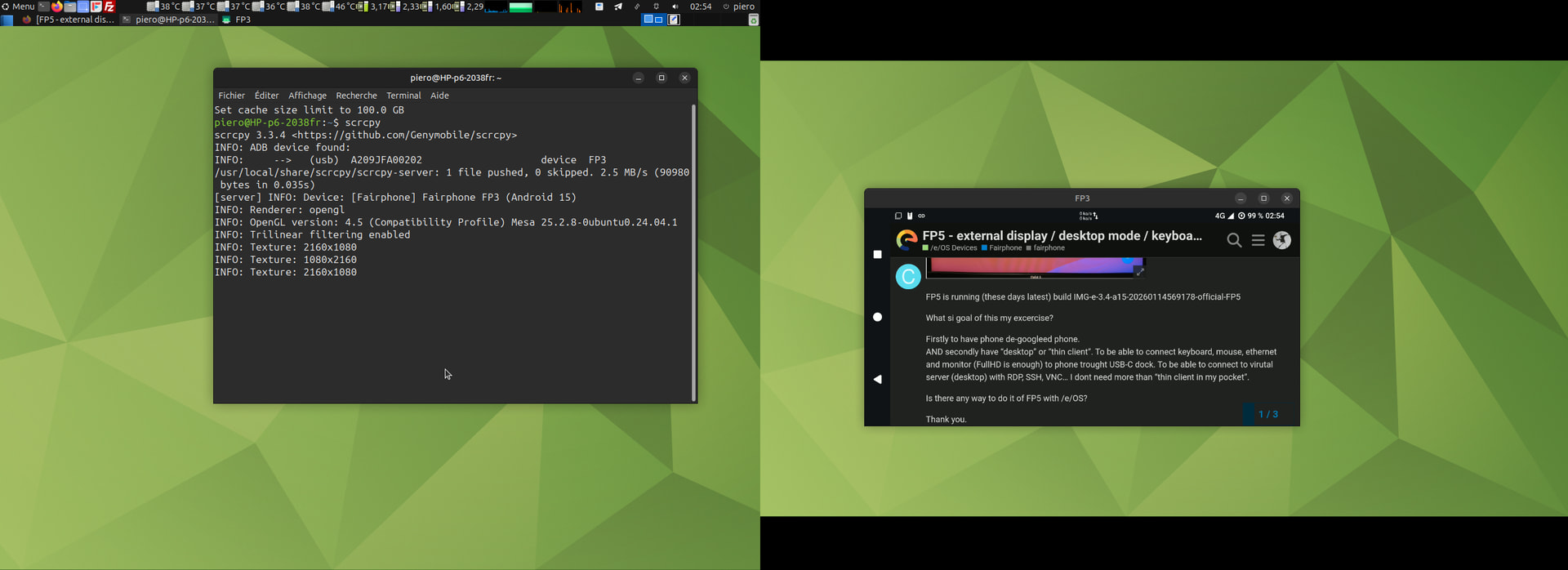
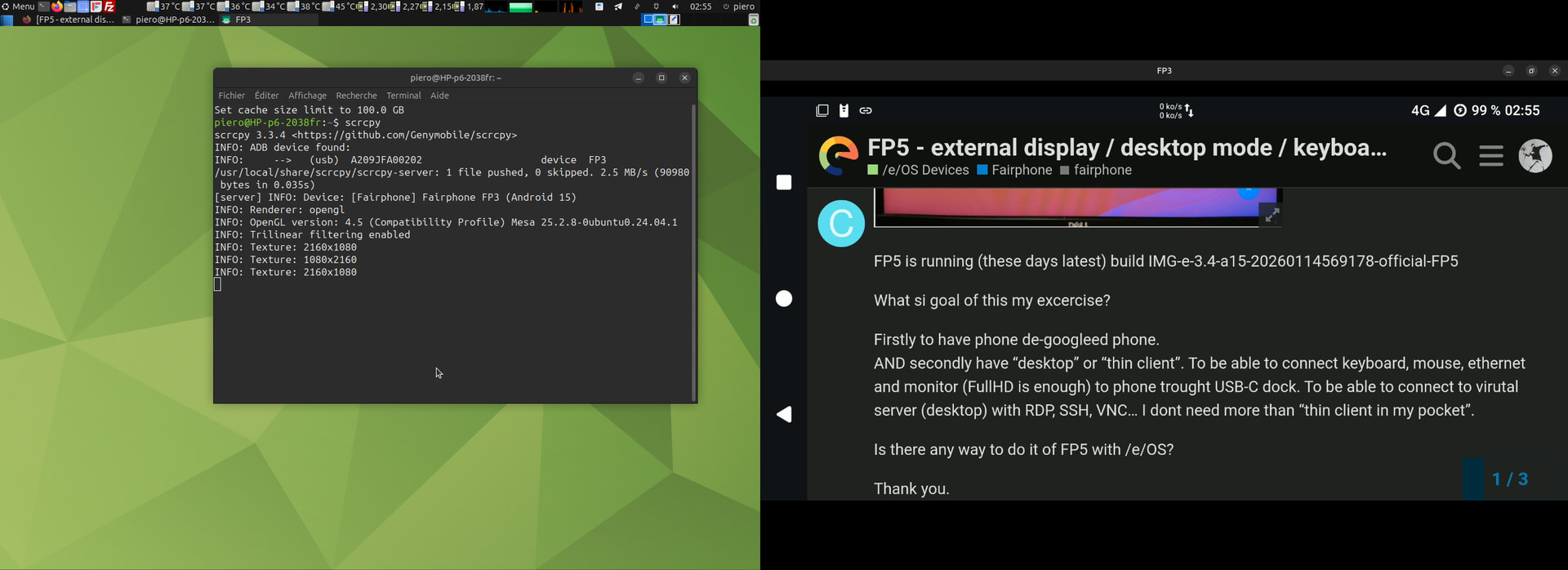
i take another way, i use a software called “scrcpy” available for any computer,
in my phone’s storage i carry the “scrcpy” binary,
“scrcpy” connect your phone through USB or WiFi,
The PC share its keyboard, mouse, screens and auxilliary video outputs.
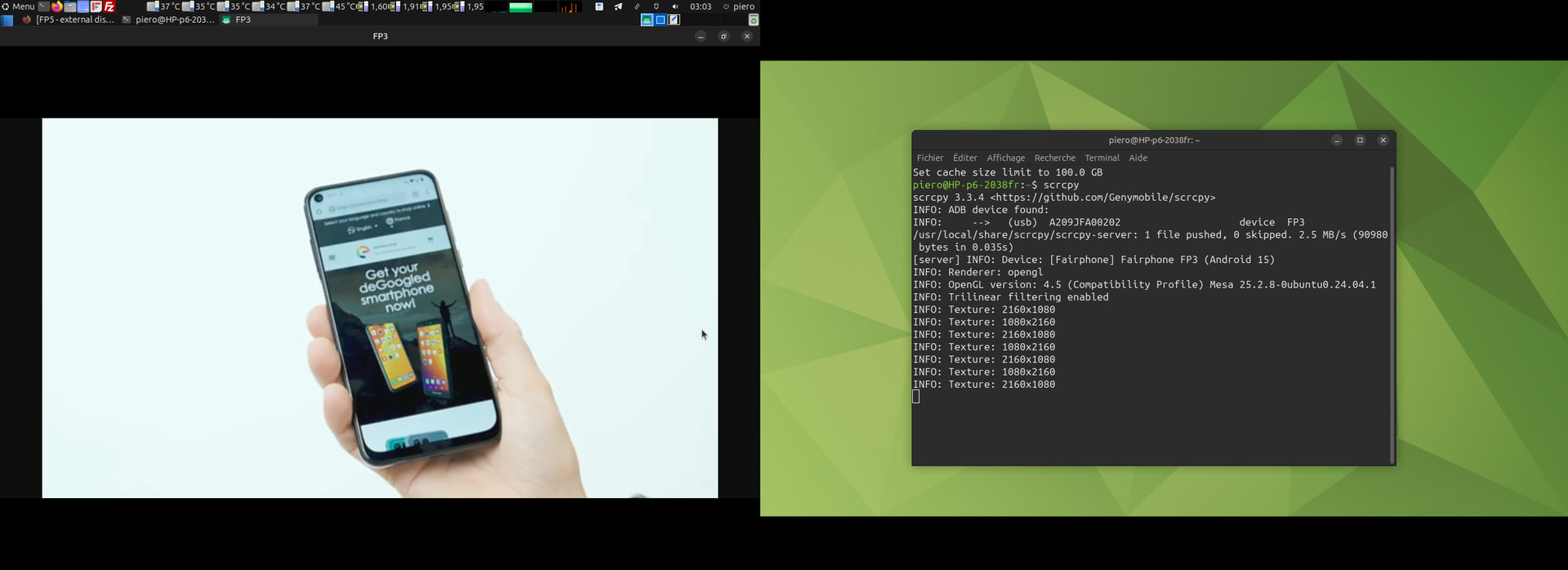
The phone screen mirroir is displayed in a window opened on the computer
maximised windows is possible, phone screen recording is possible, also text selection and copy / paste between android and computer’s OS )
The touch screen can still interact in the mirroired windows
This application mirrors Android devices (video and audio) connected via USB or TCP/IP and allows control using the computer’s keyboard and mouse. It does not require root access or an app installed on the device. It works on Linux, Windows, and macOS.
It focuses on:
lightness: native, displays only the device screen
Thank you. Im going to ty another launcher. Scrcpy is not solutin for me.I would like to use phone without PC. The main point is to replace my daily notebook with smartphone (for office agenda). /e/OS is fine start - its degoogled, I could use my own selfhosted cloud solutions to work with.