OK have resolved the problem, with a Fresh install of e/OS v2.8, S7 now working, with access to all files etc.
Thank you for your patience, think I have a better handle of the process now.
One question, does TWRP need to be flashed everytime you need it, I cannot boot into it without flashing it first.
For anyone with the same issue.
Tried using Heimdall on Win 10, Zadig updated driver to start, Heimdall run a ‘print-pit’ command successfully, but could not boot into TWRP for some reason, tried updating drivers again, but Zadig failed.
So used Odin3 to successfully flash TWRP to the S7, without any driver errors.
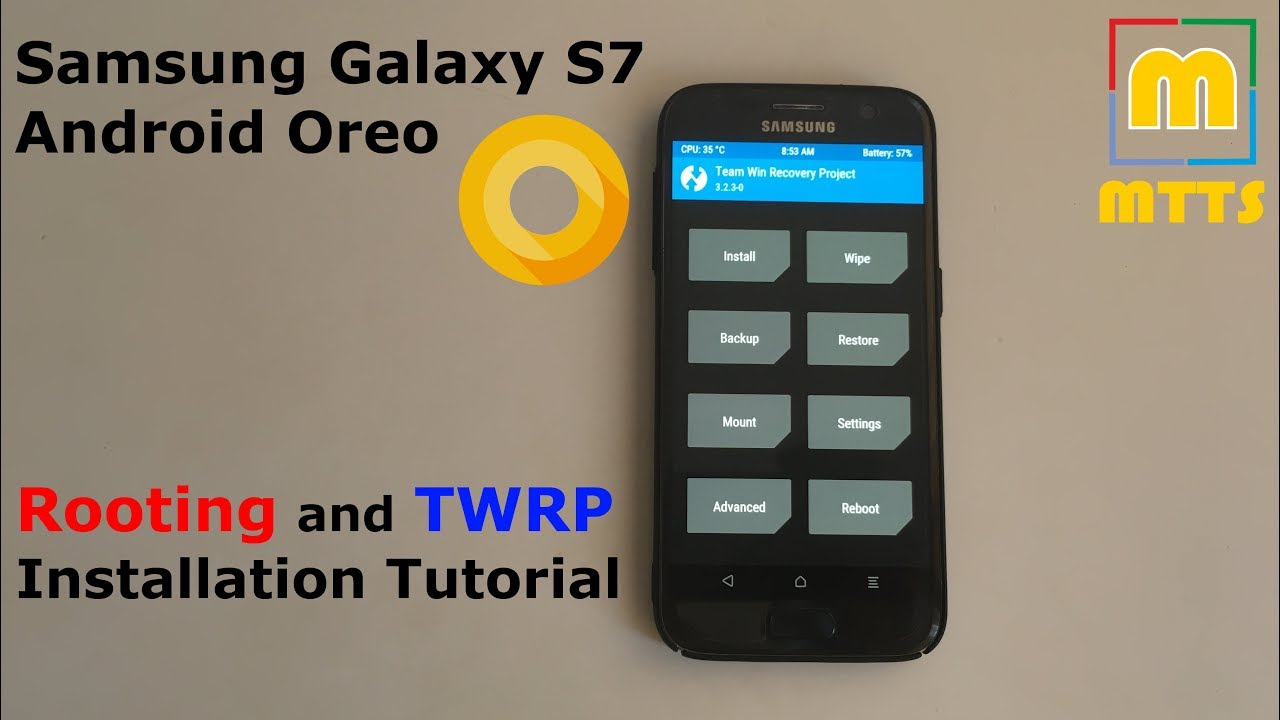
Downloaded TWRP file for device: Samsung
Check AP box in Odin, and browse to the TWRP file ‘img.tar’.
Before pressing ‘Start’:
See this video fior the trick to boot into TWRP:~
https://www.youtube.com/watch?v=5aE_AX8HBDg
NEED TO KEEP HOLDING Vol Up, Power and Bixby before and after pressing Odins Start, otherwise e-Recovery just appears.
In TWRP could not work out how to backup data (as pressed for time) … so decided to crack on.
Using TWRP ‘adb sideload’ I tried to Install e/OS v1.6, (did not wipe anything) but phone would not boot after sideload finished, phone was stuck in loop at boot time.
So Wiped all, and did fresh install of v2.8 using TWRP adb ‘sideload’ feature:
In cmd, from Platform-tools run:
adb sideload e-2.8-s-20250220470167-official-herolte.zip
Rebooted straight into v2.8 - with all directories available again.