.
the Universal Method détailled
DO NOT APPLY FACTORY-RESET → do not format /data
.
Install the platform-tools on your computer :
Install adb and fastboot on a computer running macOS or Linux
Install adb and fastboot on a computer running Windows
not a major issue if not properly "installed in your path” as explained above, but only downloaded and extracted,
simply add./at the beginning of all youradborfastbootcommands,
it will use the version included into the relative folder (the latest) instead of the one installed on your system (that can be outdated)
On the phone,
in the → Settings → System → Developer Options → “USB debugging”

On the computer,
download the latest /e/OS build for your device
(put it into the platform-tools folder)
it must be named like e-3.2-a15-20251023539369-community-instantnoodle.zip
if you found something named like IMG-e-3.2-a15-20251022539003-official-FP6.zip
use the right clic to copy the link, paste it in the adress bar of your browser, remove the 4 IMG- carracters from the URL and press enter to download e-3.2-a15-20251022539003-official-FP6.zip
.
Boot the phone into recovery mode.
.
Select Apply Update, then Apply from ADB
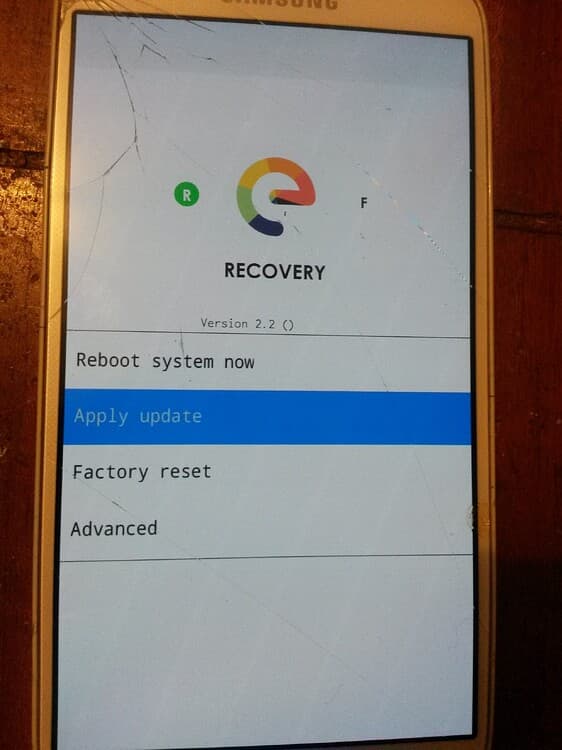
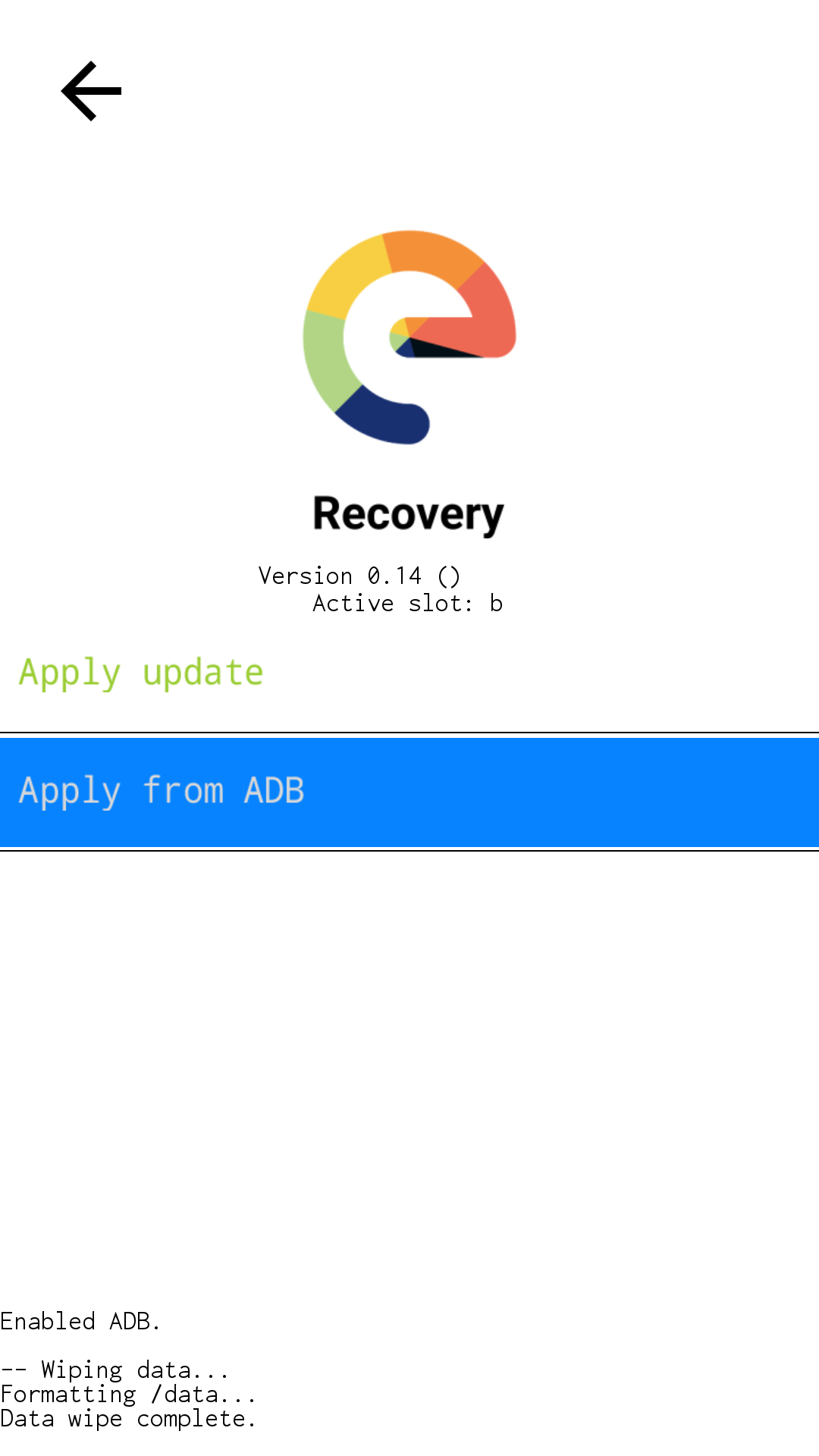
The screen should now change and the output at the bottom ask you to send the package from your computer.
On the computer,
Use the right clic to open a terminal from the /platform-tools folder, and
issue the command to sideload the latest /e/OS-T installation zip.
adb sideload e-3.2-a15-20251023539369-community-instantnoodle.zip
the phone screen will be mostly blank with just the output at the bottom showing progress.
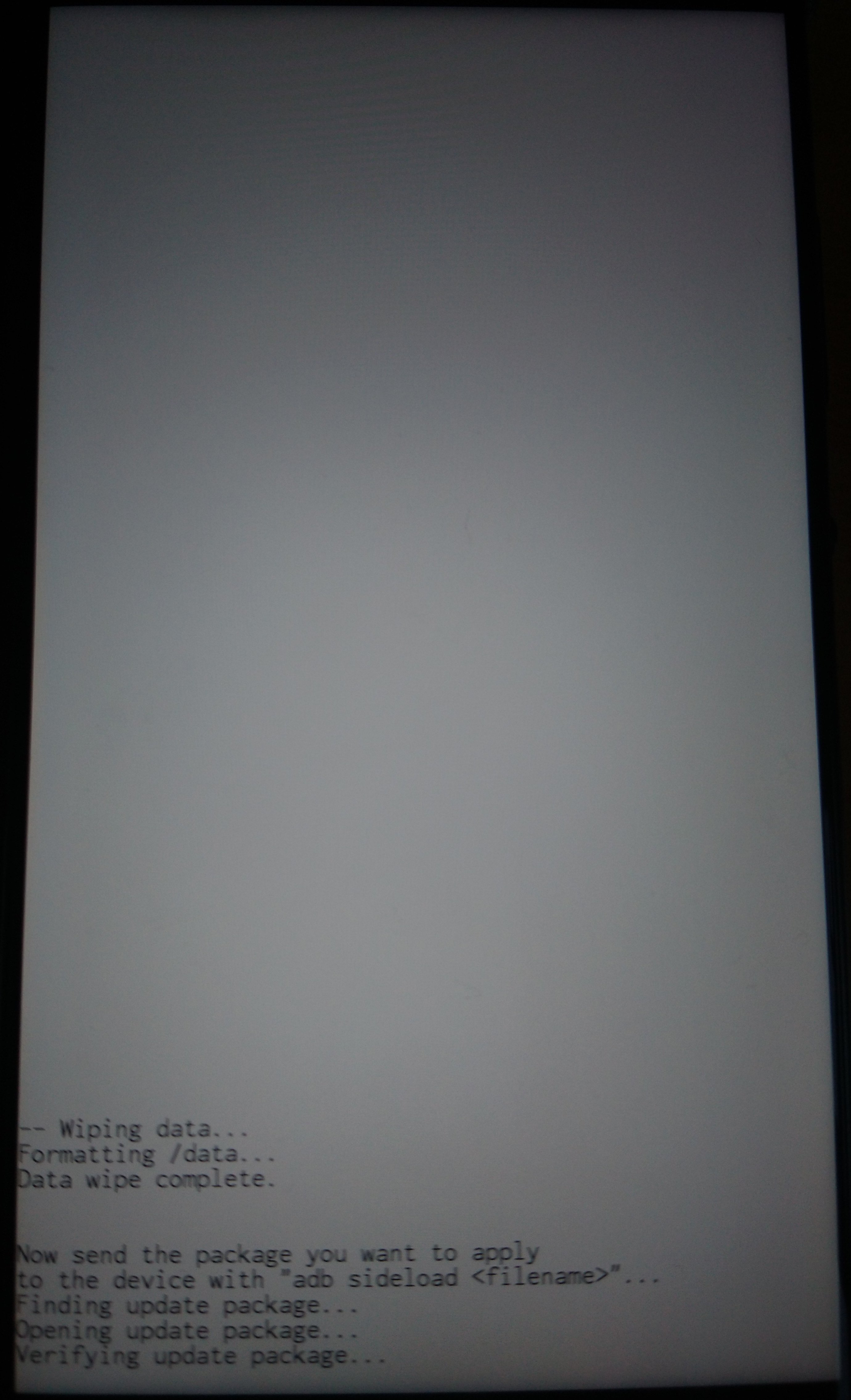
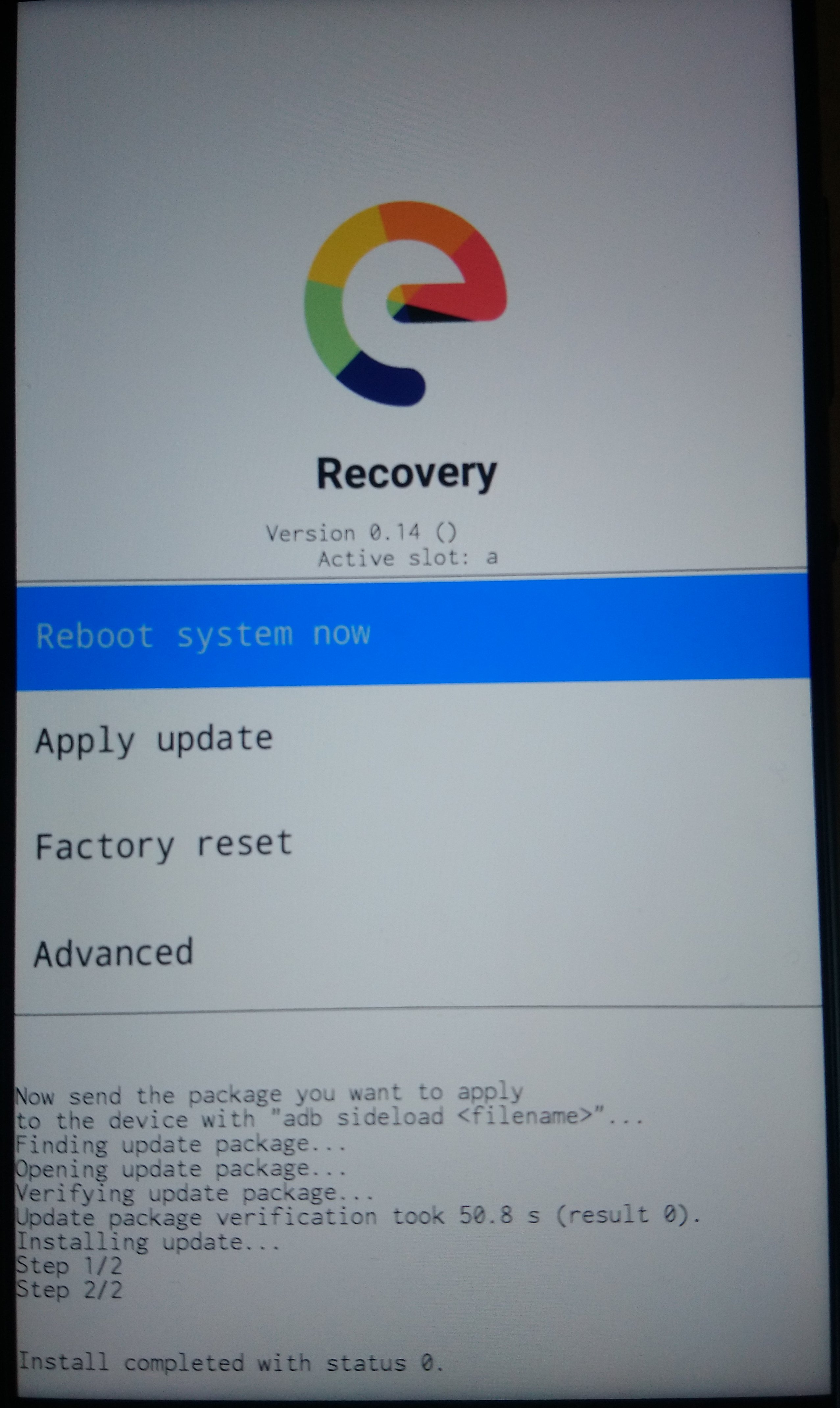
On the computer the sideloading shows progress as a percentage figure that will stop at 47%. The phone will still be installing though (even though it might feel like nothing is happening sometimes!) and you can expect to see the following screens
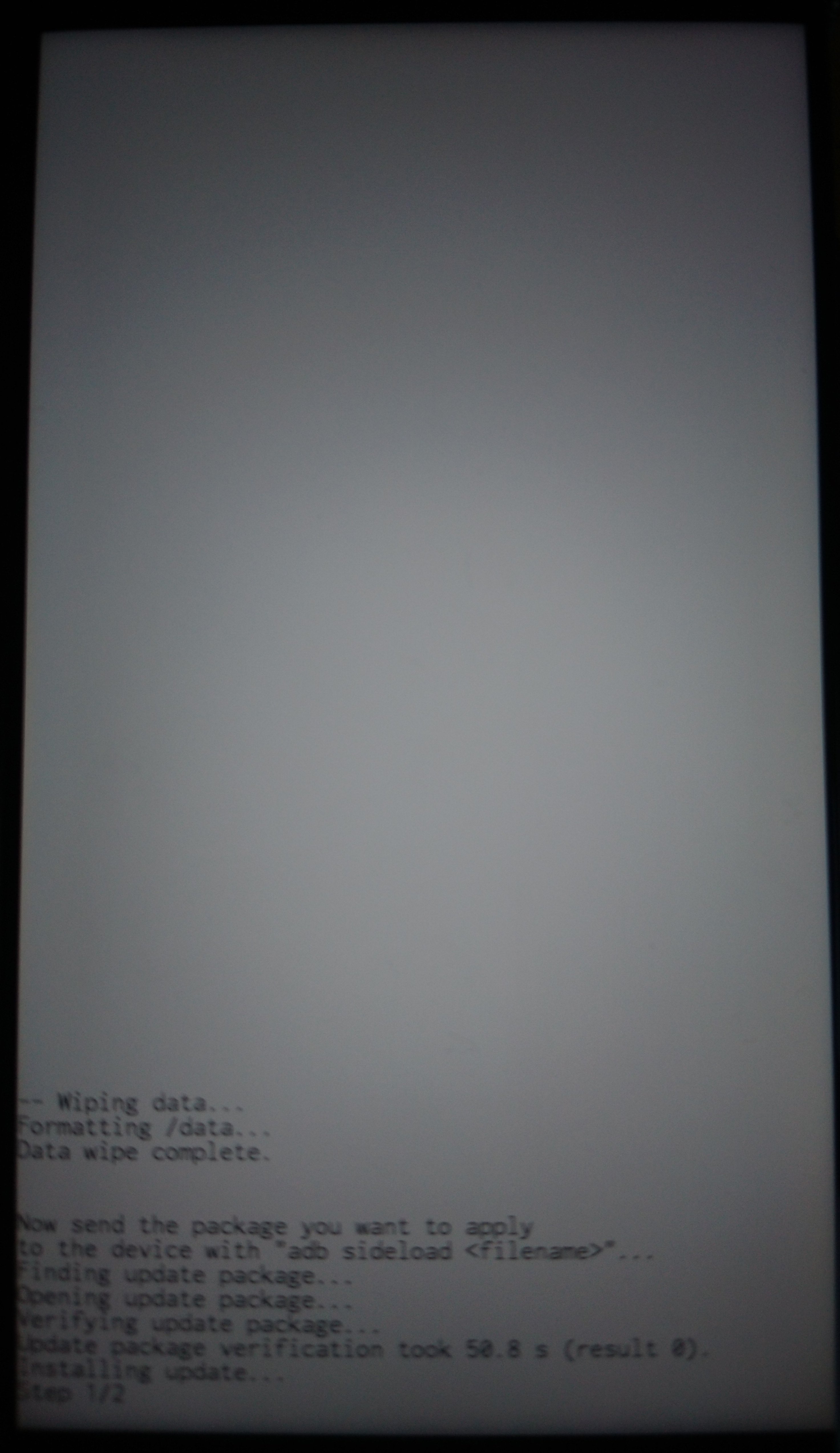
when success message comes on the device screen, press the arrow at the top of the screen to return to Home Screen
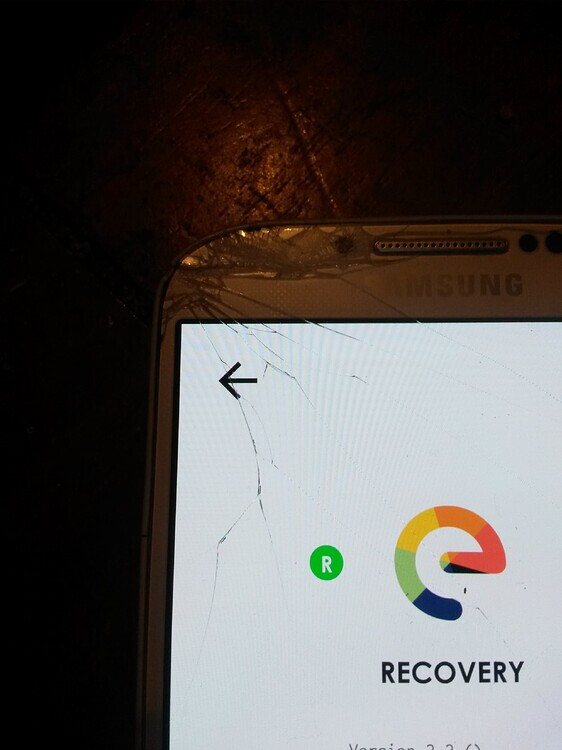
and Tap Reboot system now to boot into your new /e/OS.
.