No, it is during source build/envsetup.sh
imo you use a envsetup.sh from an android_build repo that steadfasterX no longer tends to. The function in envsetup.sh looks the same where sfX maintains, so I guess it’s in the references script
ERROR: last command ended with status >1< at line >111<
by your quoted linecount that is (\cd $T; build/soong/soong_ui.bash --dumpvar-mode --abs $1) that fails. so $(gettop) (the internal function) seemed to work. So supposedly the “cd” works, then it runs through soong_ui.bash that I’m sure can have failure conditions. The way to debug is to insert a set -x into the shell header and look at all actions.
How / Where ?
sorry, i need to be taken by hands at this point.
.
Could it be relative to my sick python
just anywhere in the script, set -x can be in the line right before the function is called(!) if you want to see less noise, set +x will turn it off again if you want to limit “from the bottom”.
That said, I can’t guide you through this all the way. The alternative is to use maintained build scripts and customize those to the eos vendor
1 Like
this can be ignored - at least for the moment. you can enhance build security by isolating the build process and this can easily break for various reasons (enabled apparmor on your build system etc)
additionally you do not need to set java SDK anymore as the build process will use the bundled java on recent android versions (iirc since A13 but I can be wrong and even earlier/later).
ERROR: last command ended with status >1< at line >111<
that is related to vendorsetup.sh and exactly what you found out:
export EXTENDROM_TARGET_VERSION=$(build/soong/soong_ui.bash --dumpvar-mode PLATFORM_VERSION 2>/dev/null)
so what happens if you lunch your device and exec:
`build/soong/soong_ui.bash --dumpvar-mode PLATFORM_VERSION`
1 Like
since last comment from @tcecyk i have reconfigured my build environnement to default to see first if i am able to build “stock /e/OS”
i will test it first..
i start to understand that i can’t use /e/ FP5 manifests (e-priv) nor device and kernel (protected) sources
then i will try “extendrom”.. then maybe update “vendor/e/” sources..
a lot has changed between A13 and A15, e.g. the lunch command now requires to set a target release within, e.g. lineage_FP5-bp1a-userdebug for A15 etc
1 Like
still Build sandboxing disabled due to nsjail error
8 hours analyzing Android.bp files and generating ninja file at out/soong/build.lineage_FP5.ninja
for sure this is not normal :
except at the beginning, RAM was full during all time
except at the beginning, CPU didn’t have much to do
except at the beginning, Disk activity was mostly system and home (sdc5) disk and swap (sdc3)
no more sources and build (sdb5)


a15 may be too hard for my lovely 30€ machine, i willl try a11 to check if it build…
ofc. as said this is nothing you need to worry about when it comes to general building. you can safely ignore this as it is relevant only if you want to isolate the build process for extra security - which is nothing which conflicts with the build process otherwise. you can read more about that (and your error) here: GitHub - google/nsjail: A lightweight process isolation tool that utilizes Linux namespaces, cgroups, rlimits and seccomp-bpf syscall filters, leveraging the Kafel BPF language for enhanced security.
TL;DR: ignore it until all is working and fix it only if you REALLY(!) want that extra build(!) security on top.
A15 requires a lot of RAM. 15 GB RAM will slow it down a lot but not just that it will even fail eventually. the swap you added is likely not enough, too. but more important: it will likely be incredible slow (depends on your disk setup etc).
you might wanna look at Failing Custom ROM Build eOS: You are building on a machine with 15.4GB of RAM (I havent checked the thread just found it and it might or might not be useful..)
overall, yes your system is not ideal for building A15 

- RAM = 99,7 % in use
- SWAP = 72,9 % in use
- High I/O = Wait in % AVG > 5-10 %
- CPU = load 1.4 < 4 (so not fully utilized)
i.e.: your system is not able to read/write fast enough which causes wait times. the reason is too small RAM and too slow disk (swap).
what might(!) work is:
- tune your setup a) add more RAM (obviously the best option - if possible)
- tune your setup b) add a very fast SSD for your SWAP (at least 50 GB swap)
- run the build with
make -j 2parameter (or even1) which reduces the cores (but not for all tasks so it might or might not help)
2 Likes
despite multiple warnings … it is building ! … at usual speed
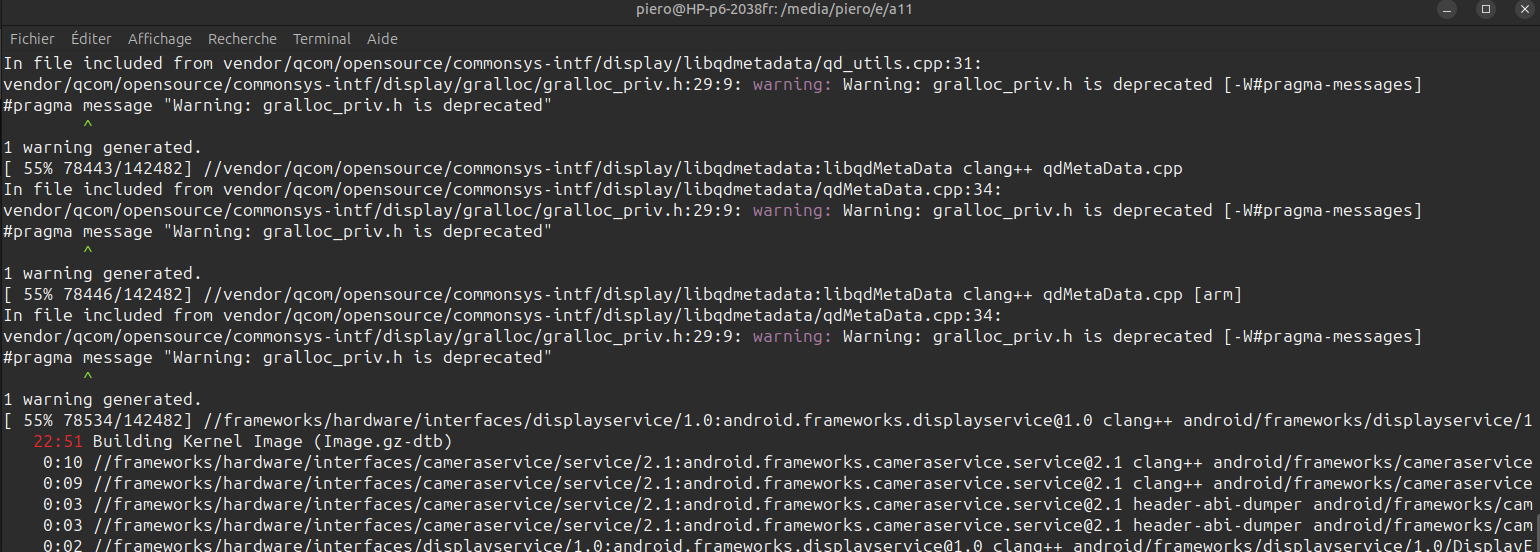


not sure zRAM is a good idea in my case as not only RAM is a limitation, but also CPU..
.
- First attempt (first FP3 build and first android build)
[100% 142482/142482] build bacon
Package Complete: out/target/product/FP3/e-2.3-r-20251217-UNOFFICIAL-FP3.zipbuild completed successfully (08:50:29 (hh:mm:ss))
- second FP3 attempt (with already pre-compiled FP3 sources and already pre-compiled android sources) :
[100% 10/10] build bacon
Package Complete: out/target/product/FP3/e-2.3-r-20251217-UNOFFICIAL-FP3.zipbuild completed successfully (27:41 (mm:ss))
- third attempt (first jfltexx build with already pre-compiled android sources) :
[100% 71595/71595] build bacon
Package Complete: out/target/product/jfltexx/e-2.3-r-20251221-UNOFFICIAL-jfltexx.zipbuild completed successfully (05:15:38 (hh:mm:ss))
- second jfltexx attempt (with already pre-compiled jfltexx sources and already pre-compiled android sources) :
[100% 742/742] build bacon
Package Complete: out/target/product/jfltexx/e-2.3-r-20251222-UNOFFICIAL-jfltexx.zipbuild completed successfully (17:49 (mm:ss))
This topic was automatically closed after 90 days. New replies are no longer allowed.