Question:
Is there a way to configure this so that WhatsApp contacts, which are saved in the phone book, are also backed up?
I suspect others have this problem too. Is there a solution?
Device = SIM card. Sounds like you don’t want this.
Contacts > 3 bar top left Menu > Settings includes
Default location for new contacts. You may have that set to Device? When you want Contacts (user_descriptor). Or in your case “default (user_descriptor)” if you prefer the DAVx5 method
Re 2.
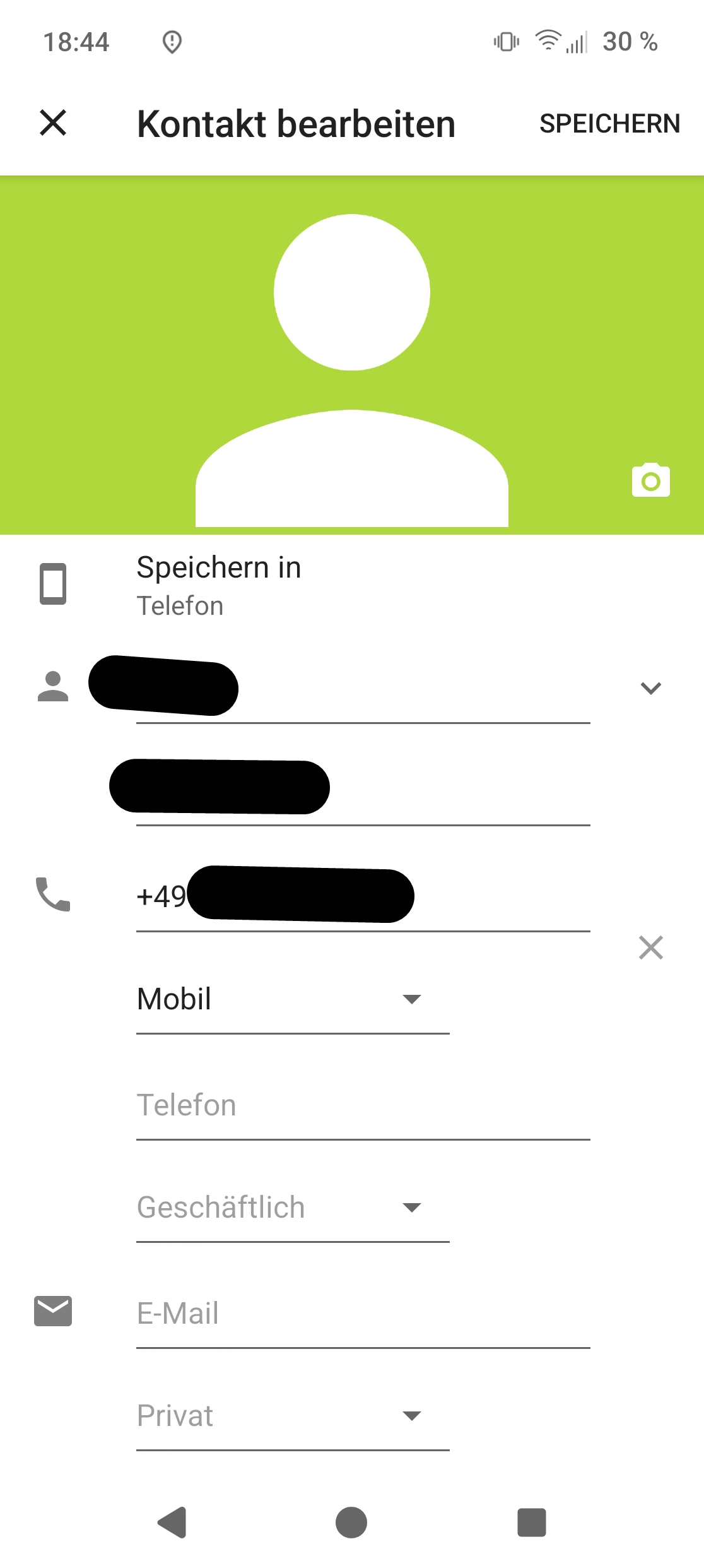
In WhatsApp, I have the option to save the contact to my device or manage it directly through WhatsApp.
With option 1, the entries appear in my phone’s contacts.
With option 2, they do not appear in my phone’s contacts.
The solution would be that I wouldn’t have to import a contact received via WhatsApp with the press of a button, but instead should add it manually to my contacts.
I can’t imagine that no one else has noticed this while using WhatsApp. How have others solved this problem?