Adding eSim blocked by network permissions?

I have a similar if not the same issue to the OP in this other thread: eSIM install on the face of it completely fubared?

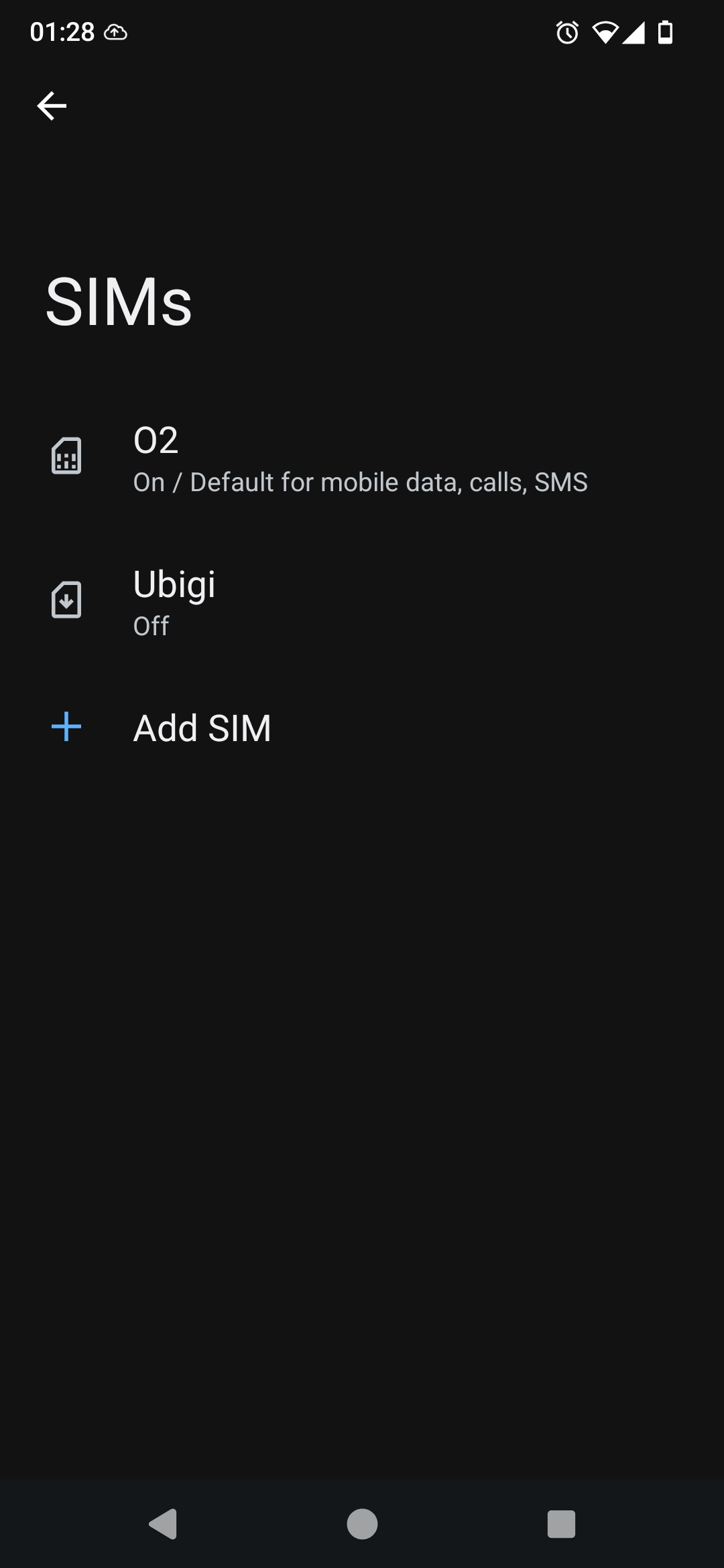
It looks like the app handling the simple adding is blocked; the giveaway is the little icon in the top-right:

I’ve seen this before when an upgrade of /e/OS renders all my apps unable to connect to the internet due to network permissions. These could be changed in the Apps settings.

However, this screen is shown after navigation through Settings. The previous screen is:

If the network permissions to this sim manager can be altered, I’d need to know which app is being used and then somehow grant the permissions. So far I can’t find the appropriate app in the Settings-Apps list (even with System Apps included). Also, it seems that system apps don’t seem to have the same controls to change permissions for the network and all system apps I’ve looked at have all permissions granted already.

Any clues?

P. S. I’m travelling in a few days and could really do with being able to add an esim!

Regain your privacy! Adopt /e/OS the deGoogled mobile OS and online services

No sooner than a few minutes after posting this, I think I’ve found the culprit:

“Sim Manager” had its “Allow network access” slider turned to off. Enabling network usage means I get past the error message from before:

I hope this helps someone else!

1 Like

P.S. (and off topic)

I managed to get an Ubigi SIM installed ready for my trip to Japan at the end of the week :slight_smile:

If I remember to, I’ll update here on whether it actually works.

Hi! I am having this issue too, unfortunately none of my sliders were off. But I also did not have a Mobile data usage selection (probably because I don’t have a SIM installed in it yet).

Do you have the little no network icon when you try to add a SIM? i.e. the one here on the left…?

If so, then the issue is getting access to the “Mobile data usage" options for the SIM Manager system app.

P.P.S. In other news, I am now in Japan using the Ubigi esim. I needed to manually add an access point name, which was documented on their website: What is the APN Settings for Ubigi for Android? - Answer by Ubigi