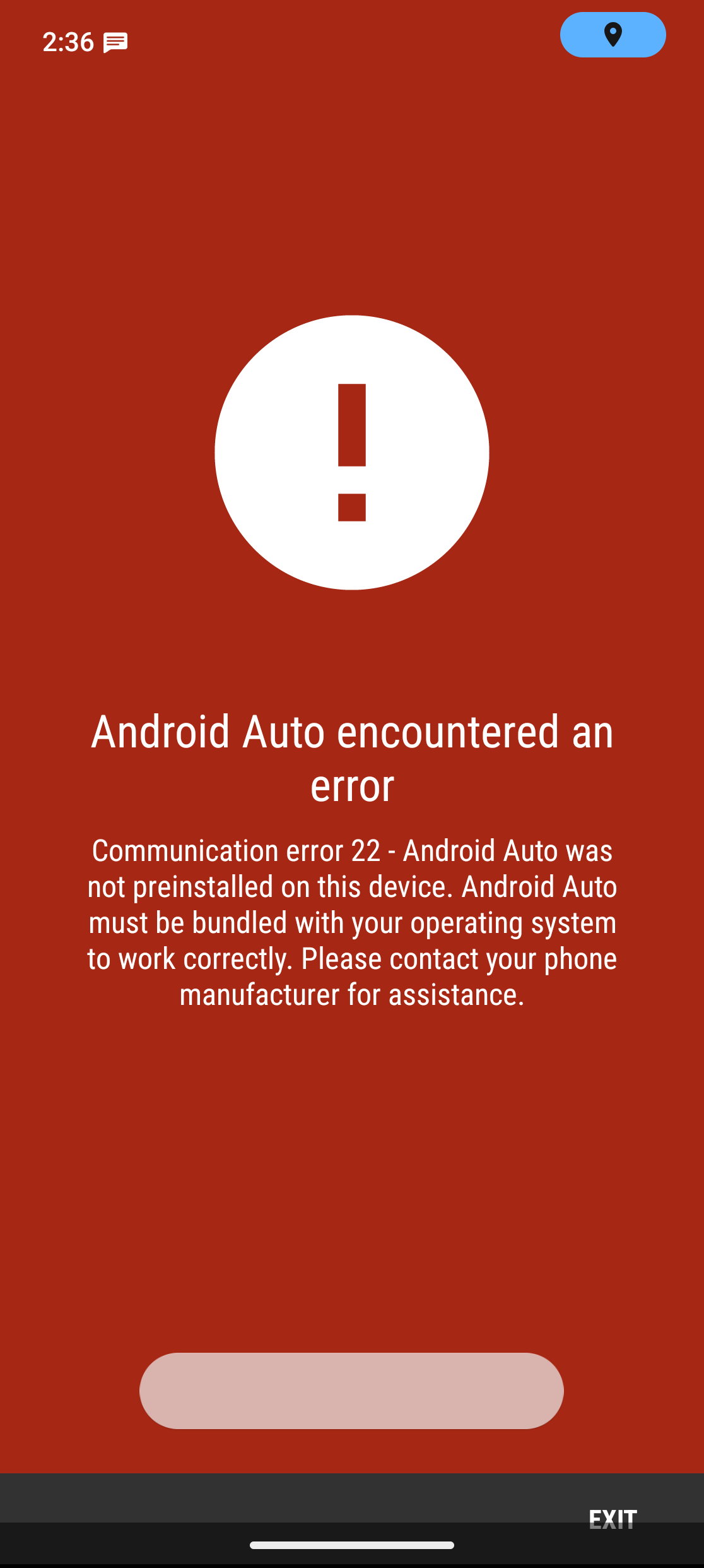
Android auto "communication 22"

I know this a known thing. But with my fairphone 5, I had no troubles using android auto.

But with fp6 android auto seems unable to start.

I’ve locked the bootloader, so I’m guessing I’m out of luck?

Or is there a foolproof way to get this running (just have to go through unlocking, locking again and reinstalling all the apps ? :slight_smile: )

1 Like

So I’m making backups using seedvault (/system/backups ) so I’m OK with unlocking, resetting etc.

I understand from different sources I should be able to move android auto to the system partition at that point. (Adb commands)

But can I lock the bootloader again after that?

Don’t want to do stupid stuff here. Anything I can come back from is OK :slight_smile:

Same problem here. I’m on a Nothing Phone (1) 3.0.4-A15 unofficial. Installed the AA from instruction of e/os website. It worked before on A14.

Yeah same here. Just got my fp6 with e/os preinstalled from fairphone and used the instruction to install How to setup Android Auto with /e/OS?
Same issue you are having

I am having the same issue as well on a Fairphone 5, A15, 3.1.1. It worked fine before on A13, 3.0.4, bur after updating, it all broke. Would love to have this fixed. Tried multiple things, like clearing the cache, re-downloading, restarting, but no luck so far.

Seems like this is also posted here. Android Auto Missing Stub (#8843) · Issues · e / Backlog · GitLab

This is marked as an issue on FP6, but I’m also experiencing the very same issue on FP5. Any idea how I can add this device to this bug report?

Same issue for me on Pixel 9, worked fine on Pixel 7. I installed AA as a system app and same error. At this point I’m thinking it is a e/os issue. Has anyone tried downgrading e/os versions?

I do believe it’s coming!

4 Likes

Hi !

I am experiencing the same issue here with my FP5. I was using the build shipped with my phone that I bought from Murena, so 3.0.4-t. Yesterday I had the update (from the update manager, not manual) to 3.2-a15 and Android Auto is not working anymore.

Maybe it has something to do with the Android version from /e/os ?
the weekly dev updates addressed this. The fix for A15 users was postponed to v3.3. For users below A15, things continue to work

Would have been nice if the fact that this breaks had been in the release notes.

I would rather have taken a step to A14 with working android auto or even have stayed on A13 until this works.

I admit, though, that the decision, what features are important and/or central enough, would probably lead to other discussions or complaints.

1 Like

Je rencontre le même problème après mise à jour du système e/os à la version 3.2-a15

Aucun problème avant la mise à jour.

“Erreur de communication 22…” à la connexion en USB (sur ma voiture).

Am I correct in assuming that at the moment no one (like me) can use their phone with /e/OS to connect to their car for navigation or whatever ?

Yes when: using FP6 and Android 15

is there a way to downgrade to Android 14 with a pre-installed /e/os on FP6 ? And what would be the impact for security patches ?

This situation will be solved in 3.3 .. It may take a while.

In the meantime, I use the phone itself. With a holder. Like a caveman. :slight_smile:

As for downgrading: no. Inadvisable. Better to flash it “fresh” and do a reinstall.

2 Likes