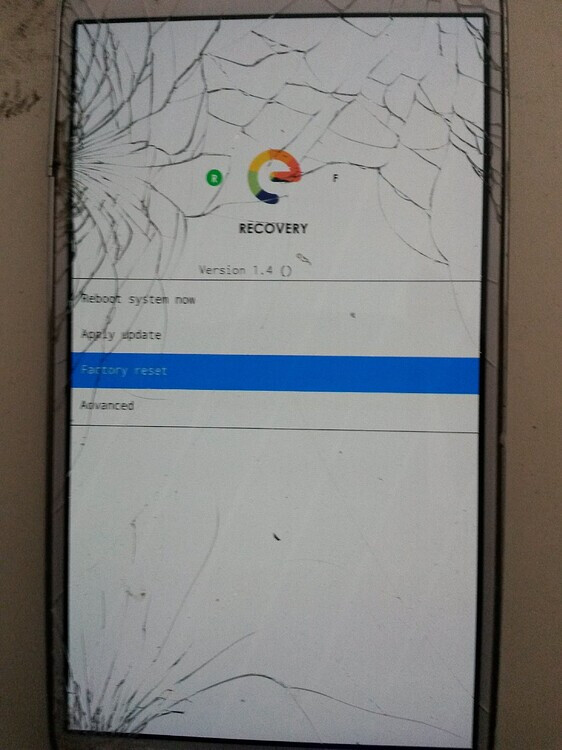
ok I have a Pixel 4XL that fails to boot. It hangs at “E” screen at boot for a very long time and eventually ends up at a recovery screen. If I clock formet -it boots once lets me set up the device then goes in the same loop again. If I go to back - then advanced - then boot to bootlaoder, I choose start with fastboot enabled and it goes to recovery then i click try again and it boots fine.
Latest versions available for the phone I believe. Any help greatly appreciated
Thanks
ain your privacy! Adopt /e/OS the deGoogled mobile OS and online services
piero
March 11, 2026, 5:21pm
2
Hello @kusters , Welcome to the /e/ users forum.
what about your /data partition, can it be full ?
Hello,
My /e/os version: 3.5-a15-20260214581400-community-crosshatch
1 Like
Brand new install. so no.
piero
March 12, 2026, 4:20pm
5
have a try with “Factory-reset” → “format /data” from the recovery mode.
aibd
March 12, 2026, 5:13pm
6
Did you start from the phone
on the latest Android 13 firmware?
No Google account, passwords or PINs on the phone?
With the actual Android stock ROM with no history of previous modification?
Mine shows 3.0.4-t-20250710507811-community-coral. which is the latest for Android 13. Is there a way to use 3.5 on my device?
aibd
March 12, 2026, 6:22pm
8
You will find latest version a15 here
including e-3.5-a15-20260214581400-community-coral.zip.
There were some issues with some early e-3.0.x versions.
/e/OS a15 on top of Latest a13 stock is fine.
Sorry, I make a mistake, my phone is Google Pixel 3 XL (crosshatch)
Installed 3.5. Took some work because it wouldnt boot properly 4//5 times even into recovery. So far so good. I’ll post back if the issue persists. Thank you all for your comments and assistance.
Hello folks,
because the web-installer installed just e-3.7-a14-20260412607127-community-coral e-3.6-a16-20260319596015-community-coral.zip
The phone was on latest stock Android 13 version.
I followed step by step the instructions from here: Install /e/OS on a Google Pixel 4 XL - “coral”
All outputs on phone & console are similar to instructions.
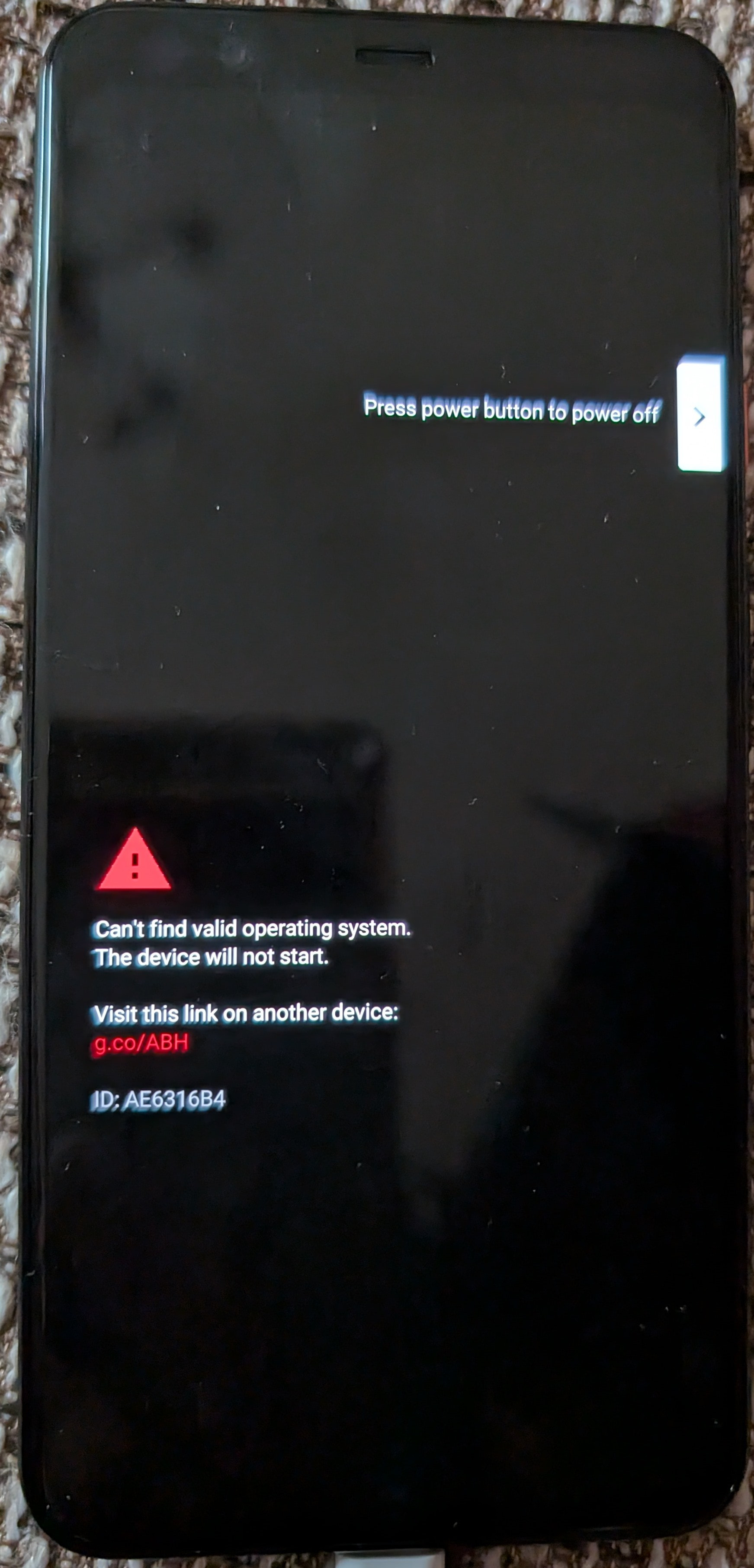
But the latest step “Use power button to Start the device“ brings this:
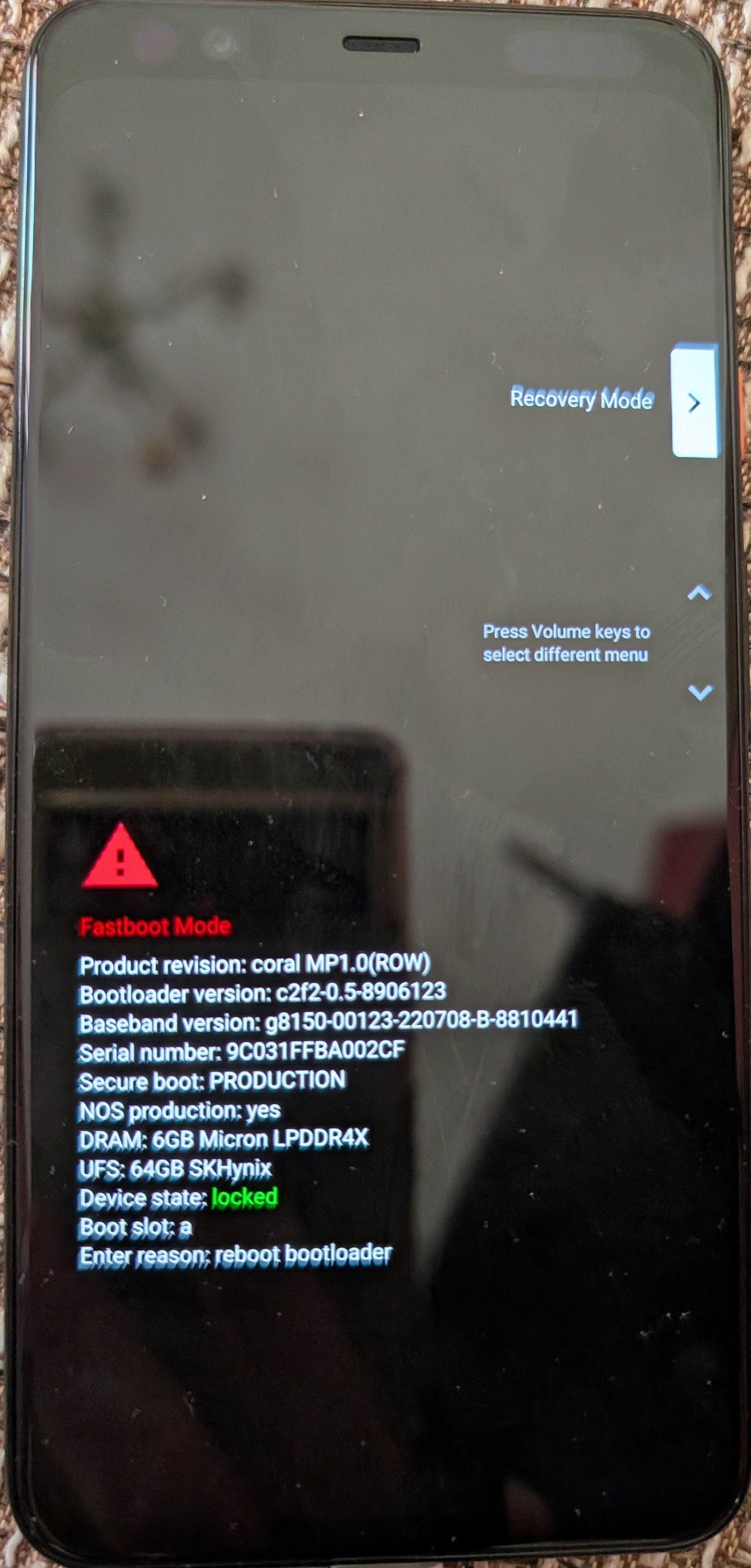
When i boot to fastboot it shows:
What was going wrong with the installation?
Thx 4 your fast reply, piero.
The bootloader was unlocked as mentioned in the manual as 2nd step after downloading the necessary files.
That the bootloader is now locked is due to the last step of the manual before Start the device.
1 Like
piero
April 21, 2026, 3:40pm
14
can you try to boot into recovery-e and format the /data partition (factory-reset)
I was able to unlock the bootloader again. After that the phones shows this:
After continue i was able to enter the Recovery and did a Factory reset:
piero
April 21, 2026, 4:04pm
17
what was the previous installed system ?
Not yet. After the “Your device is corrupt” message it starts into a white screen with Google logo for many minutes.
Also after doing the steps “Erase the previous key fastboot erase avb_custom_key& Flash the new key previously downloaded fastboot flash avb_custom_key pkmd_pixel.bin" again, it only shows the Google screen.
The original version was the latest stock Android 13 version.
After that i used the Google Web Flash tool to restore the original Android 13 image.
1 Like
piero
April 21, 2026, 4:23pm
20
relocking only works with “official” build
according to Install /e/OS on a Google Pixel 4 XL - “coral”
Locking the bootloader
Warning: The bootloader is lockable in official builds only. The procedure to lock the bootloader will not work on community builds.
there is nomore official build available for this device since e-2.1-shttps://ota.ecloud.global/api/v1/coral/official/
1 Like
Who’s able to read, is in advantage!
Is this error message regarding the “/metadata/ota: No such file or directory“ important or can it be ignored?