This week I’ve discovered that I’ve got quite a good alternative setup for the Chromecast for those that have a Kodi machine. For years, even before I had the Chromecast, I’ve had a little media machine running LibreElec, a mini os based on Linux with just Kodi. It has all my media in libraries, but can also run so-called addons, apps for Kodi.
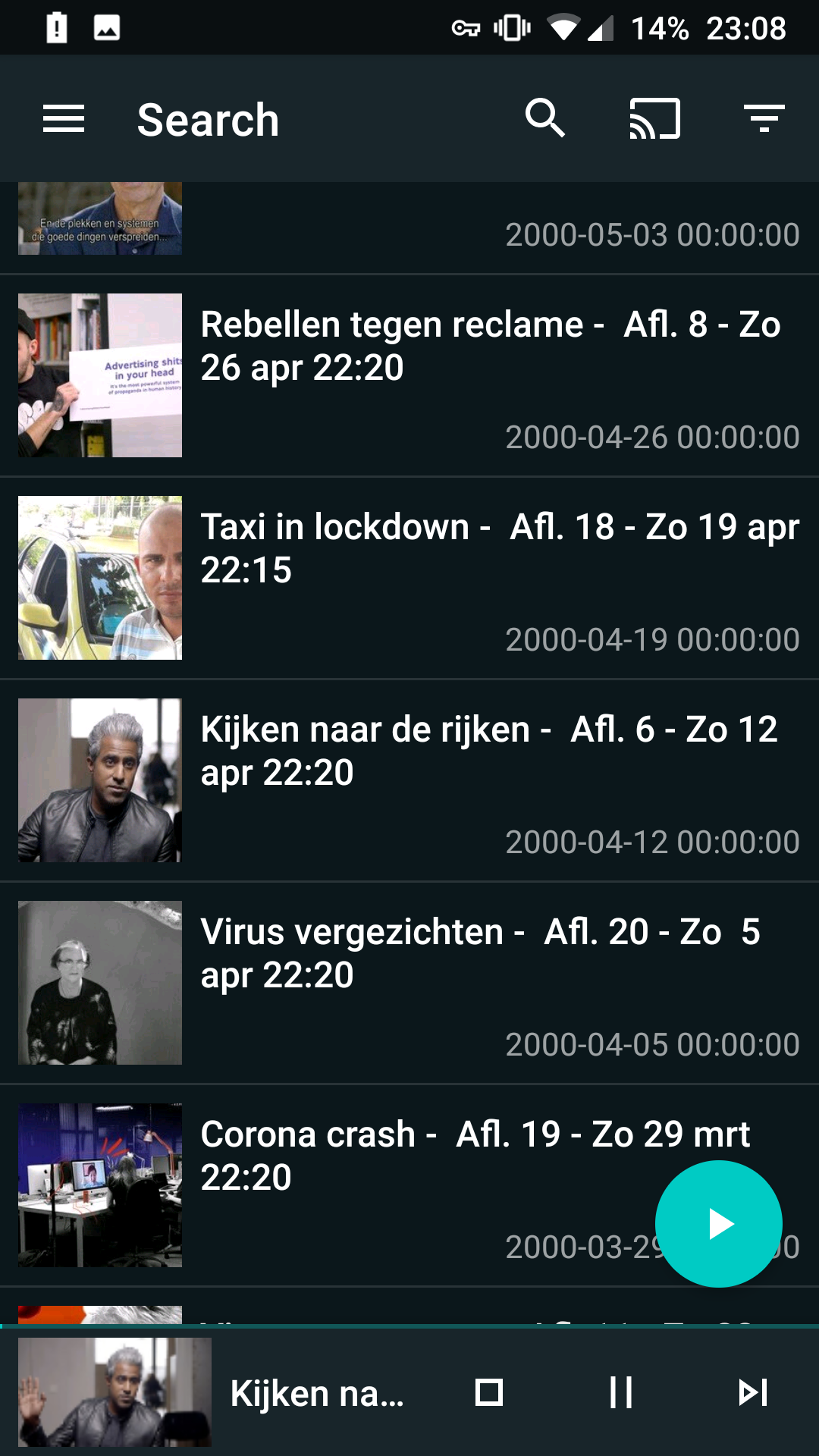
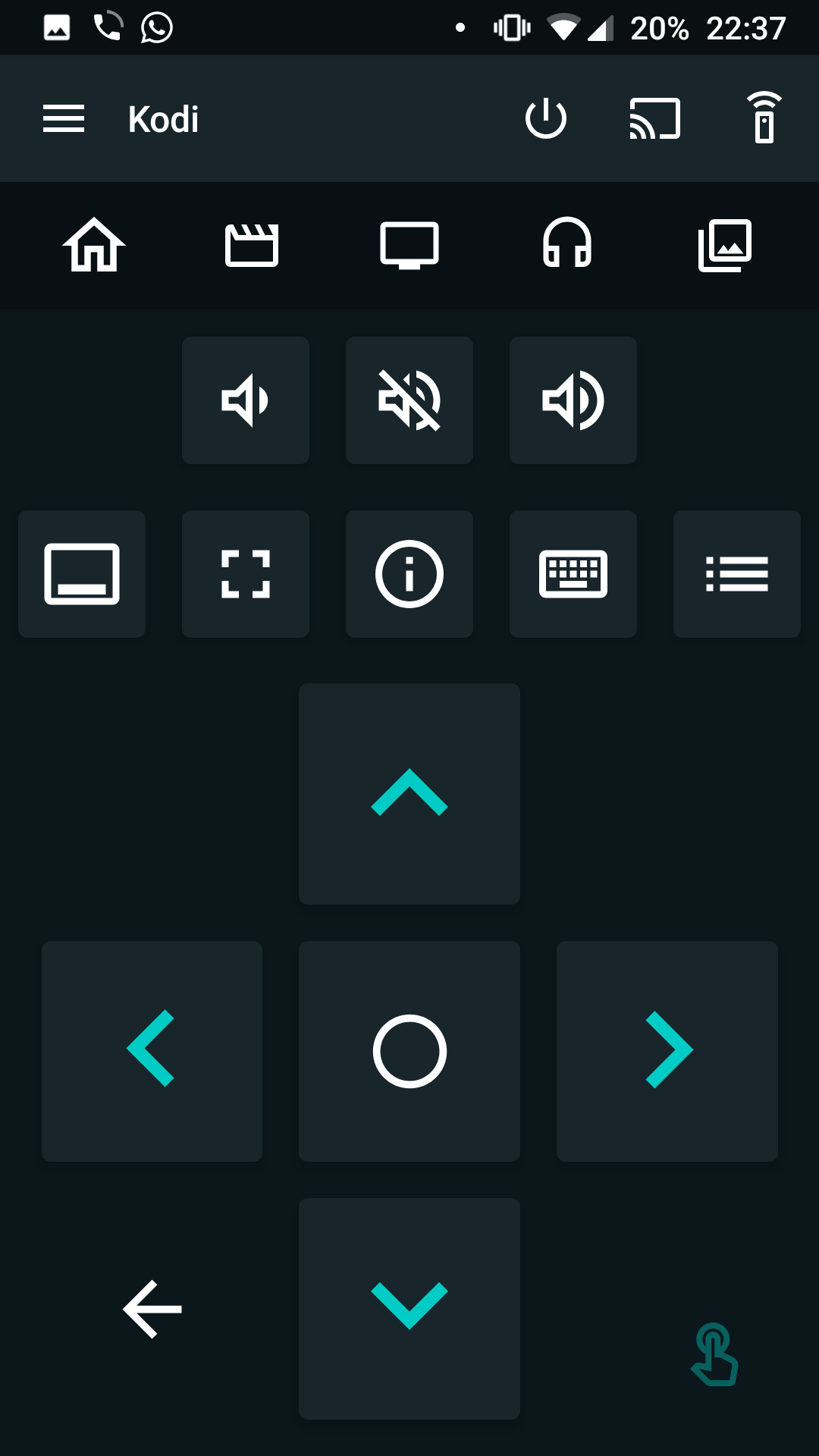
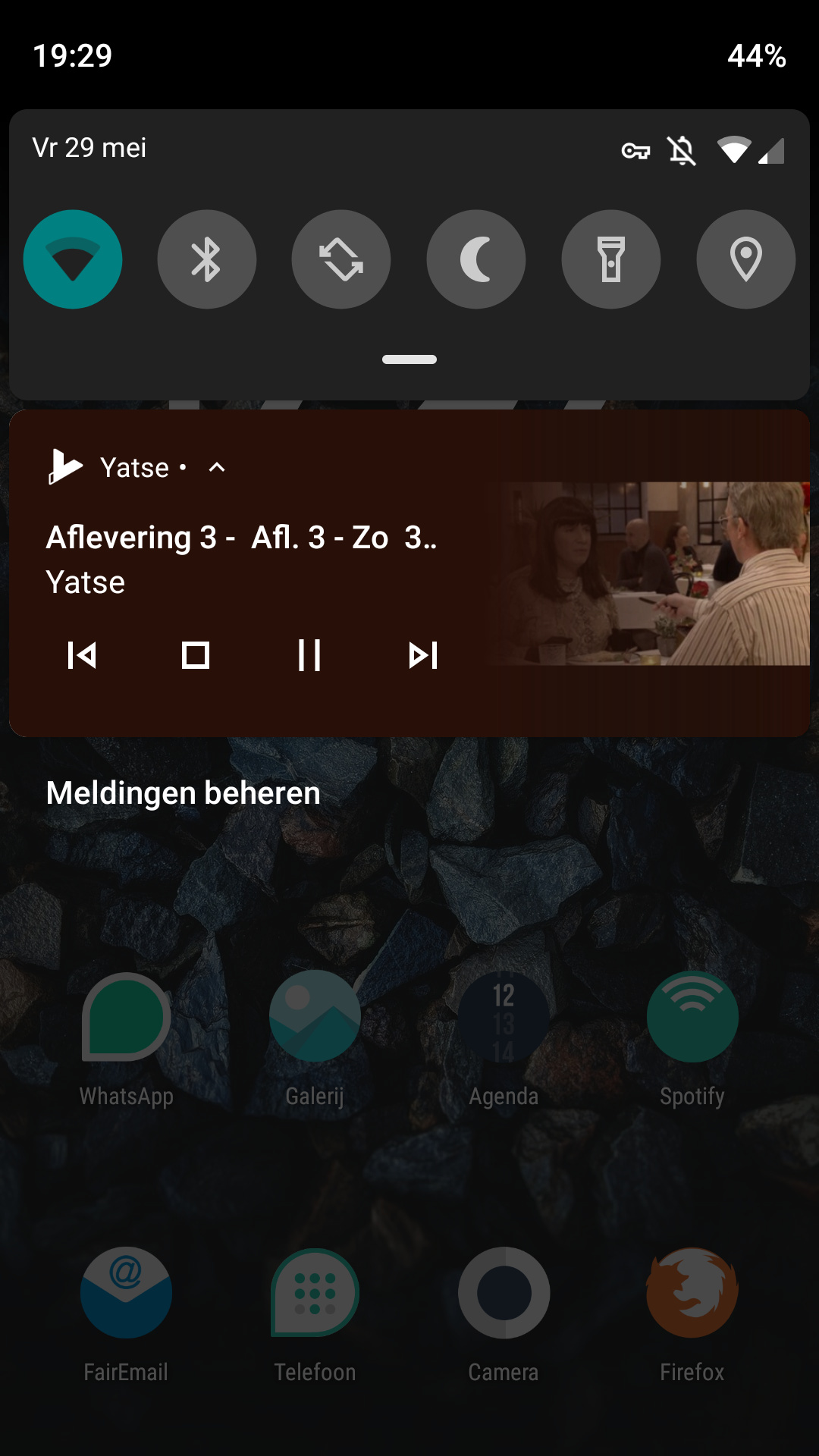
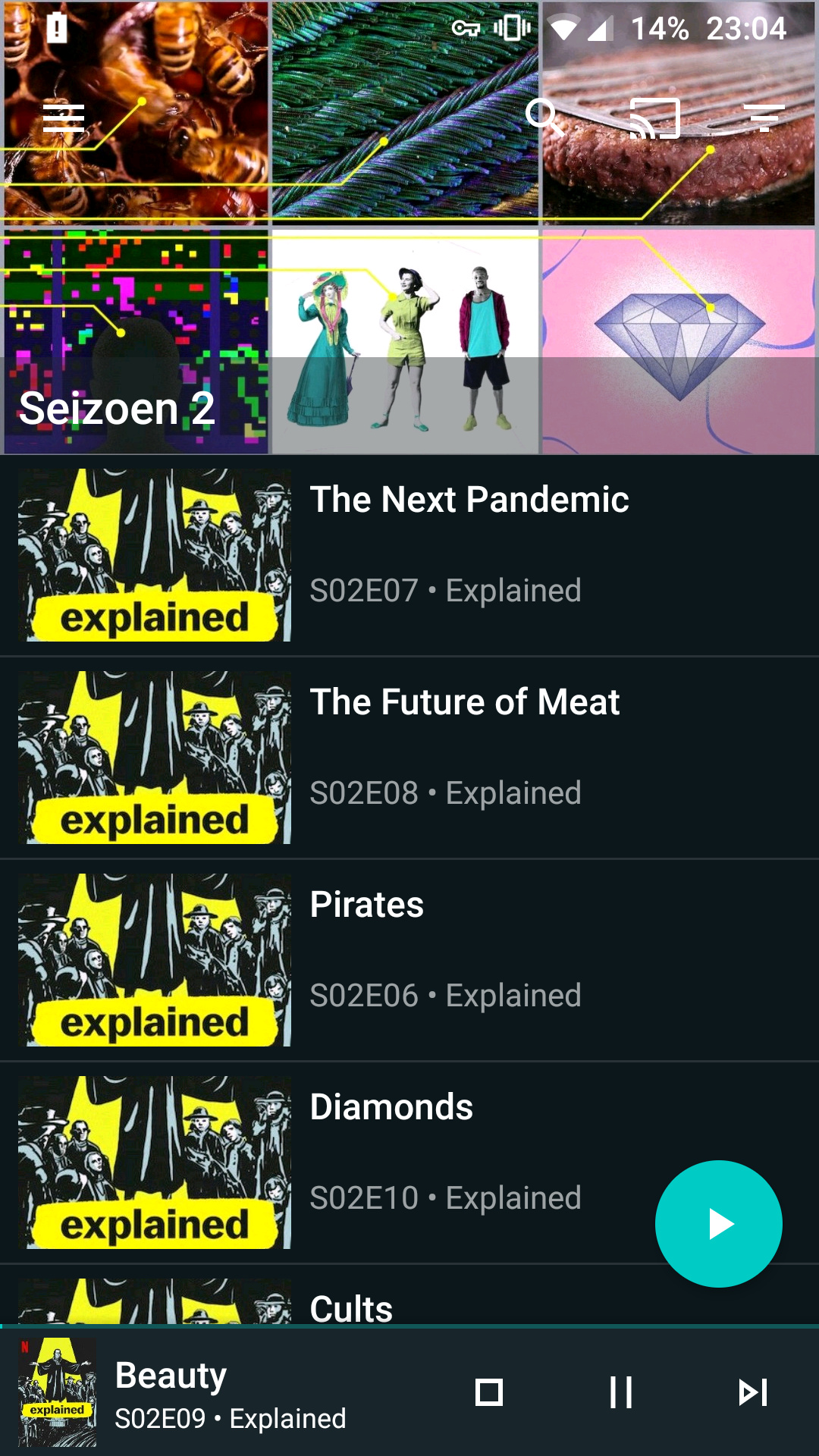
I already had a unofficial Netflix addon and an addon called Retrospect which features all kinds of regional and national broadcasting, amongst others the Dutch NPO. However, for me these addons never quite formed a good alternative, since I just really liked browsing in the app on my phone and then ‘casting’ it to the tv while being able to start and stop on my phone. Also, them working well was very depended on the Kodi theme used, and my preferred theme did not support it well. I was aware that there were remote apps, like the official and the unofficial Yatse. But this week I discovered that you can browse these addons from your phone and then click to play them on your tv. After, you’re still able to pause, stop and search from the player on your phone via such a remote app.
I’ll be testing in the coming weeks whether this is stable enough to replace my Chromecast with something I already had up and running. It seems to be a viable alternative. So maybe someone making the switch to /e/ that already has a Libreelec/Kodi setup might be helped with this. I’ve added some screenshots to give you an idea.
Nonetheless, I still believe that Chromecast functionality is essential for people switching to /e/, but this seems to work for now.
In regards to VLC and the Bubble app working while Spotify and Netflix don’t, I think this has to do with the fact that the former play local files, whereas Spotify, Netflix and the NPO app somehow send a link to the Chromecast or something. But maybe someone more technically skilled can shine a light on this.