CX Explorer & Box dot com

Hello,

I’m a brand new user of e/os on Fairphone 6.

I would like to use CX Explorer add-on for Box on this smartphone.
Unfortunately when I try to connect both (CX Explorer & Box add-on) I have got a white screen. Impossible to tell to Box that it’s ok, he can give access to CX Explorer to folders & files :sob:!

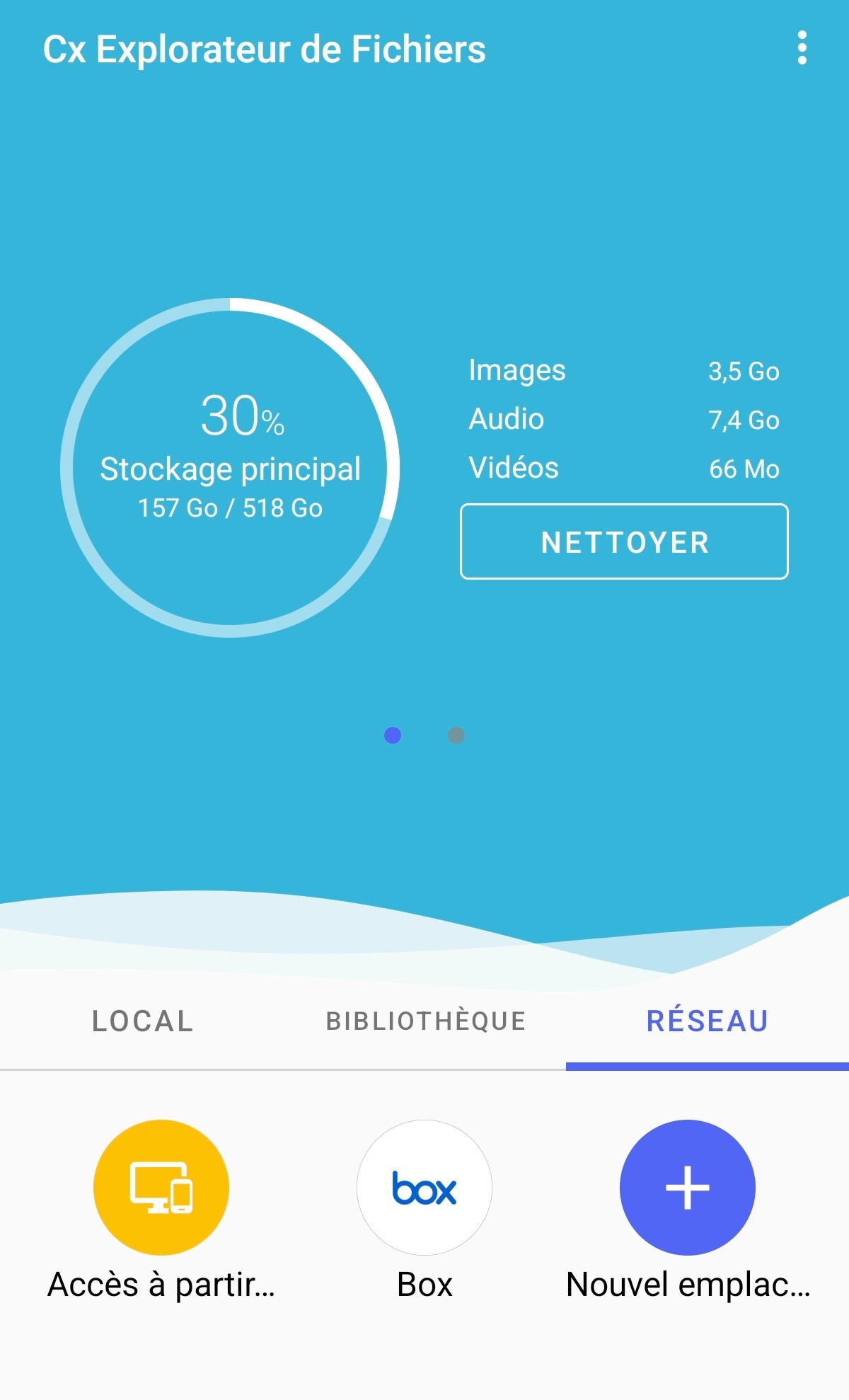
I put here a screenshot of the add-on when everything is ok :

Can you help me please?

Regards.

As I understand box.com is a standalone paid for service, but in a quick search I do not find an add-on to CX.

Can you describe how you are attempting the link.

  • As the forum is sensitive to spam please can you avoid hyperlinks … there is a risk of first posts with multiple hyperlinks being deleted.

Hello,

Box is a Cloud service. I use the free version.
Here is the procedure to configure the add-on:

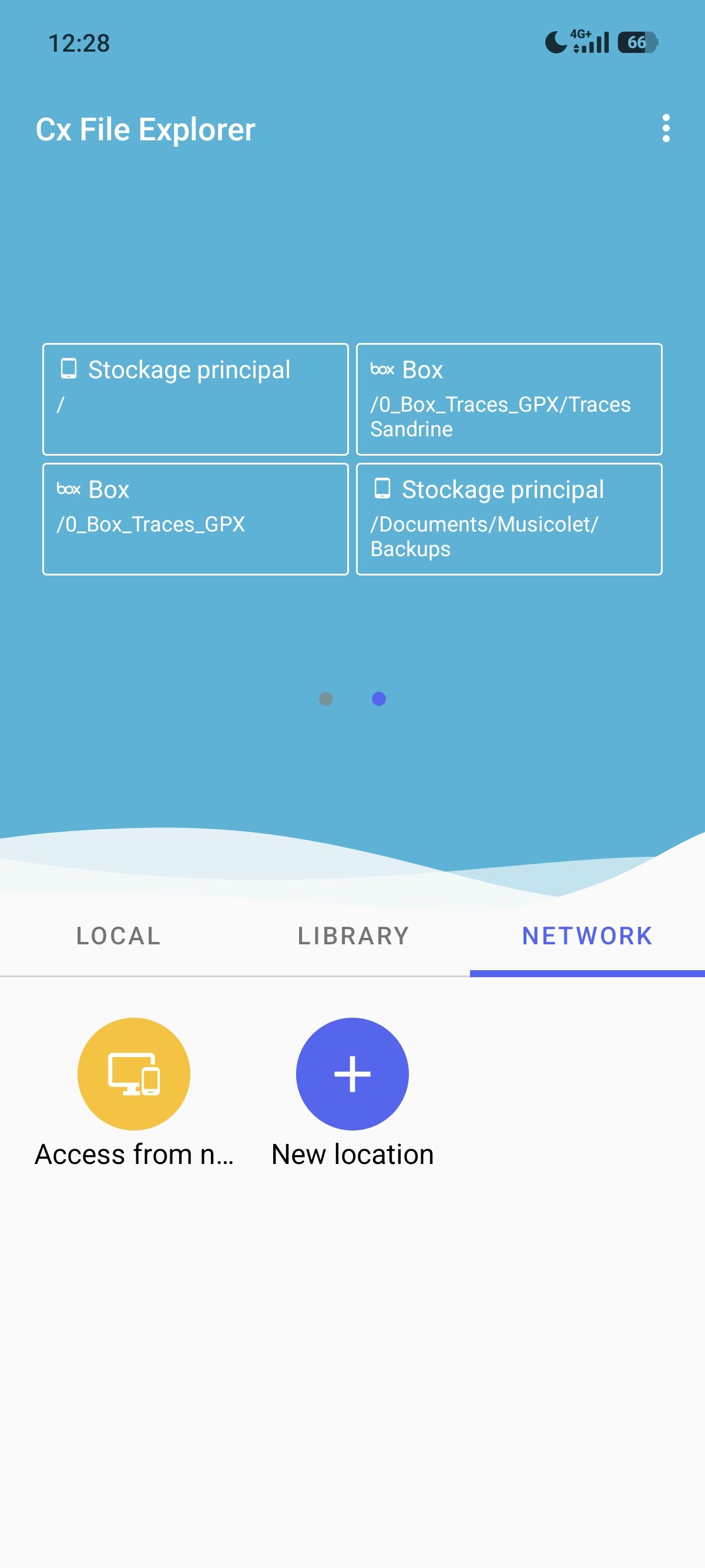
Add “New location” by clicking on the button “+”:

Choose the “Box” option:

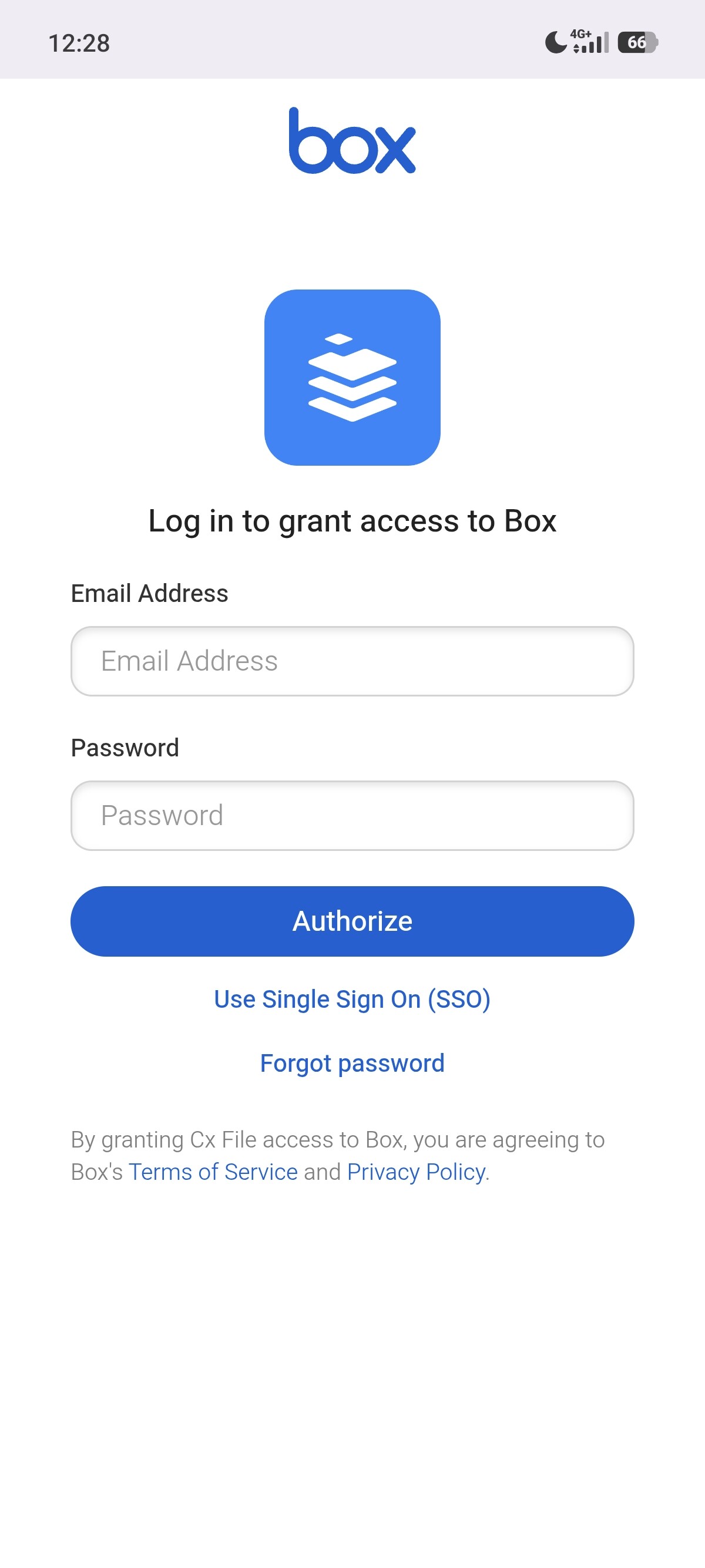
Enter “Email adress” and “Password”:

At this moment you have to give permission to CX Explorer to access to Box.

Regards.

Hello,

I try with a standard Googlized smartphone : same issue.
It seems that the problem come from Box.
I send an email to CX_Explorer developer to try to find a solution with this add-on.

Regards.

Hello,

I wrote an email to the developper of CX_Explorer.
There’s a beta version of the software. Now, it’s working again.
The new final version will be there in few days.

Regards.