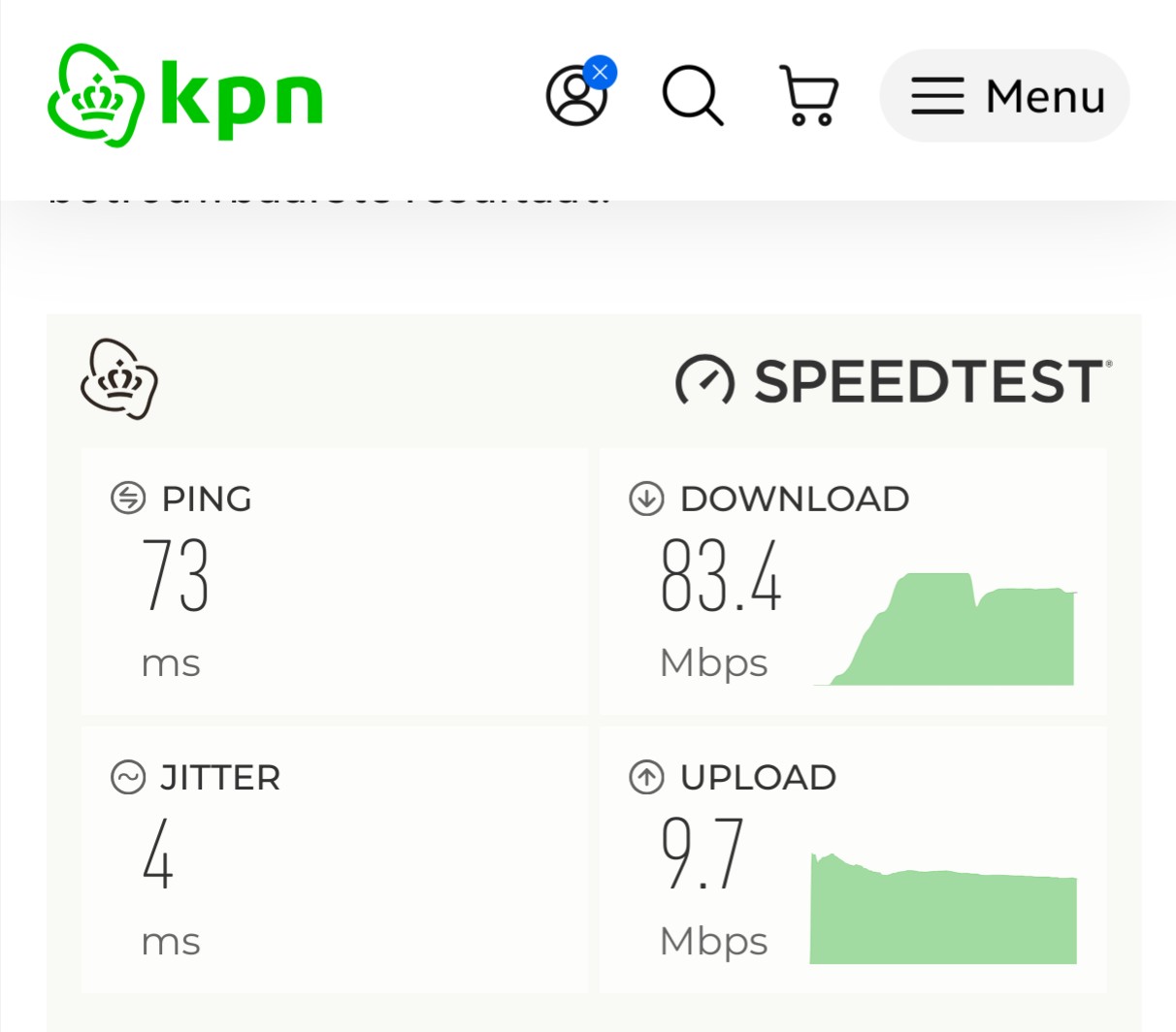
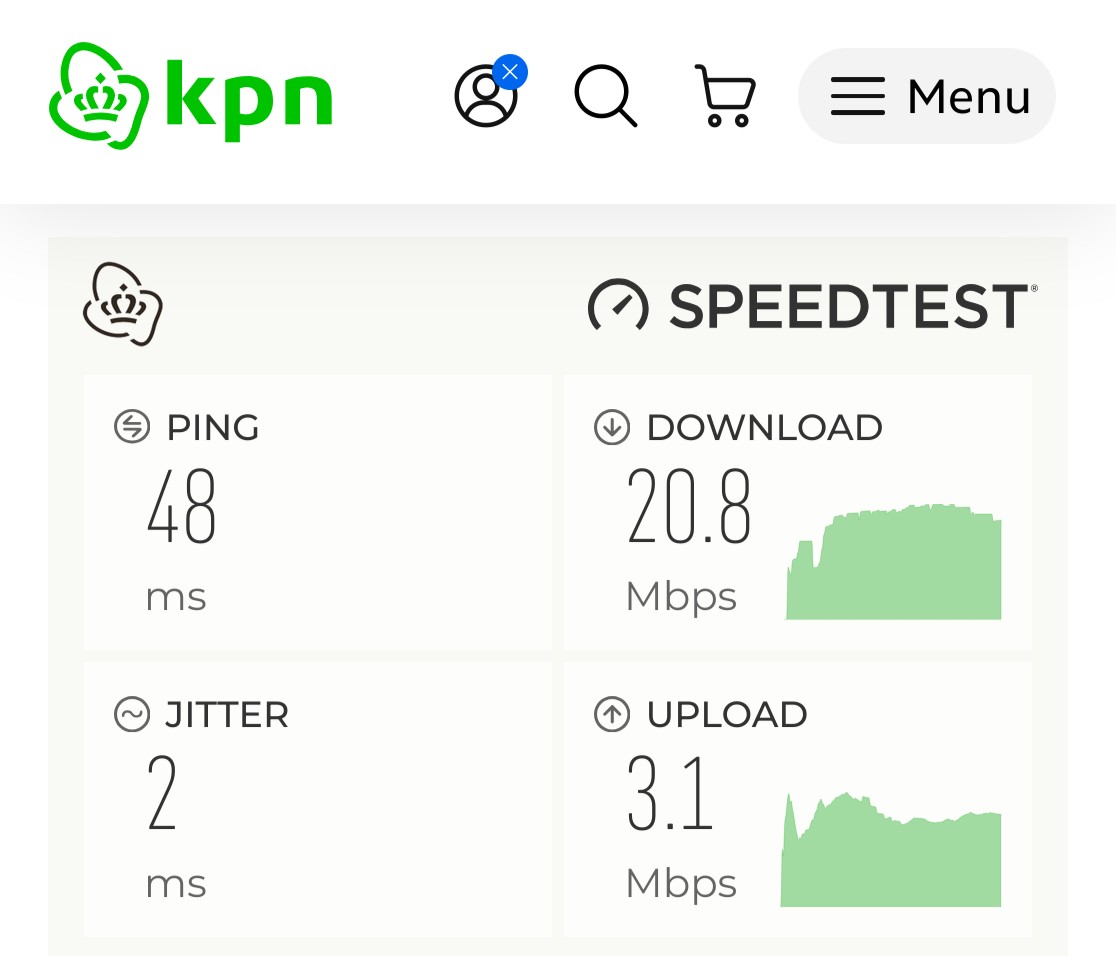
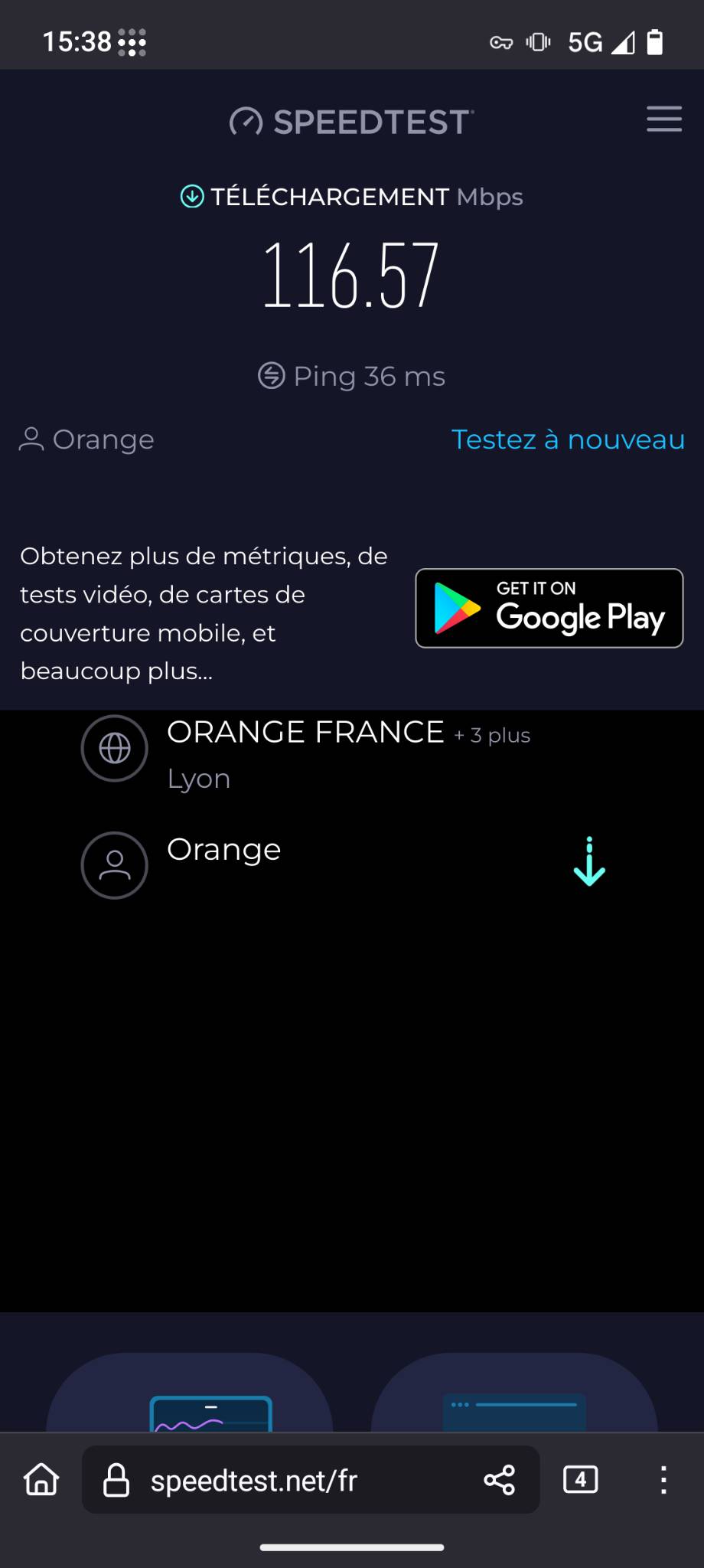
When I browse the internet in France while I come from the Netherlands there is no speed at all. When I go on a WiFi network over here it works fine. When I browse with a Samsung phone everything works fine.
I tried Firefox and the default browser. Anyone a solutions for me?
It does work only soooo slow. It wasn’t from the beginning it started later while we were here. Now I putted the same sim in a iPhone and everything works great
Update: after a week with my iPhone I missed eos. So I went back. Where on a other camping now so I hoped my problem was location based.
Unfortunately that’s isn’t the case. Next to the other Fairphone 6 with eos problems I have I still have the connection problems. All problems I never experienced on my Fairphone 5.
In short: no to bad internet connection (4g or 5g). Other phones work great. Restart can solve the problem for a short while.
What do you think: bad or broken antenna, software problems or some wrong settings?
Please reply! I really don’t want to go back to my iPhone…
as no-one asked yet: new users run into Advanced Privacys enabled “hide-my-real-ip” feature decreasing bandwidth. It’s Tor underneath. You have that option disabled right?
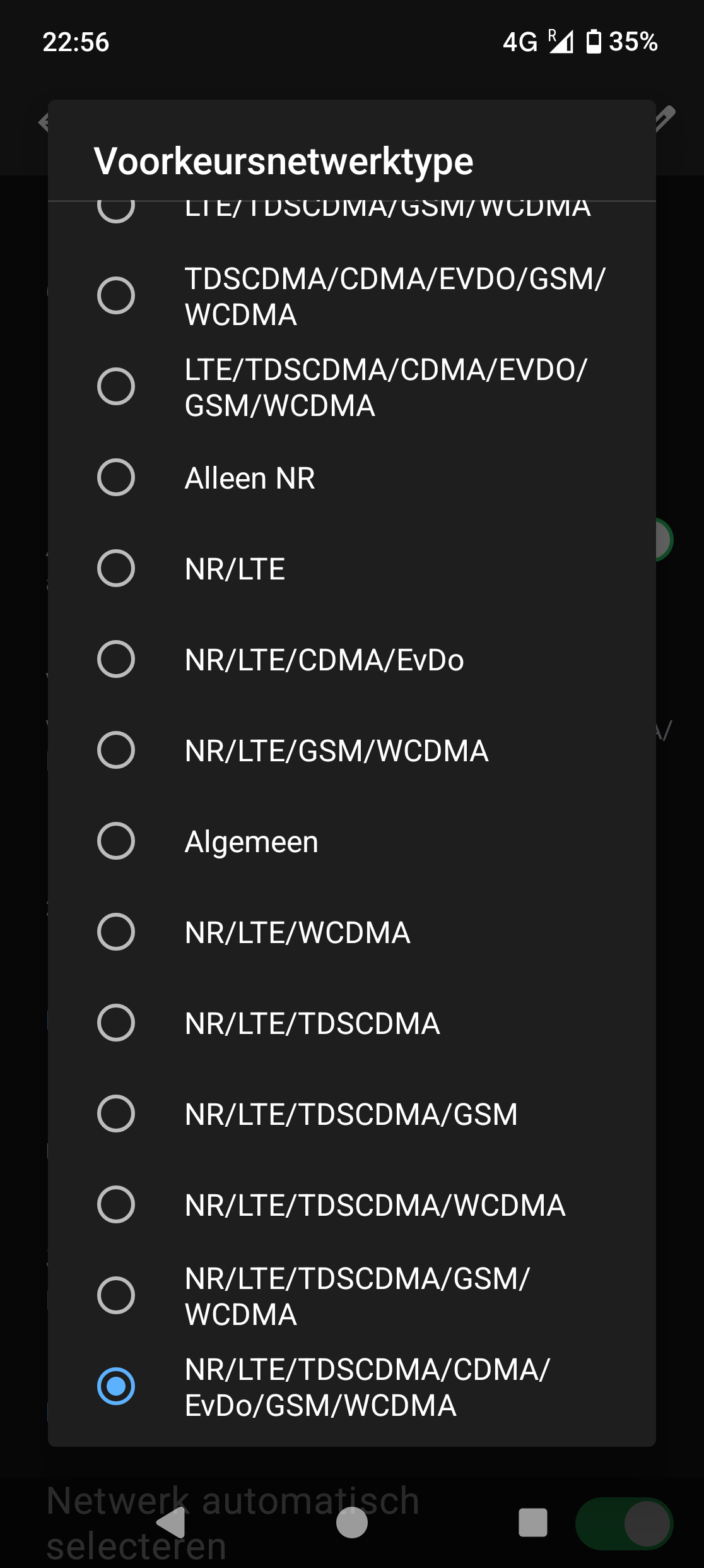
NR = 5G, LTE = 4G, ignore everything else. What’s your experience if you limit to “LTE (4g) only”?
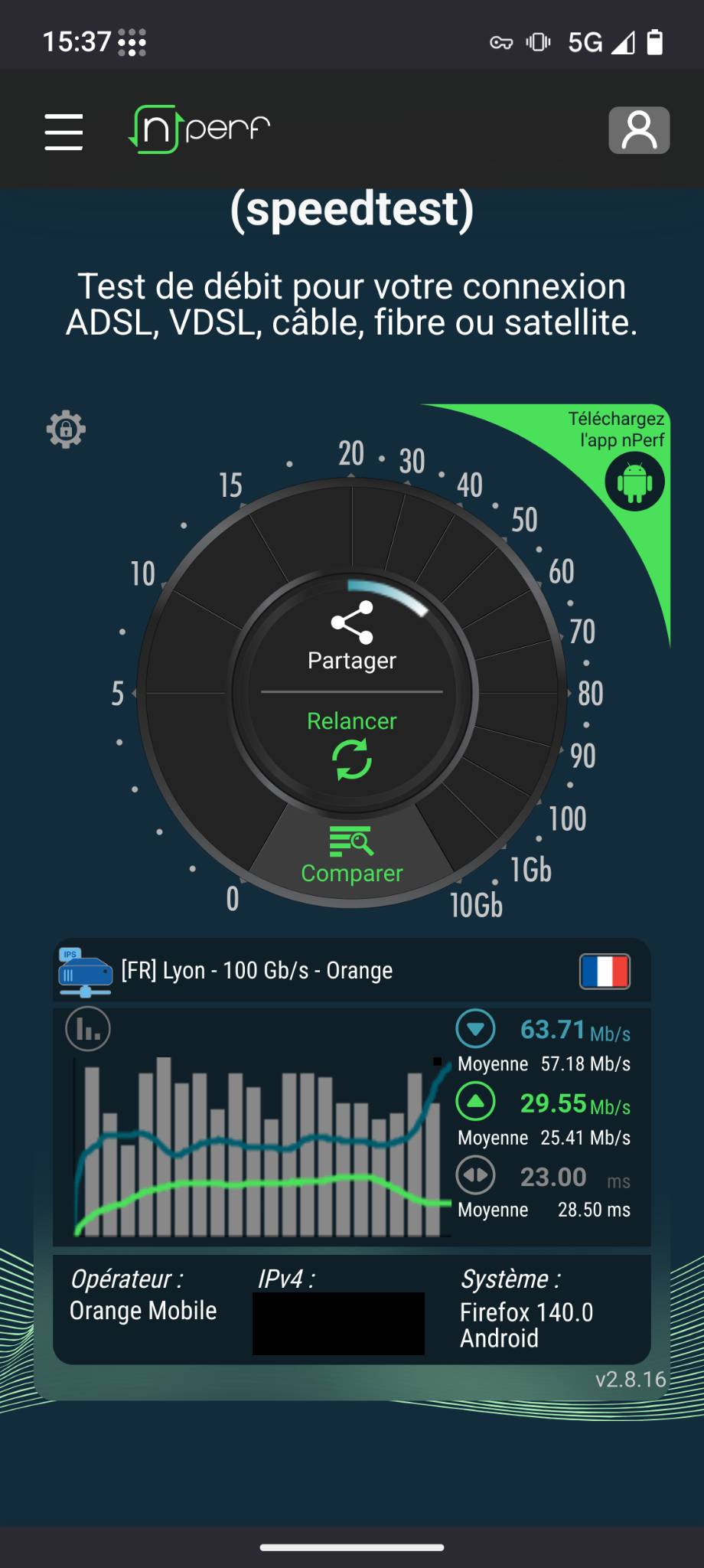
so this speedtest (4g in screenshot) is still done while roaming on camping in France?
I can’t imagine it being a general device issue, but let’s have some other FP6 owners comment, either within their providers network or indeed when roaming.
In my case I found that toggling 4G Calling under:
Settings -> Network and Internet -> SIMs -> Your provider -> 4G Calling
gate-keeps which network it can connect it. If I have it as off, EDGE (slow speeds from the early 2000s) becomes the default, but when I toggle it to on, it switches to 5G / 5G UC.
Thanks all for the help so far. At the moment I can tackle most of the problems by selecting a provider mannualy. For some reason my FP6 doesn’t pick the best provider automatically.
Although I tested this also at the first campsite and there it didn’t work.
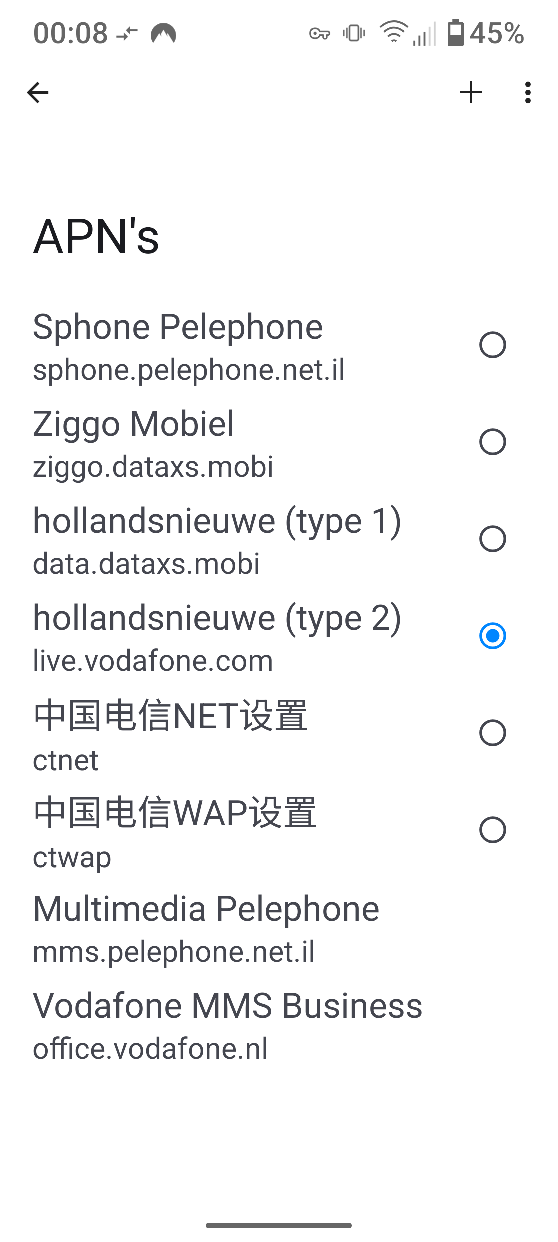
Yesterday I crossed the border, and I had no netwrk at all, after fiddling with type of Network, (NR, LTE, CDMA etc.) and APN settings it was good again.
APN settings where wrong.