Maybe try clearing the launcher (bliss) cache and or data and restart it.
I suggest this because missing icon re-appear after a system update… not ideal
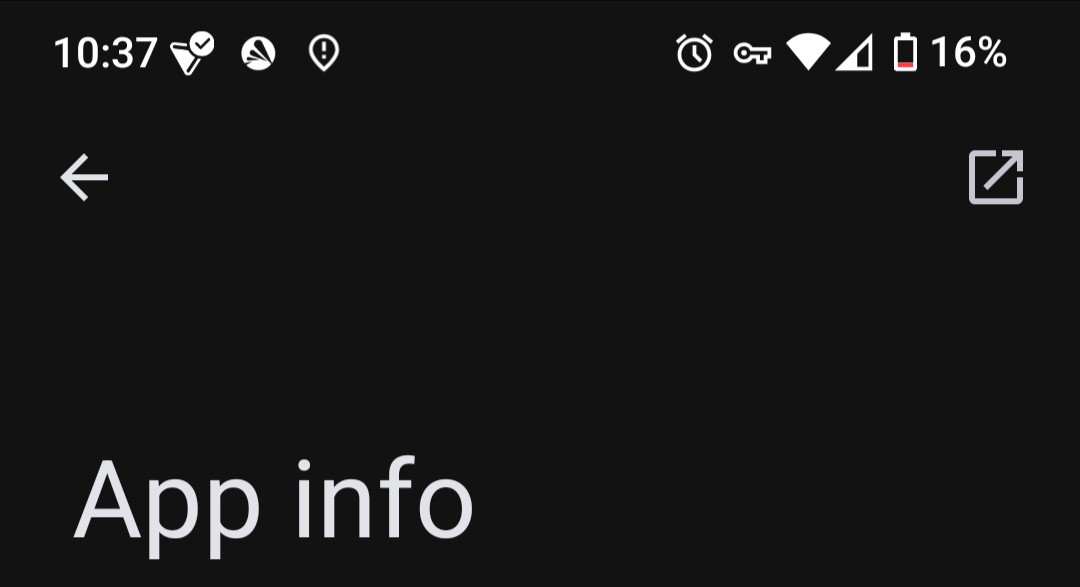
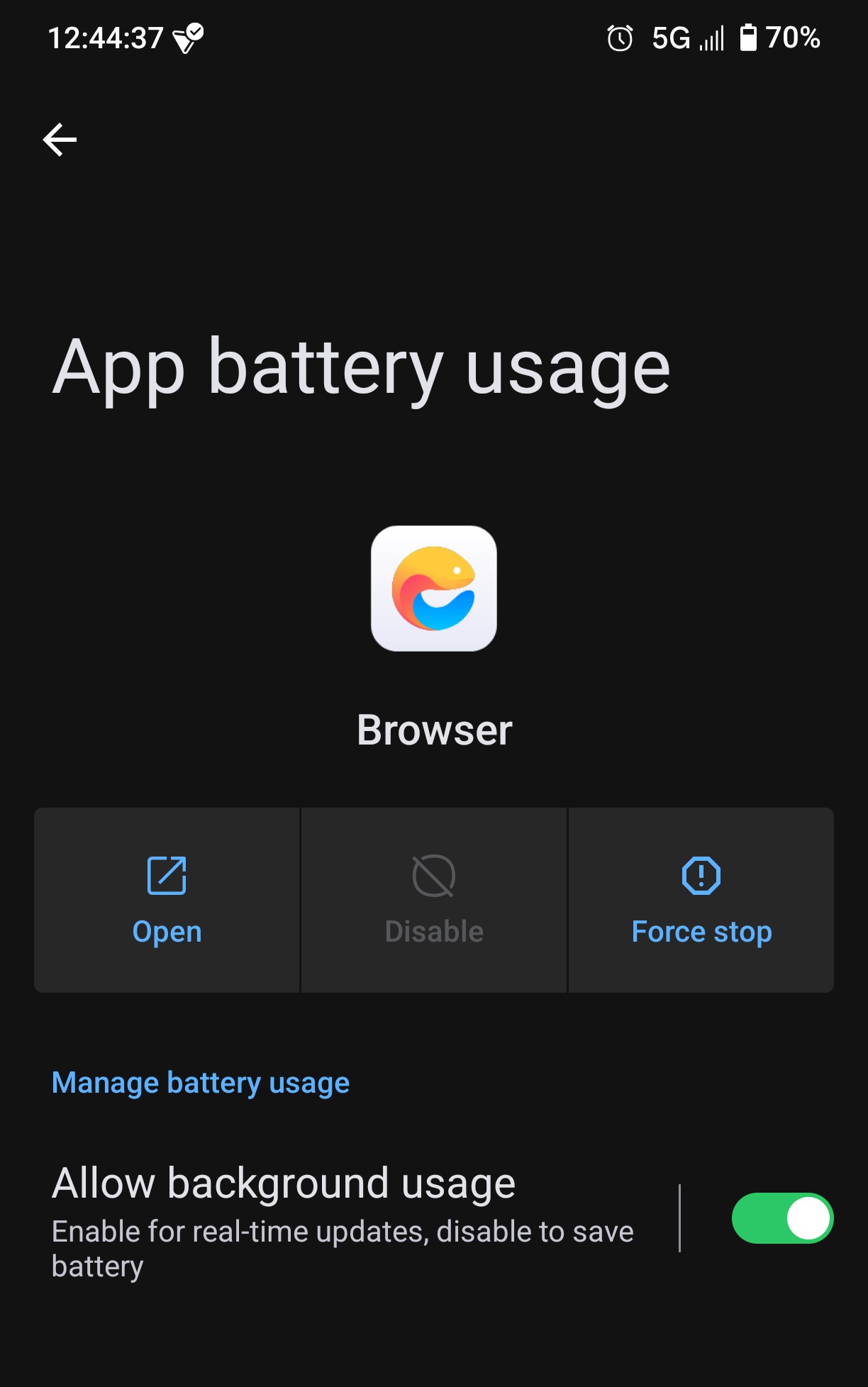
If you tap on Brave in the list of apps in Settings > Apps to open the App info screen, then tap on the box with an arrow in it in the top right-hand corner of the screen the app should open.
Now I realised that freak feature of /e/ that you cannot add apps to main screen unless installing them.
No option ‘add to main screen’ or ‘side screen’ with all apps to drag into the main one! It has not affected me but I can see your point, they overlooked an important feature! This is crap…
P.S. I hope if you find a way to open Brave, you can export bookmarks and after reinstalling import them from file. Good luck!
If you do you could try the same thing by searching for Brave in that and then, if the ‘Open’ button shows there, tapping on that. I’ve just tried it with Firefox and it opened that OK.
If you don’t have Aurora Store, you can install it from F-Droid, or from App Lounge (a search there will find it if you first go to settings and just select ‘Show Open Source apps’ - remember to reset to your preferences afterwards though).
An important precaution if you do install Aurora Store. Immediately after installation, go to Aurora Store Settings > Updates and deselect ‘Automatic updates’. That will ensure it can’t interfere with any already installed apps, including those that come bundled with /e/os. If you’re very cautious, as I am, you could turn off your internet connection before first opening Aurora Store and changing this setting.
On the Package Manager Brave is literally the only app in the whole list without an open button!
On the App Manager there are many many option, but not a simple launch option as far as I can tell.. Perhaps I could use the backup and restore option??
Personally, I would use ‘update’ and hope for the best but there is a possibility from what you say, that you might need to say goodbye to your bookmarks and tabs…
I don’t know. I don’t use Brave so I don’t know what its backups include nor how its backup / restore functions work. I also know nothing about the App Manager app.
@aibd is likely to know far better than I do what the best thing to do may be, so I’d recommend seeing if they’ve any further ideas before doing anything.
For what it’s worth, however, here’s my initial thoughts for if I were facing the same issue.
The least risk as a starter seems to me to be to try making a backup with App Manager if it’s offering that option. You may end up with a backup that includes your browsing history, which would provide some comfort when then trying to get Brave working again. Depending on what its format is you may even be able to look at it and see if it looks OK.
If that works, then trying updating Brave through Aurora Store next seems like the most likely way to retain your browsing history without the need to restore.
If that fails you’d still have the uninstall & reinstall option, followed by trying a restore of your backup from App Manager.
A very generous comment from @dave, nothing I would add to his recovery technique except trust your own intuition and don’t rush. (The loss of the ability to launch is dramatic but the app may be fairly intact otherwise.)
Brave do have Github presence
Your report seems to indicate that the update broke the app. Unusual, one would think, usless one does find a relevant issue already recorded.
To help in searching above issues do you have information on the actual version involved?
Interesting in that GitHub issue is a mention of Brave Beta, which looking in App Lounge can be installed alongside the main release.
That may give a means of testing the backup made from App Manager if it can be imported there. If it works OK then a reinstallation of the Brave main release may be less risky if you wanted to do that.