Murena.io cloud on non /e/OS device

Hi!

I “want” to use an Murena account on a standard Android device. How to do that with least expense, most functionality and stability?

The device is not compatible and can not be exchanged.

I’d like to “share” some resources as well like some calendar with that device/account and my main account. (family member). Is that possible?

Greetings :slight_smile:

To sync contact and calandar, you will need DAVx⁵

1 Like

Plus NextCloud Sync Client for file sync, NextCloud Notes for notes, Tasks.org for tasks

2 Likes

Thanks. Tasks.org works and so does Nextcloud app (which is needed for notes app).

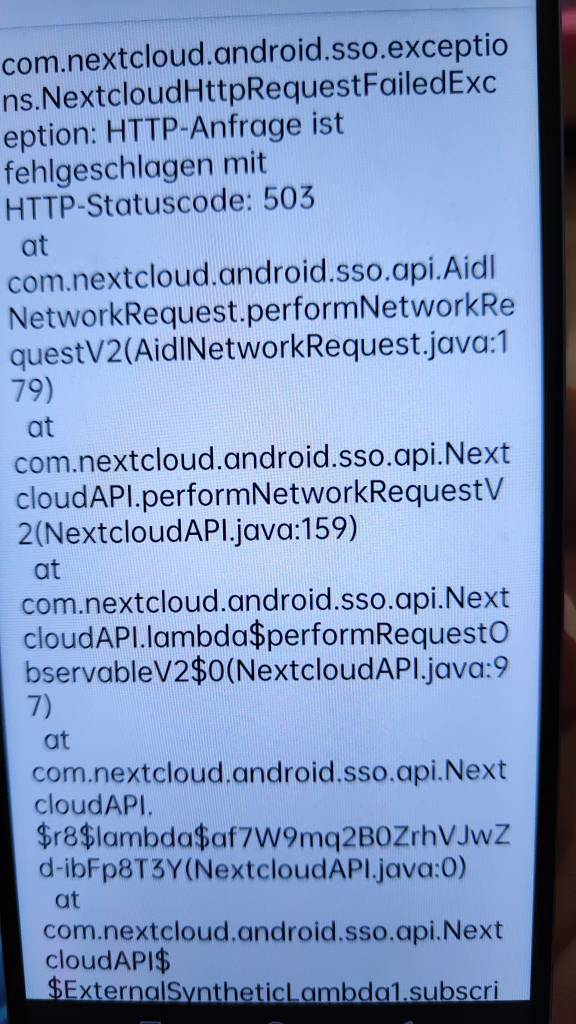
But notes app throws errors:

Are you using the NextCloud Notes app (from F-Droid or App Lounge) or /e/’s built-in fork? If the latter, try using the NextCloud app instead.

The device on which I’m setting things up is stock android and og Nextcloud apps from F-Droid.

I recall having some problems with the NextCloud sync client, which I got round by installing Nextcloud Dev from F-Droid instead. It’s the beta / developer version of the official Nextcloud Android app, and the F-droid page says

  • Do not install this version for your productive work!
  • Intended for users willing to test new features and report bugs if they occur.

But it has worked fine: so well that I had forgotten that I’m not using the stable version!