You can find out version numbers and codes of current and previous app versions on apkpure.com.
There is a search function that allows you to search for any app in Google Play Store.
-
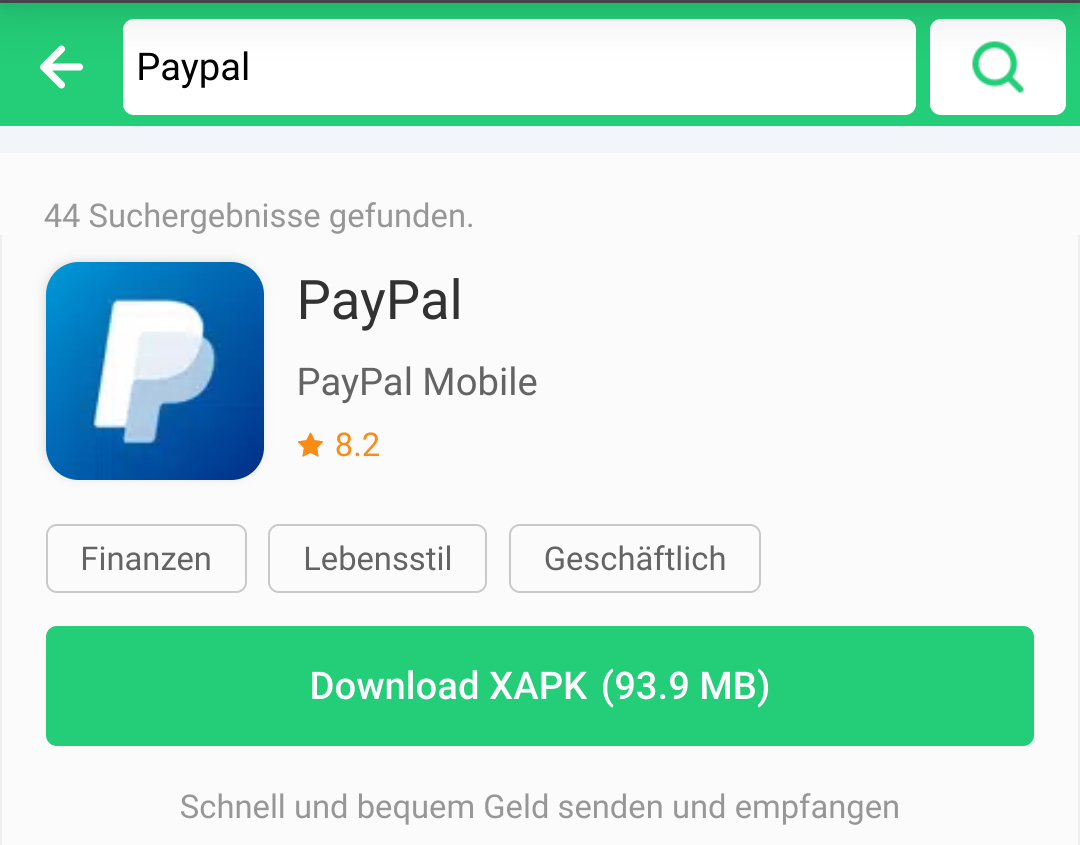
Search for the app, in this case PayPal.
-
Select the app in the search results by clicking the app title and not the “Download (X)APK” button.
-
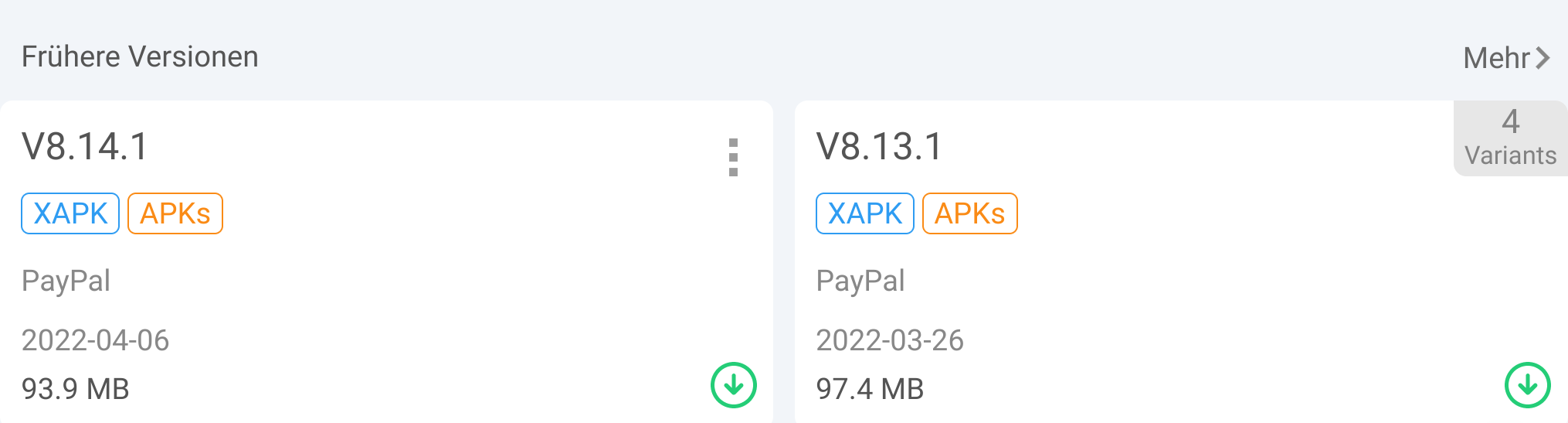
Scroll down. There you’ll find the section “Previous versions”.
-
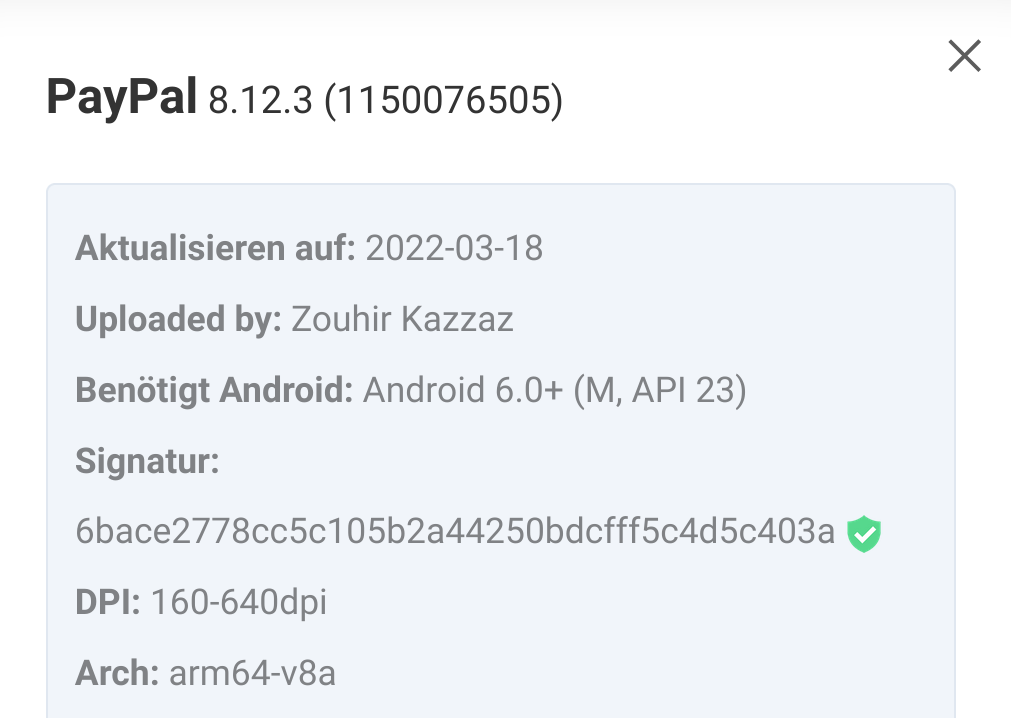
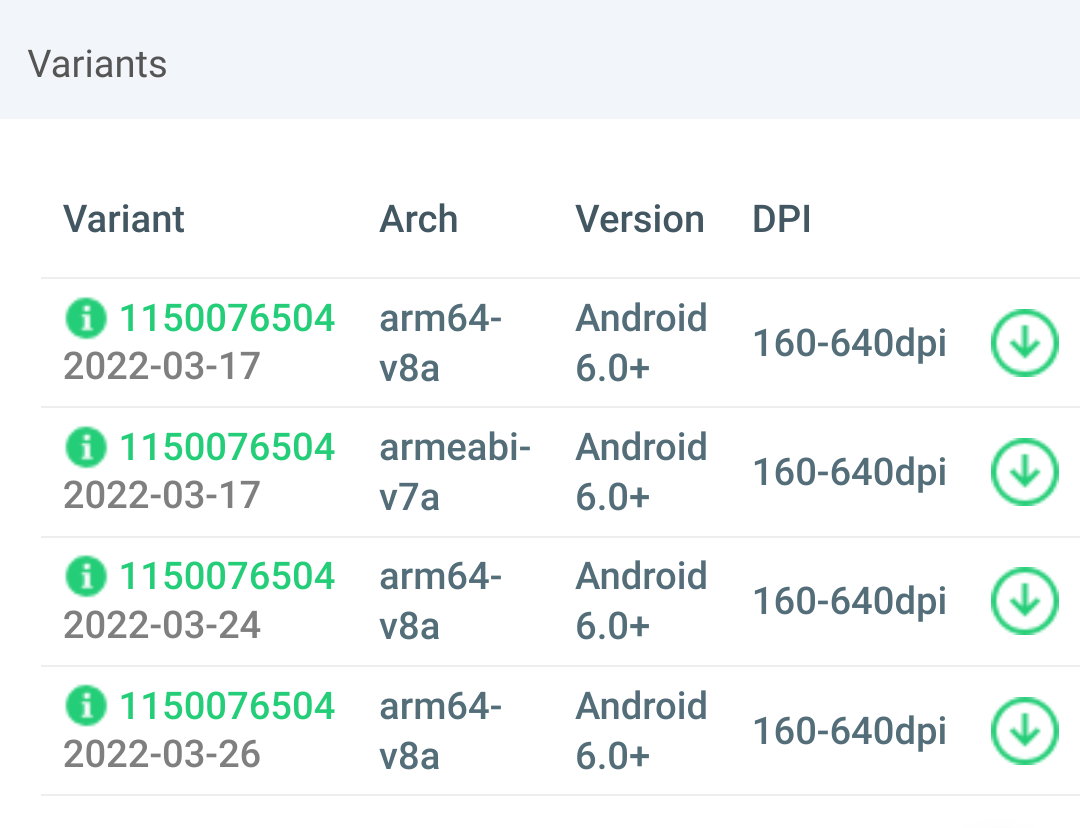
Click the … button (a) or the “X Variants” button (b) of the desired version.
5.a The version code is in the heading of the popup.
5.b The version code is in the list of variants in column Variant (seems to be the same for all variants).
Of course you could download the APK directly from apkpure.com, but that could be compromised, so it might be a better choice to download the original from Google Play Store through Aurora Store.
Decide on your own…