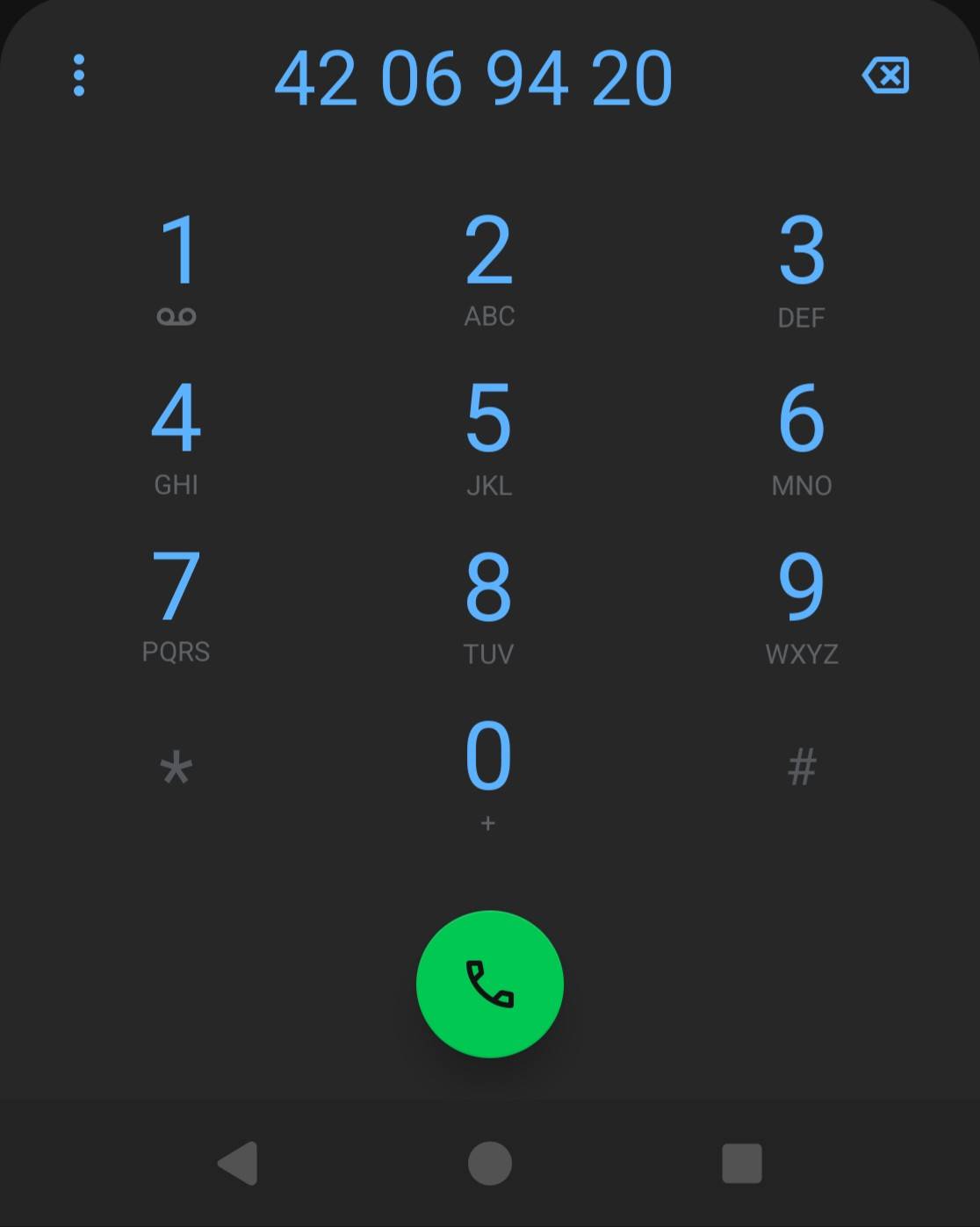
The default phone app groups the digits in a phone number in groups of two for me, no matter the nature of the number. Where I live, phone numbers associated with mobile phones are grouped as 3/2/3, rather than 2/2/2/2, which is the standard for fixed line phones. Given that every single contact except maybe one or two on my phone go to someone’s mobile phone, this messes with my head every time I see it, and I can’t find any settings in the app to change this. The numbers in the contacts themselves are stored without spaces, and even just displaying them as such would be better than grouping them wrongly. 420 69 420 > 42069420 > 42 06 94 20.
What phone, version eOS, what is your country code?
I will look it up if not answered by another.
Loosely speaking I think this is controlled by your locale, you may find it in a  forum Search.
3.0.2-a15-20250627504414-official-FP6
NO.
The “not a solution post” was How to change phone numbers display format. Can this have some relevance to your Country code NO, Norway ??
Well, are there any settings to change the locale? I can’t find any other than changing the language, and those things are very much not the same thing, even though I can usually deal with the idiosyncrasies that creates, like incorrect sorting. But it would be really convenient to enter a custom locale, like en_SE to at least alleviate this, but ideally, all the relevant settings, like date formatting, first day of the week, and the decimal point, should be exposed separately.
The numbers are grouped just the same, i.e. incorrectly, no matter what I’ve picked as my system language (though I only tried en_UK and no_NB). Creating a new contact with a brand new number also groups them incorrectly, unlike what happened in your linked post.
It is not easy if Region one might cover more than one language – might there be a relevant link from Change app language on your Android phone - Android Help Edit link to intended top of page.
Your quoted “NO” does not lead to an easy solution for me:

The only settings displayed there are Temperature and First day of the week.
Not to mention that the app specific settings don’t take in certain apps, but I haven’t gotten around to diagnosing that properly, since it does seem to work for some apps.
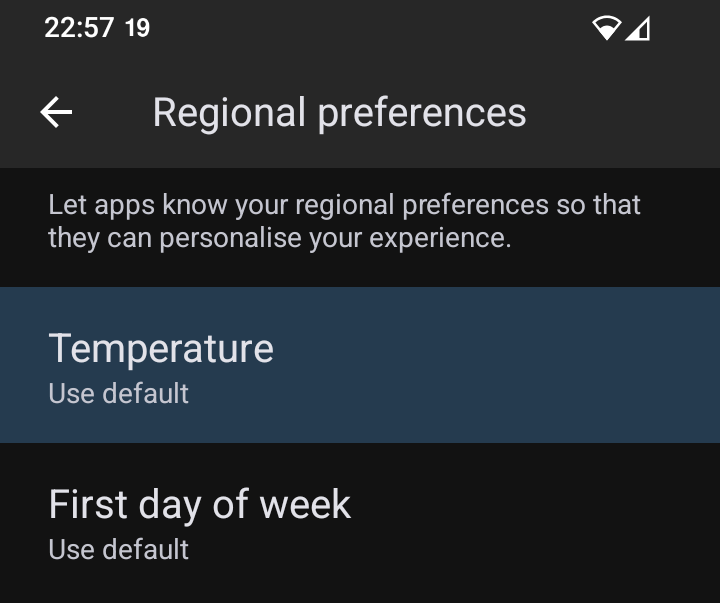

Your link points to ‘Regional preferences’.
None of the other sub-menus have fixes for the problem either way. No matter the order of the languages selected, the number grouping is still wrong.
Probably I cannot help … but …
- Language first
- Regional second
the Google support link which I included says
Tips:
- Your default regional preferences are based on your system and app language settings
1 Like
That’s literally what I had before I started trying to fix it: my preferred language first (en_UK), then the local language (no_NB). Switching things around, removing other locales and such, all result in the same digit grouping.
1 Like
Hmmm … I do get it …
…
1 Like
To put country code in perspective, the country code for all of North America is +1. My avatar is Canada (unless that’s BS) so you would still have to narrow down very large area. If that is your meaning of NO.
+47.
This sentence is here only to fulfil the requirement that a post needs to be at least 20 characters long.
1 Like
Maybe looking at the APN might help, it’s just a guess but I would review it and see if it matches what you provider says it should be. Long shot but worth looking at.
Seems to me this would be an underling android system setting so searching for that in your country code may yield some results.
I had to set the APN settings manually to get mobile data to work, so I know those are set correctly.
I asked a friend of mine who also uses Android (not /e/os) if this was expected behaviour, and for them, the numbers aren’t grouped at all: just 42069420. While not ideal, that would be better than grouping it the wrong way. But they’re probably on their vendor’s custom app or whatever, so maybe it ignores this locale setting since it varies between countries, while the default app tries, but fails in this instance.
I’ll see if there are any other phone apps out there that do this better. Really annoying that the default app does this decently well.
Fossify Phone and Fossify Contacts fixes this by having a ‘Format Phone numbers’ toggle. Turning that off doesn’t format them correctly, but at least it doesn’t format them incorrectly.
Same problem for me with the french grouping format (How to change phone numbers display format).
I found a solution in the french forum (Format d’affichage incorrect des numéros de téléphone après importation).
Putting the country code before the number (+33 for me) fixed the problem. It works at least for french phone numbers.