Hello!
I’m not a big mobile phone expert, but I managed to install /e/OS about 1.5 years ago. Since then, everything has worked wonderfully. Until today…
I use the Samsung S10 (beyond1lte) and until this morning I had version v3.0.4-t. This morning I got a notification that there was an update available. I downloaded the update via Wi-Fi, but couldn’t install it right away because the battery was only 25% full. At home, I plugged the phone into the power supply and was then able to start the update. Unfortunately, I didn’t pay any further attention to it. At some point, I noticed that the progress bar had stopped moving. (Stupidly, I didn’t take a photo of it  ) There was a large “e” and a progress bar
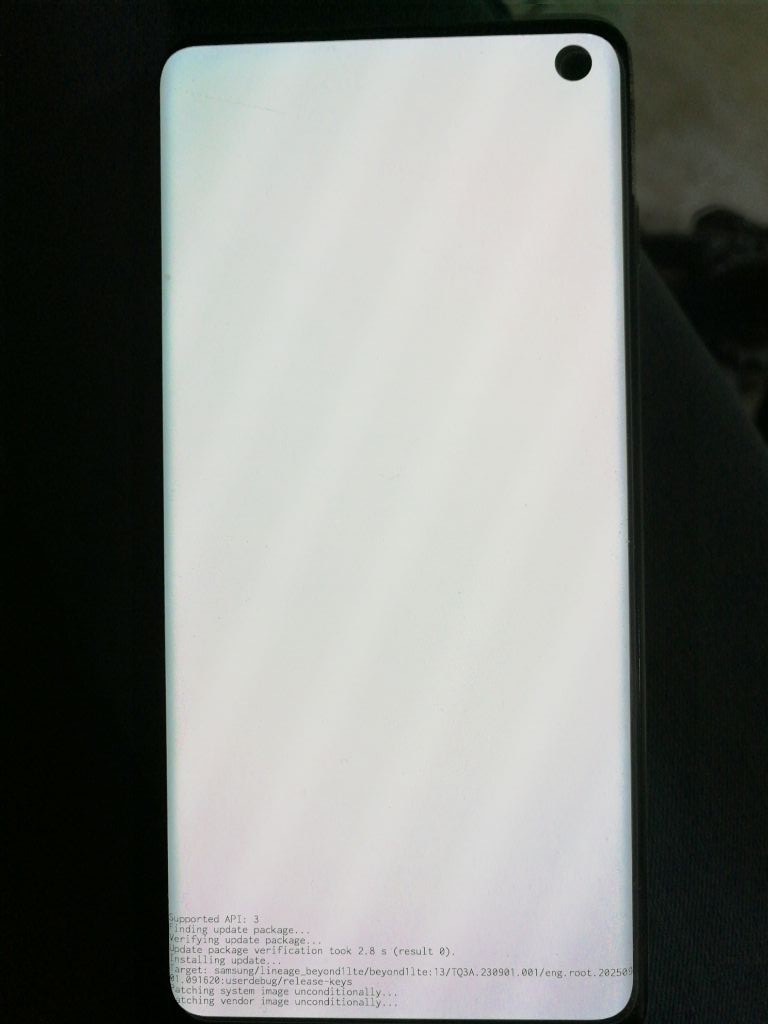
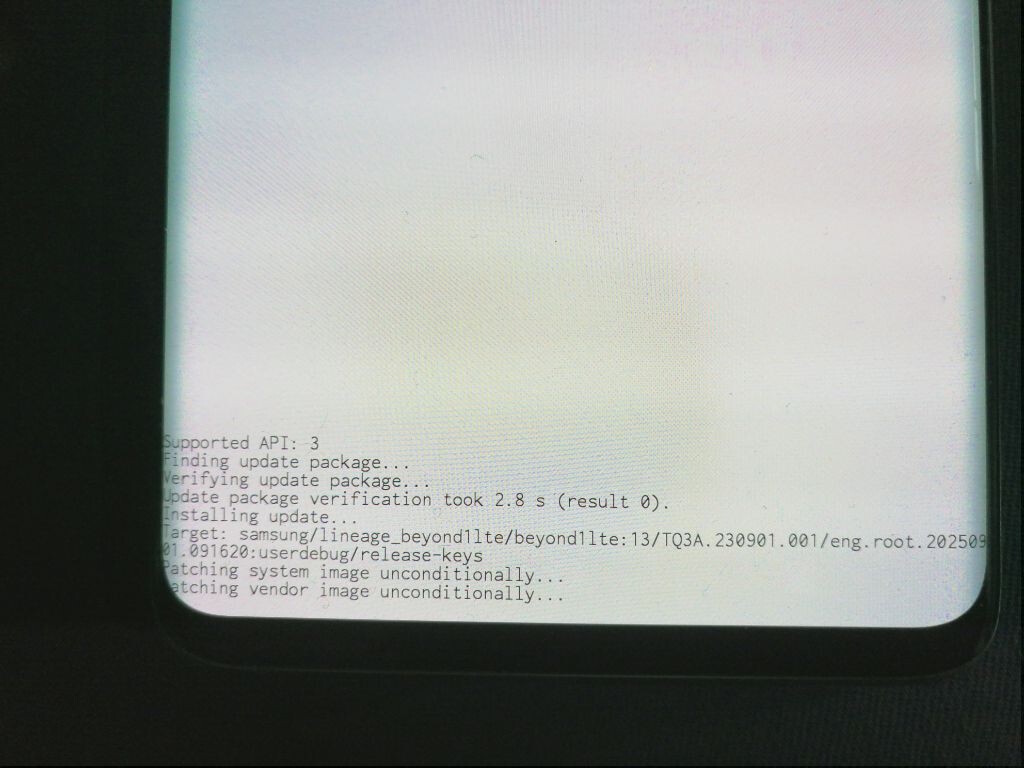
was about 2/3 full. The phone was plugged in the whole time. I tried to restart it by pressing and holding the power button. Nothing happened. Then I pressed the power button for about 20 (?) seconds. Now the screen changed, it turned completely white and a message appeared at the end. I took a photo of it (finally) and am attaching the screenshots here.
Can anyone help me get my phone working again? And how can I get a properly functioning update?
Many thanks!
Regain your privacy! Adopt /e/OS the deGoogled mobile OS and online services
 I don’t get it. But… hey, it is up and running. Don’t need anymore yet. Again thank you very much for everyone looking into my post and thank you very much, tcecyk for pointing me to this thread.