Phone Unusable After Upgrade

Regain your privacy! Adopt /e/OS the deGoogled mobile OS and online services

@Manoj

Manufacturer: OnePlus

Device Name: Nord

Codename: Avicii

Previous Version: 3.6 A12

Unrooted Device

After getting an OTA update to 3.7 and A16 on April 16, there is no Internet, WI-Fi and Mobile service on my phone. This update has turned a functioning phone into un unusable piece of plastic. Care to explain?

I am checking with the developers and will get back with their response ASAP

1 Like

Pl raise an issue in gitlab as the developer would like to see some logs to test this further. Another user reported mobile services and bluetooth working and issue only on wifi. The developer would need to check the logs to help with the resolution.

Thank you for the help Manoj. Will do.

I have a OnePlus Nord running same firmware at home. I will put SIM in when I get home and test. About 8 hours from now.

Similar problem here with an avicii too.

I think I was using IMG-e-3.6-s-20260312593429-official-avicii
After OTA update to IMG-e-3.7-a16-20260410606673-official-avicii

  • Icons were sorted alphabetically (I hate this)
  • Double tap to wake or lock button to wake, takes like a second to bring display on
  • No Wi-Fi ← worst offender

I’m available for troubleshooting or providing logs.

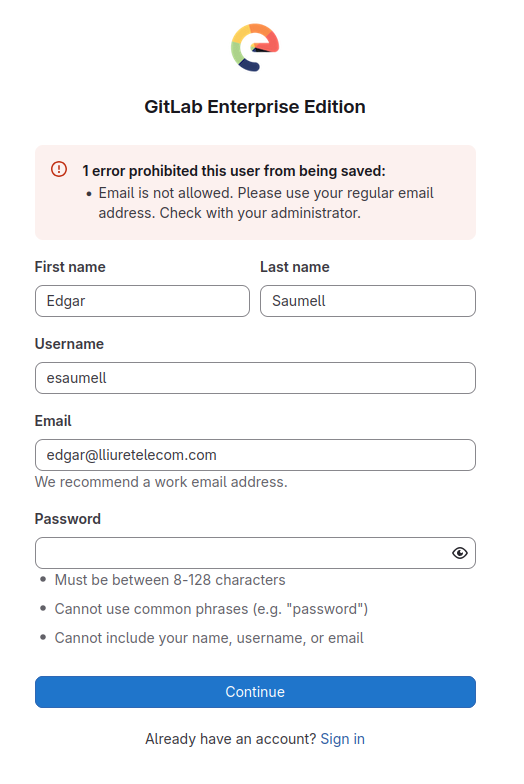
I tried to open an issue at https://gitlab.e.foundation without success:

@Manoj Can you take a look at this? Thanks
@Jets Did you tested it?

1 Like

Getting an error message

No i misread post Im still at Android S and A16 has been pulled so there is an issue, its on guthub.

Thanks, I created an account at murena.io

Now it is supposed that I can login at Sign in Ā· GitLab

Right?

I tried both, with and without @murena.iomurena.io

I think this should be easier. I’m engaged to open that issue, and I’ll succeed, but this is labyrinthine, and will stop users to collaborate. Just think how pissed off you are when an update bricks your phone or just takes down WiFi, then put register/login issues on top of that…

Edit: Oh! I’ve just re-read it. I have to create another account! Did you thought about setting up a single sign-on service? That would be really nice!

Hi there, totally agree with you. A bricked phone and then a Mensa level mental gymnastics needed to contact the help. But still it is better than using ggle infested phones.

Issue No Internet Wi-Fi and Mobile After Update (#9332) Ā· Issues Ā· e / Backlog Ā· GitLab

1 Like

@esaumell : I would suggest that you mask your username and email in the screenshots you have posted to prevent that they end up on a spam list :slight_smile:

1 Like

Also using OnePlus Nord Avicii.

Mobile data and bluetooth appear functional, but wifi not working.

Please can you ensure updates are fully tested on the most core functionality before release.

Same with me. OnePlus Nord, /e/OS 3.7-a16-20260410606673-official-avicii. I’m curious how a future bugfixed version will come to the affected devices, particularily in those cases where there is no internet connection at all. Via USB?

Hopefully there will be something out soon. However, cannot hide my disappointment that there are posts from 4 days’ ago and the update continued to be rolled out.

Bonjour, j’ai fait une installation de la derniĆØre version sur une ROM d’origine (par l’USB). Je n’ai pas de problĆØme WIFI.


English

Hello, I installed the latest version on an original ROM (via USB). I have no Wi‑Fi issues.

This reminds me of my initially unsuccessful installation on a Avicii (AC2003) that had a factory reinstall and didn’t receive a OTA update from OnePlus.
After all it appeared to be still on A11 (r).
Can it be that users who are experiencing this problem initially bought it with A11 on it? Or at least, not the latest firmware from the vendor?

According to the error reports on GIT, they were under A12.

Have you thought about deleting (forgetting) the WIFI connections on the phone and on the internet box.

Is there a simple way to revert to version 3.6? That way, nobody would have to wait for a working version of 3.7.

No, thanks to Android rollback protection.