My S9 for some reason appears to switch to vibrate only (for incoming calls), no idea why, I only find out after i have missed calls.
Am I pressing a combination of buttons to make this happen.
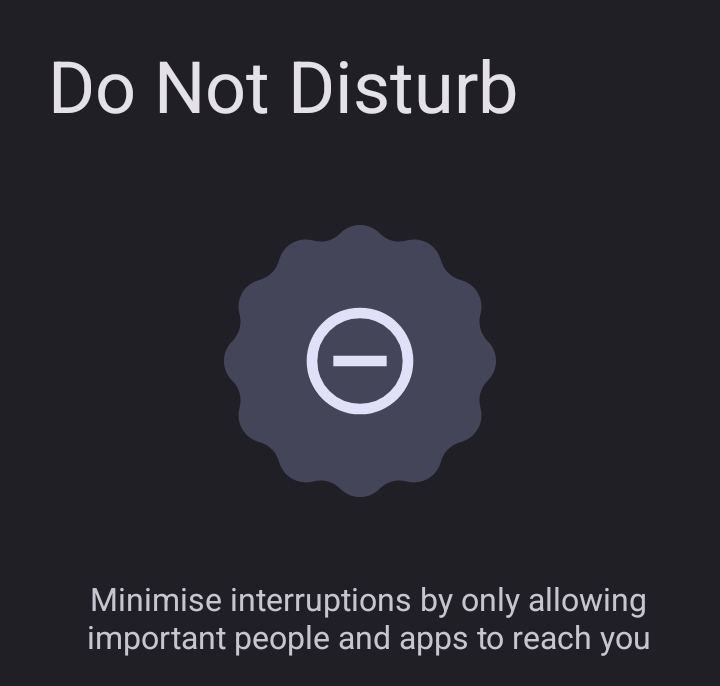
If you switch between ‘Do Not Disturb’ mode, the phone sometimes does not always switch back on the ringing tone … this is another issue that could be related, and one I’ve not yet raised.
Whilst I love everything about E/Os, this is mildly annoying to hugely inconvenient, I missed important calls from a Solicitor yesterday because of this.
No, I only tap on it to enable ringing after it becomes disabled for some odd reason, but your right in that if you press the volume key (up or down) it extends the volume options - which when you press on the bell then extend the options of ‘no bell’ or ‘vibrate’.
Sorry for late reply … wow never realised their was such granularity on this …
When i say ‘Do Not Disturb’ Mode, I mean - i press the button ‘Do Not Disturb’ when I pull down from the top of the screen, presume that is ‘old school’ ‘Do Not Disturb’ ??
I see a setting for ‘Do Not Disturb’, and currently it is turned off.
Would I be right to think that if I turn it on then I get more granularity, and that is in fact ‘Do Not Disturb’ Mode ???
You mention ‘user defined’, if Turned on - is that ‘Do Not Disturb’ Mode, and not ‘Old School’ ?
Are you able to create different ‘User Defined’ ‘Sets’ - or are you restricted to just the one.
If I have been using ‘old school’ ‘Do Not Disturb’, can see what this standard ‘Do Not Disturb’ button restricts ??
(Perhaps, what I called as “Old school” is missing if System > Modes exists ?? in current Android versions. From memory “Do not Disturb” had no granularity and I referred as “Old school”)
Once you’ve set up Do Not Disturb or other modes, you can access them by swiping down from the top of your screen in Quick Settings.
(Hinted there differences by device and Android version.)
So by “Do not disturb Mode” I refer to Modes available from Settings > Modes.
I experimented with these because
Do not disturb Mode
does allow interruptions. (I believe it is like a demo.) It draws attention to the Mode’s preset parameters as
However for me the Quick settings tiles are … well … now not quick for me on this subject.
So in my example, Quiet as a Church mouse is “user defined” and it is a pity that “Do not disturb” cannot be deleted. At least one can try to adjust it to something useful.