None of my recent phones had an SD card, so I thought it would be a good idea to use the one from my Fairphone 6 (/e/OS 4.2-a16-20260815662938-official-FP6) to store music. It’s impossible—I’m sick of this:
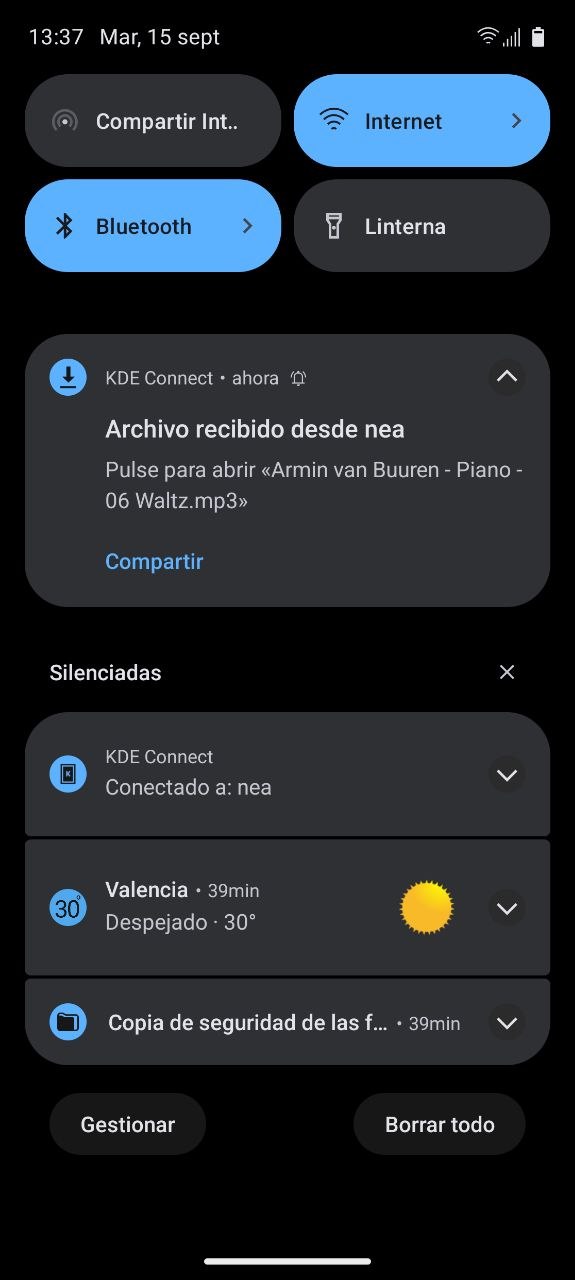
1- I copy files from my desktop computer using KDE Connect (what a wonderful tool!) and they get copied to the phone’s Downloads folder.
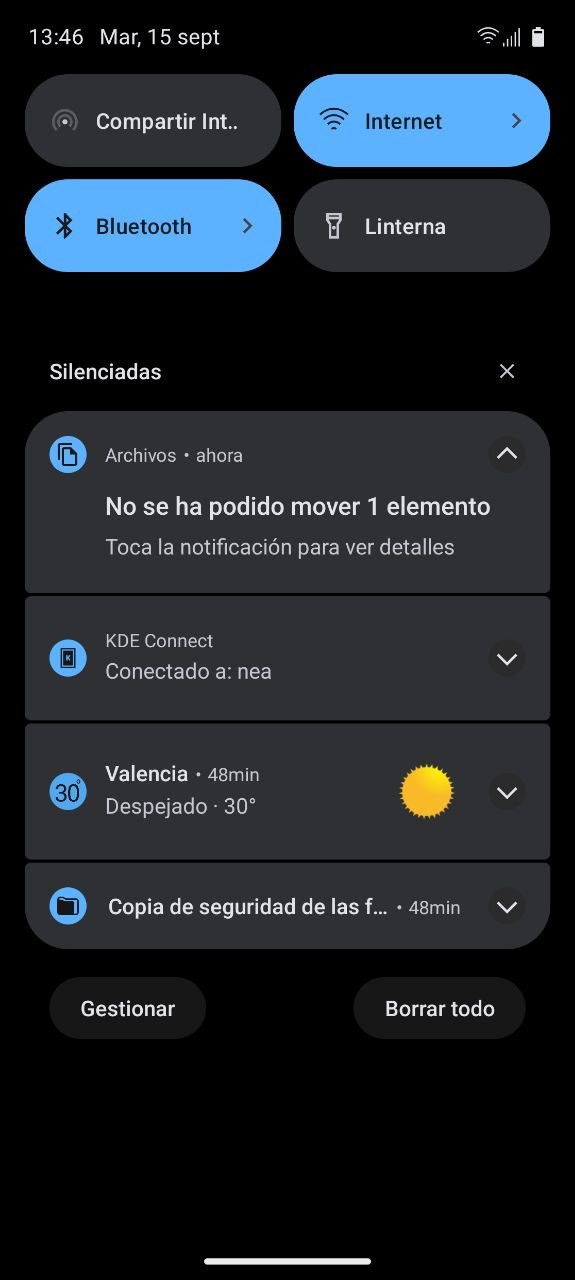
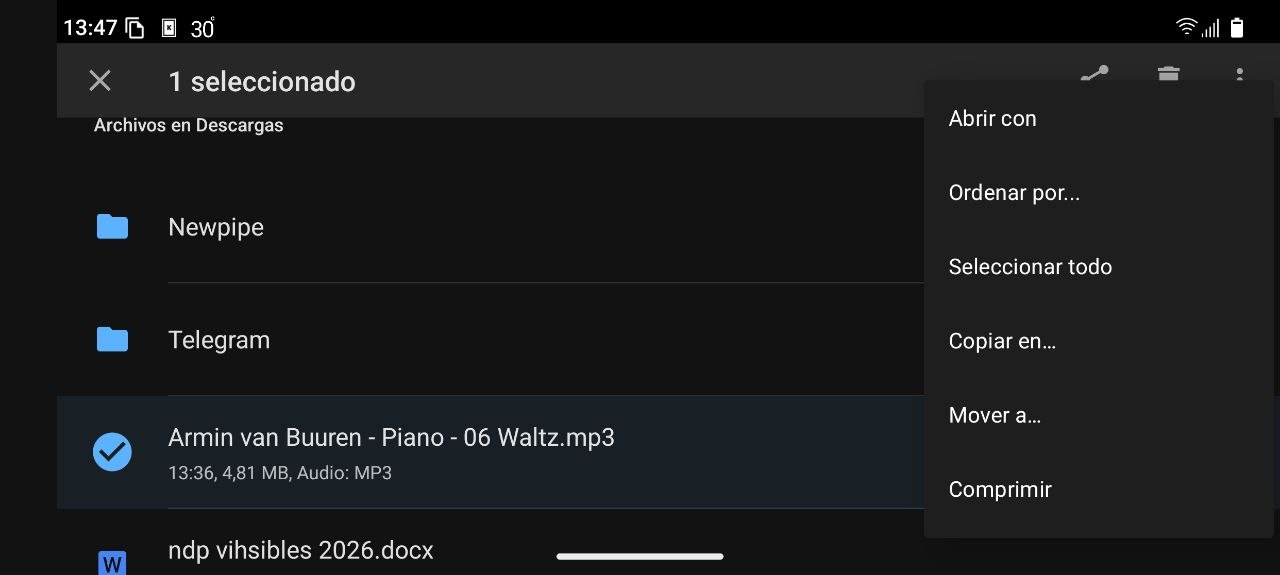
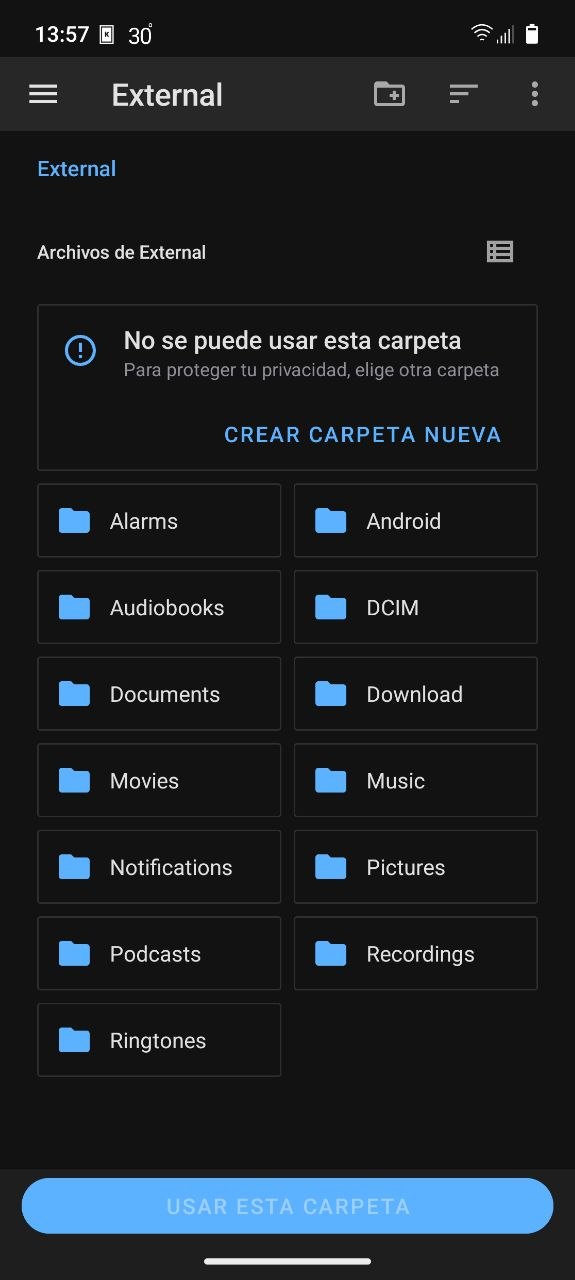
2- I open the Files app on my phone and try to move the files to the Music folder on the SD card.
3- I get a message saying it failed.
4- I format, eject, and remount the card, and then it lets me do it—just once… when I try again, the error comes back.
5- I wait for the next update, but the problem isn’t fixed.
Yesterday I got fed up and took the card out of the phone; from now on, I’ll use the internal storage.
*The “culprit” is a 256 GB micro SD card from Intenso.
Have you tried to save the files on that card using a different device? Do you have any SD card reader in your PC or sometimes internet access ‘dongles’ have an SD card slot.
Can you borrow another phone and see how the card behaves?
Once recorded in a difference device, provided successful, will it read in FP?
Hi, yes, of course, and it works. I could copy most of my music over in one go from my computer and forget about it, but that’s not what I want. And yes, we users are capricious, fickle and despicable people… ;-))
To be honest, I don’t fancy having to keep taking the SD card in and out of my phone whenever I fancy loading some new music in a couple of weeks’ time, especially when I have the convenience of being able to use KDE Connect.
I’m sure it’s a permissions issue where the phone’s operating system can no longer write to the card – I don’t know why. I installed the Termux app for this, but so far I haven’t managed to grant permissions to the whole device. Formatting is the only thing that works and, surprisingly, it only works for a short while.
I am sorry to hear this @SrAnderson this is clearly an unresolved issue. The work item to which you contributed was closed just a few days ago “due to lack of activity”.
I cannot find a way to mark the issue as confidential, sorry
That was unfortunate. One can only mark “Confidential” your own created Work item (not an existing open).
If you would consider not to give up you might consider to open a new issue, add logs, mark confidential and prominently link the Work item to which you already contributed.
I don’t know how to connect my Debian 13 stable desktop computer to my Fairphone. When I connect them via USB cable, the Fairphone enters USB debugging mode and a bunch of developer mode options pop up, but honestly, I don’t know what to do.
I did remove the SD card and insert it into a USB card reader, which I then connected to the computer. That way, it lets me copy whatever I want.
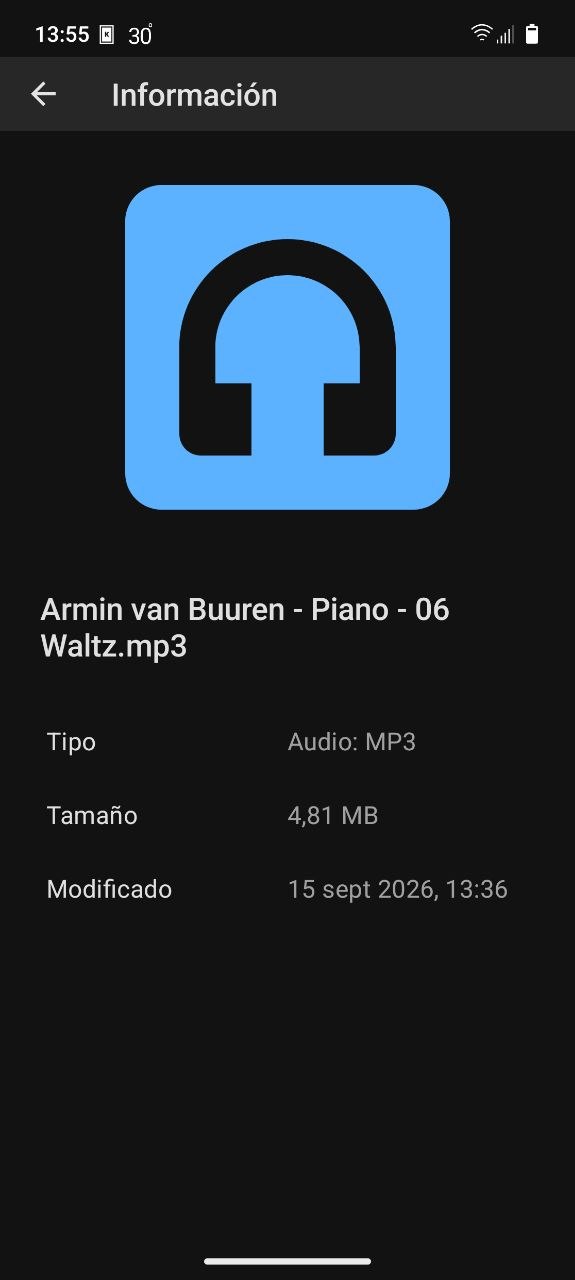
The problem, as I’ve explained before, is when I try to move MP3 files from the phone’s internal storage to the SD card. Attached is a test of a single file sent via KDE Connect from my Debian system.
I gave this answer to help troubleshoot USB connection issue. Usb problem volla tablet - #4 by aibd. Please can you pinpoint where it fails for you?
The default situation is that you get a notification when you connect a live to PC USB cable and you give permission for data to that PC. If you miss the notification is it found in Notification history?