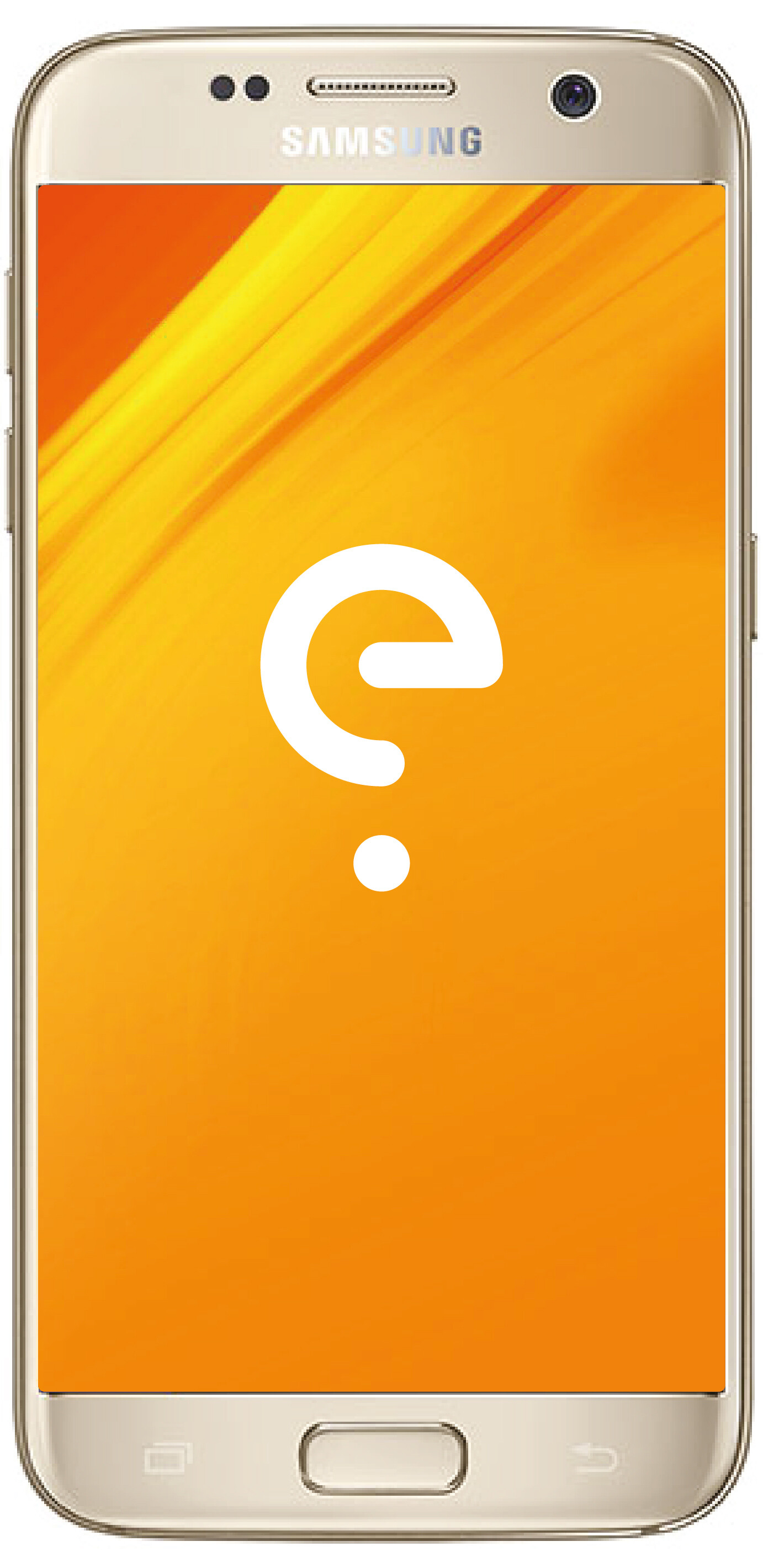
Hello. I stupidly thought I could upgrade my dad’s Samsung Galaxy 7 via the updates in Settings, but after seeming to do so, it is now stuck on the e with the bouncing ball beneath. I assume this is it not rebooting successfully?
I didn’t make any note of the phone’s particulars, so I can’t tell you anything about the phone. I have tried holding down up volume along with the two other buttons on the left side, but it doesn’t do anything.
So sorry (and thank you so much for persevering), I am not familiar with this handset, and not sure which buttons are which. I was thinking the button on the right (with screen facing me), was the volume, but now I think I’m wrong. Please would you guide me?
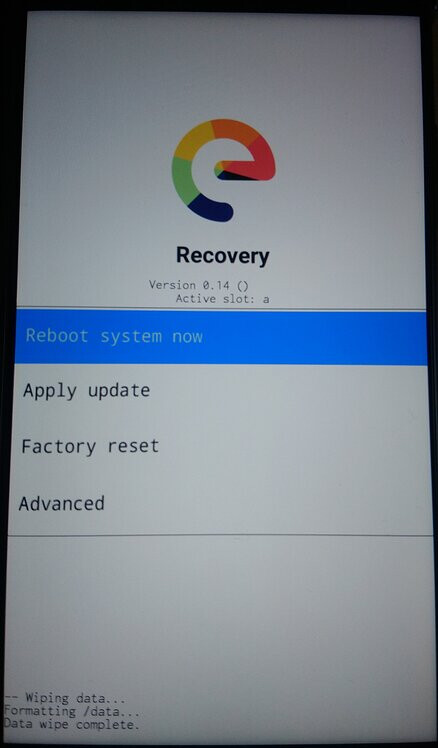
I tried going into Advanced, then selected reboot in recovery. This makes the screen change for a few seconds, and then reappears with the previous menu. I’ve also pressed the volume down plus power buttons, but these don’t do anything. It’s staying stuck.
I, too, had to be away from the phone for a few hours - I was driving from my dad’s back home, 80-odd miles away.
So, from the Recovery screen, after I tap ‘Advanced’, and then ‘Enable ADB’, it goes to the menu starting with ‘Reboot system now’ (which, after I tap it, continues with the original problem of stuckness). If instead of ‘Reboot system now’, I go back to ‘Advanced, then ‘Reboot to recovery’, the screen goes black, and then back to the same menu as before (Recovery). So it seems to be going around in circles, and not presenting me with the opportunity to type in any command.
Does this entail me using a USB to connect the phone to my PC? If so, that can’t be done because my dad is somehow using a cable for an analogue Doro phone to charge his Samsung, and it doesn’t have a USB, but a plug. (I am pretty sure I gave him a proper cable, but he might have lost it).
Yes, I wish I had noticed the cable when I was at my dad’s. Never mind, I will look for one now, and if I don’t find any, I will buy one online this evening and should receive it in a couple of days. Thank you so much, Piero. I will come back here once I have the cable.