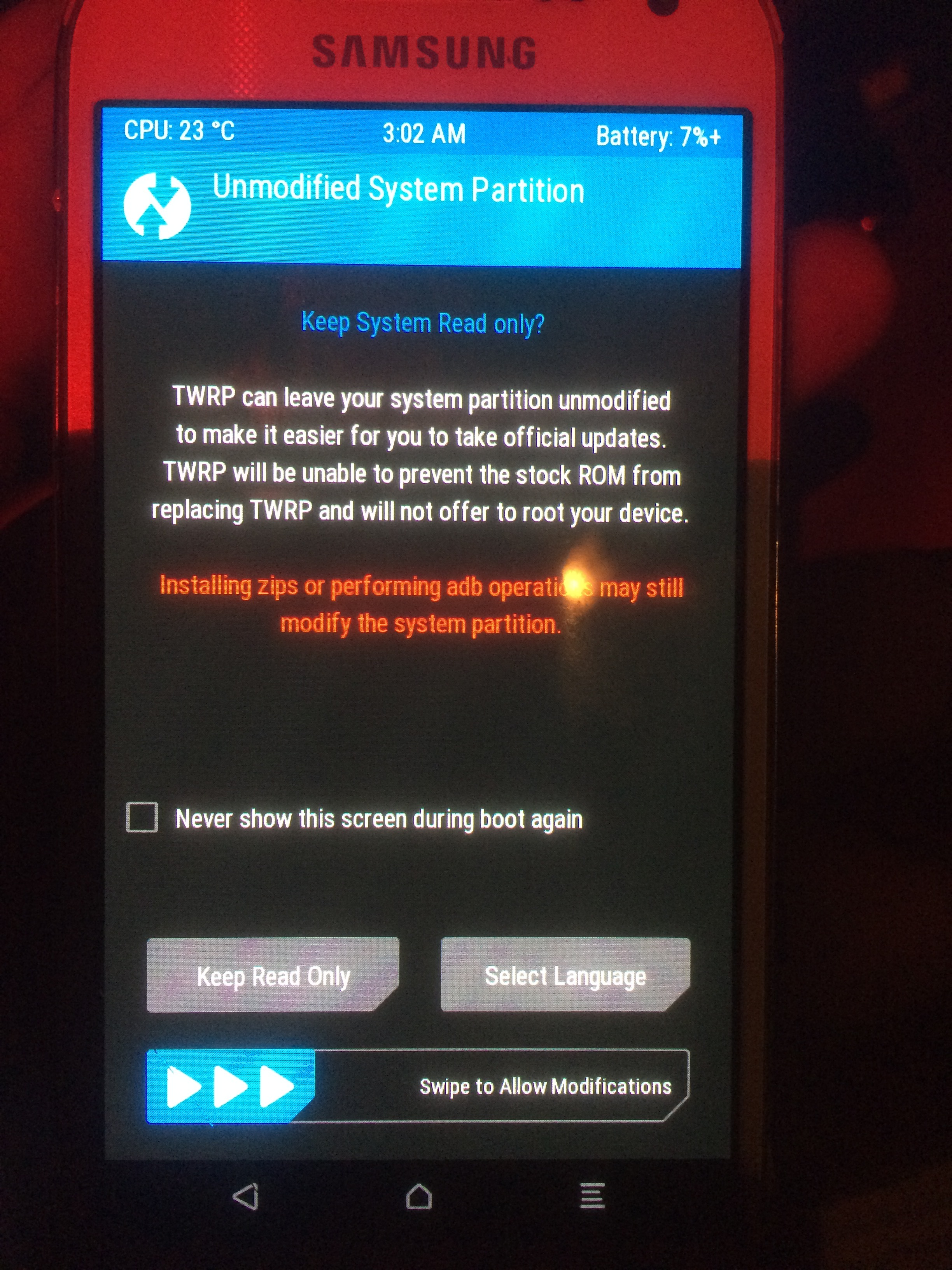
Hello,
I have this message when I installed via “Sideload”
a priori he tries to check the image installed…
How do we do it?
Regain your privacy! Adopt /e/OS the deGoogled mobile OS and online services
Hello,
I have this message when I installed via “Sideload”
a priori he tries to check the image installed…
How do we do it?
Regain your privacy! Adopt /e/OS the deGoogled mobile OS and online services
It is quite usual that the signature verification fails and yields a message, though that will not prevent a successful installation.
If you restart your telephone, then it should run the installed image.
If not, then you shall provide much more details at what you are doing, and what device and so on.
Thé phone restart in thé Google système ans not /dos…
Thé phone ils a Samsung A52s ,5g ans i try install \e with erovery ans sideload > échec!
You must
the same result with apply update from sdcard (yes or no to verify–>idem)
format data ok
what is a "custom recovery " ?
.
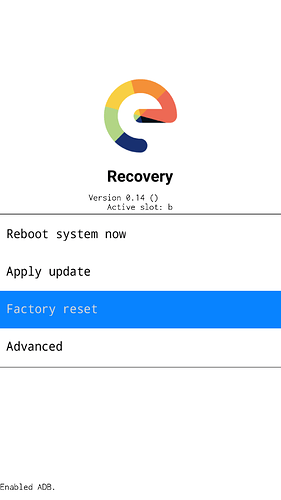
.
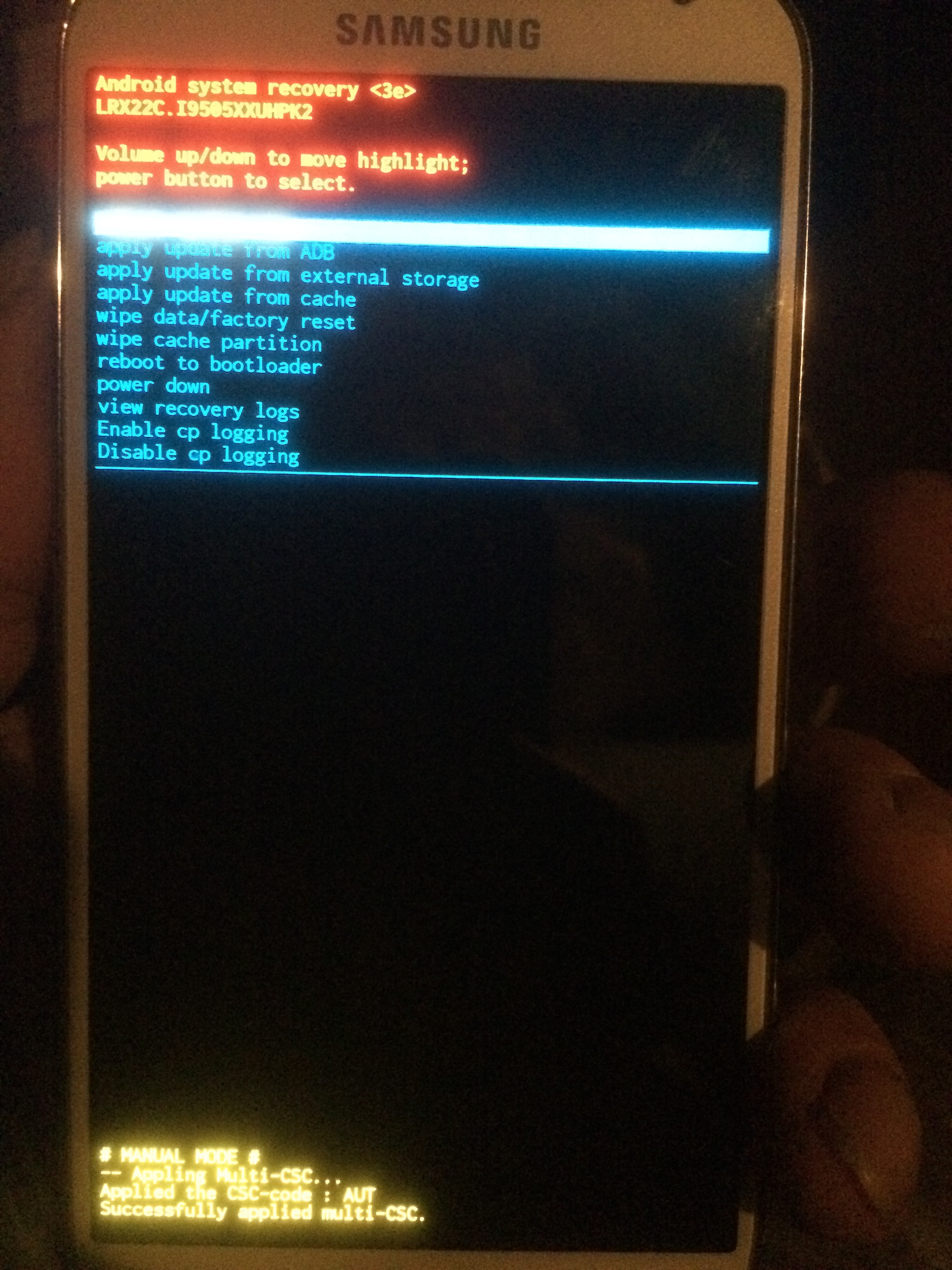
if you see something like that :
.
.
It FAILED ! that is the Official Stock Vendor Samsung / Gogol Firmware Recovery screen !
Please re-read and retry the flashing process
Perhaps choose the correct e-Recovery.
Here is your error
Ok, you use the lineage-recovery that is a custom recovery
Because of latest Lineage installation, your current Security Patch is to recent,
It ok now 
new version of /e with android 15 + new recovery -->install easy…
Thanks for all…
This topic was automatically closed after 90 days. New replies are no longer allowed.