I have a Vodafone subscription with an e-Sim, in the Netherlands.
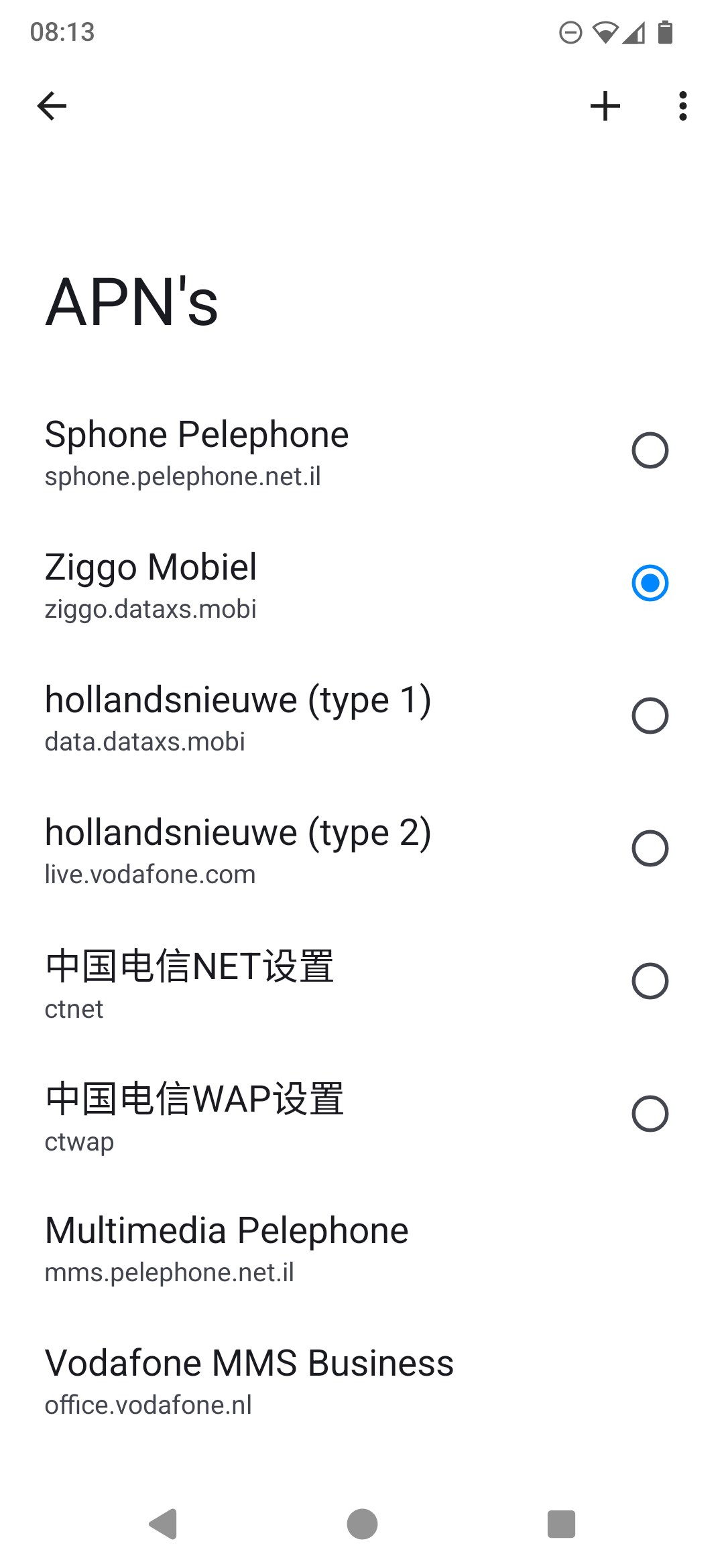
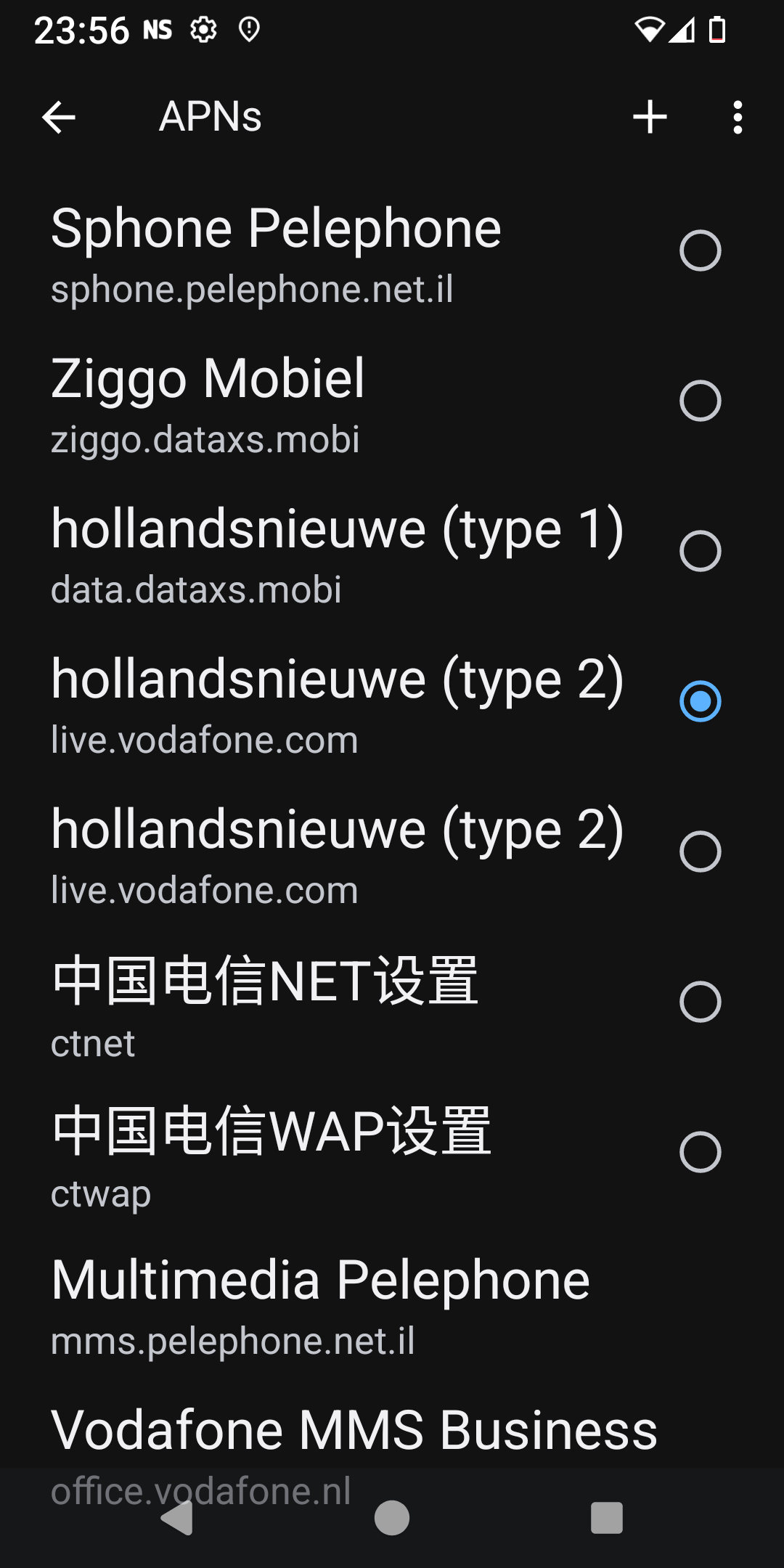
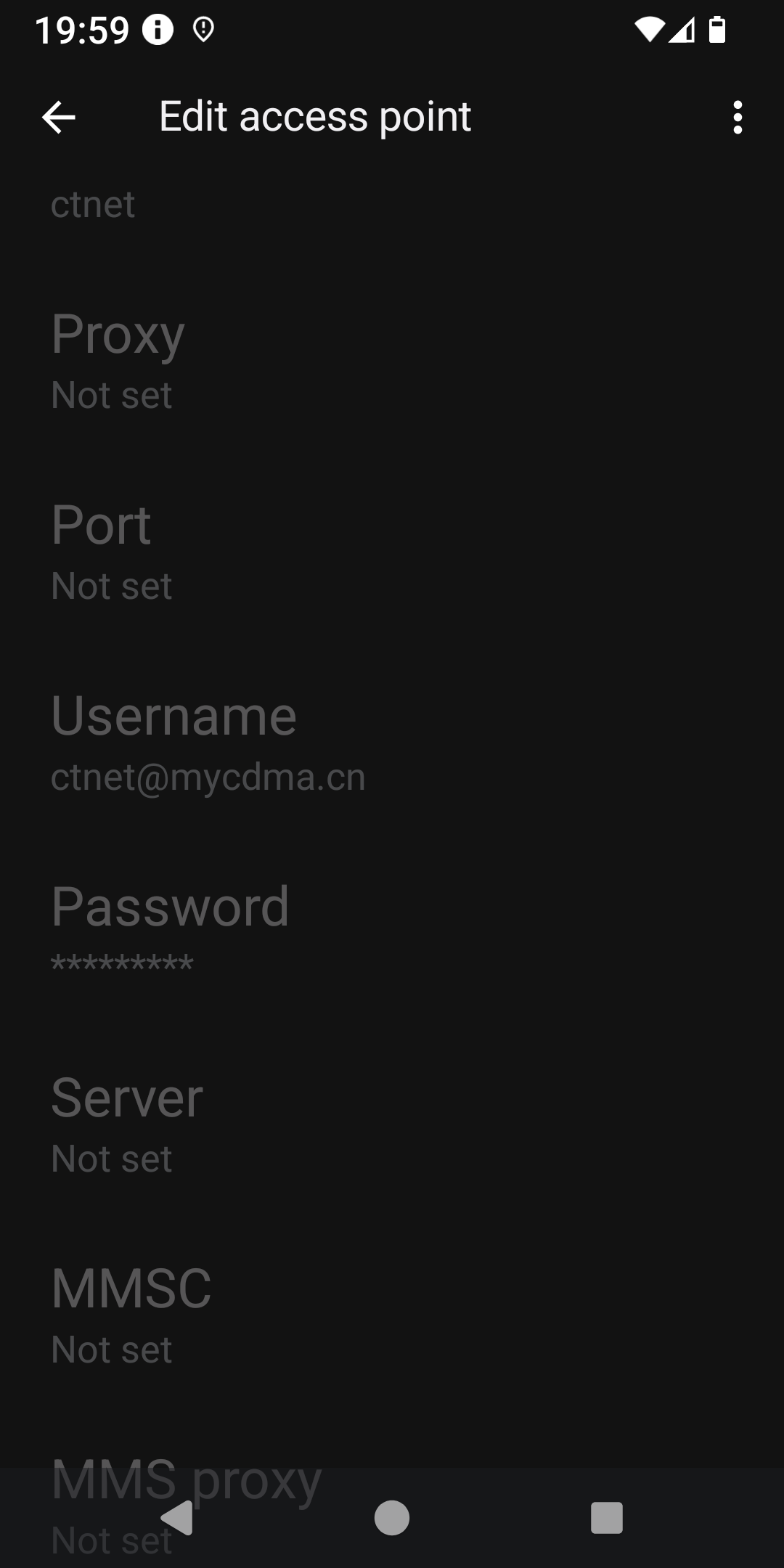
The eSim was installed and activated in March. I never looked in detail at settings of the access points, (APN). Yesterday I did. And what I found were two Israeli, two Chinese APNś and some other APN. Non of them the official APN(name) Vodafone lists on their website.
I cross referenced with my wives iPhone (also vodafone). These are the correct settings and APN.
I can´t delete or change the APN list or add the official Vodafone APN
This morning I deleted and re-installed the e-Sim. And nothing changed.
Something is not right.
I am on a Fairphone 4, with e/os v3.0.1
Only the standard apps, F-droid apps and some banking apps are installed.
For now I have deleted the eSim again
I still find it strange, not to say suspicious, Vodafone would choose these APN points for a European country/region. And they apparently don’t, looking at what they communicate on their support pages.
So until there is some satisfactory explanation, I will decommission my fairphone for mobile data
You should be able to add an APN by tapping on the little plus sign next to the hamburger menu. I wouldn’t be terribly concerned if default APNs are showing up read only, I’ve seen that before. Though if you are unable to add an APN I’d say something is off. Sometimes when entering a new APN it may not save due to an incorrect entry, I’ve seen that before.