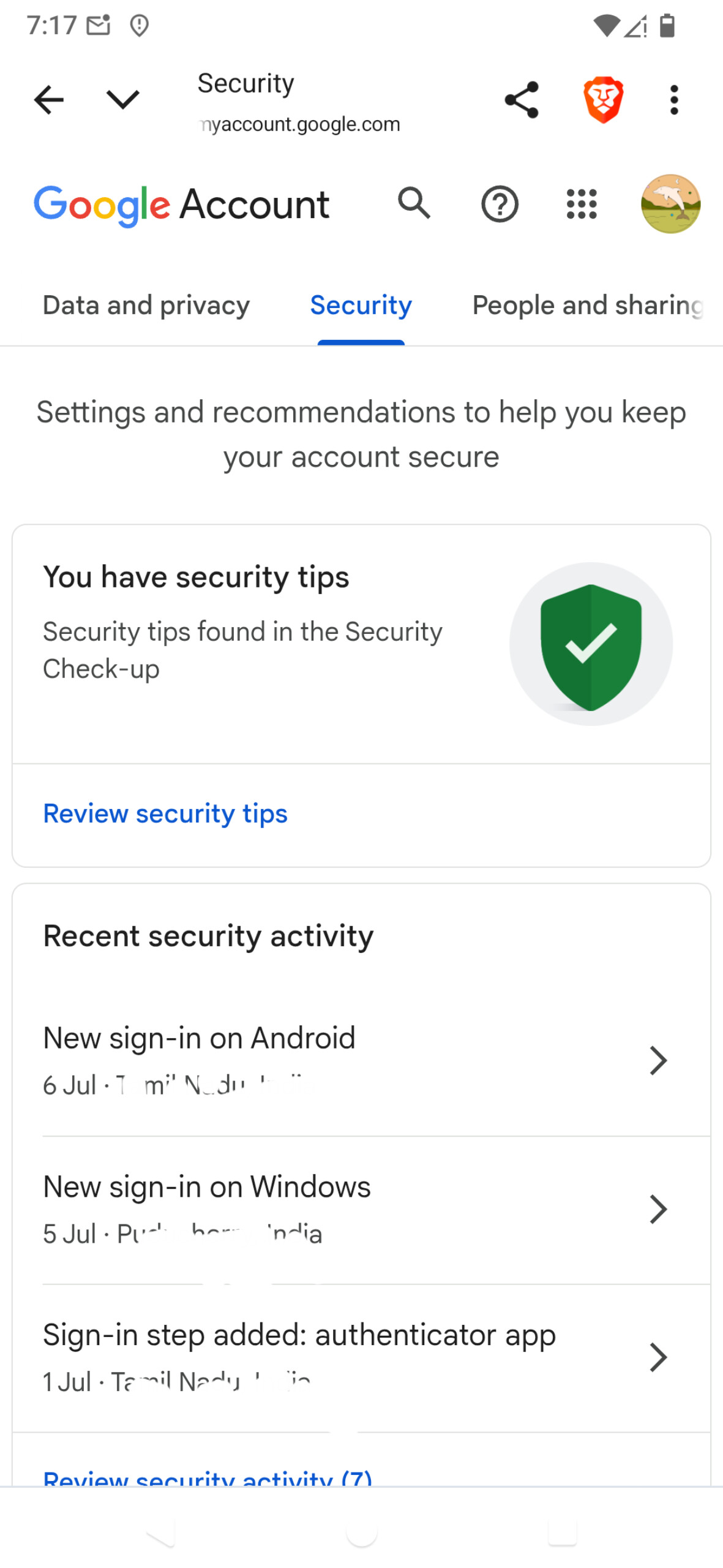
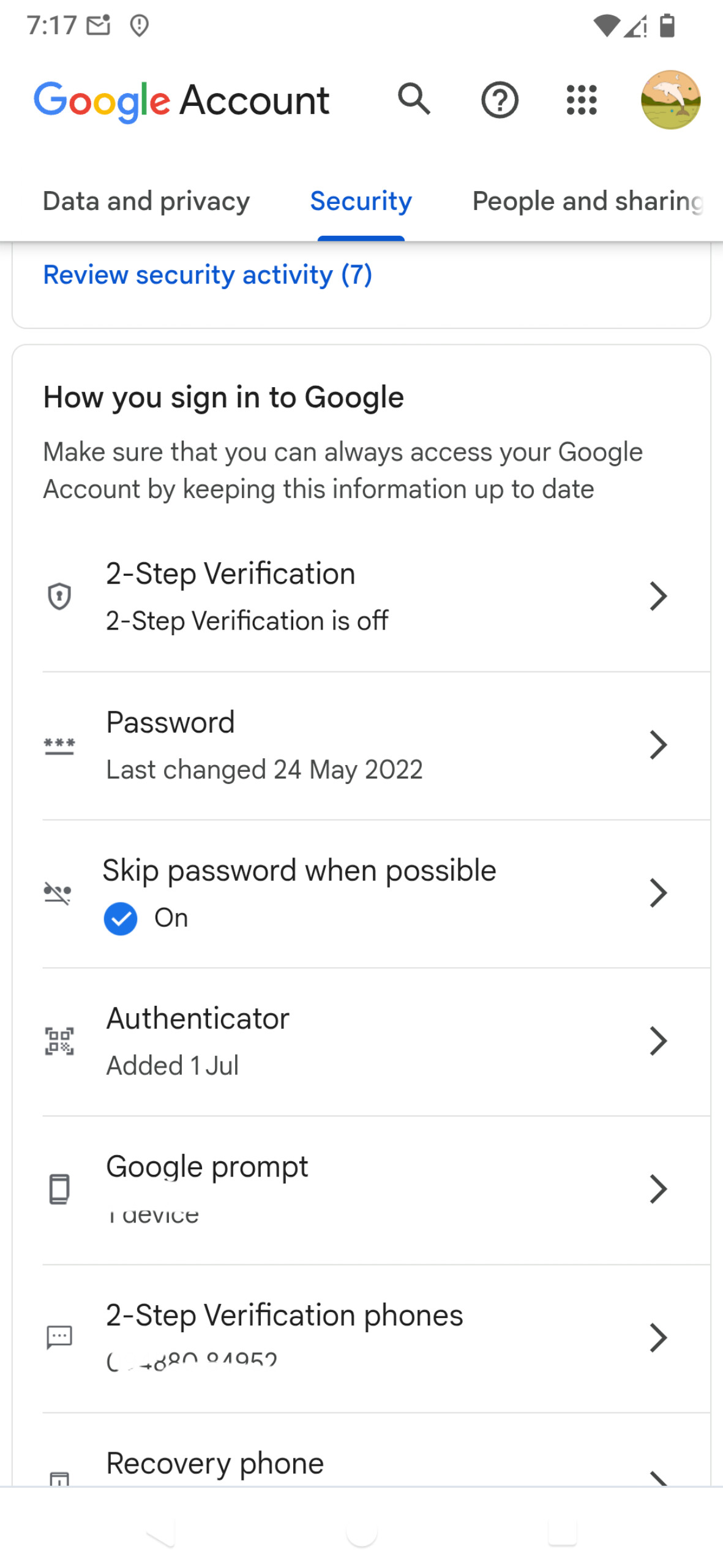
Google on laptop asks to verify on phone, but of course nothing comes. Or do i need to set up somehing??
2FA in Aegis is not enough, is only a second step.
I need this verification to change any setting. So how to go about it?
I think in the past one could verify by email but not anymore.
If a Google device isn’t still around or is already flashed with non-stockrom you can’t actively log out (that is the officially suggested method to turn of Google Prompts). But you can issue revocations at Manage all devices in an authenticated browser.
as long as you have a device listed under “Google Prompt”, Google will try to contact that device and either not show (or it isn’t obvious) that you can also use “Authenticator” (that is otp).
There’s no one way to do it, depends on how many and what devices you have. If you disable all other 2SV methods but Authenticator and have Aegis fill that role, you really need to keep good backups (2 places outside device) of Aegis itself and distribute that also among the devices you want to use for verification.
(make sure recovery phone numbers are all current and not dead numbers)
I heard from some degoogling nerd on YT that the only way he found was to have a second phone.
Would protonpass plus be more easy than Aegis ( as I need anyway a passwordmanager,) and the 2FA synchronises over the devices.
I m totally new in all of that…so it s like dechiffering a moon language.
Will maybe as a friend but not many people know about this, or ask more to you later.
You wrote this: '‘If a Google device isn’t still around or is already flashed with non-stockrom you can’t actively log out (that is the officially suggested method to turn of Google Prompts). But you can [issue revocations ]’
Today a friend - coding person- will come to try help, but has no experoence with this type of problem
I have 3 G accounts, set differently.
One i have back up codes, 2 not.
We wanted to try to use his googled phone with my sim. Would that work?
Google might be alarmed from all my recent trials.
I m nervous.
Or should i try revocation? Not sure what that is.
ah ok, got it. Revocation of trusted devices. When I mean recovery, it’s a recovery phone number. In your posted screenshots, that’s right at the bottom of of the second one. This way you can reset the account authentication whatever hopeless situation you’re in. If you have lost control of the phone number listed there I’m unsure of the process, either security questions you set before or infact human support.
As to revocation, the whole sentence was, emphasis changed: “But you can issue revocations at Manage all devices in an authenticated browser”. And previously: “This presumes you’re lucky and are still authenticated on some other device and browser”
That was my idea - to get rid of the trusted phone devices you no longer control that get the “Google Prompt” on verification steps (your topic title). It seems you do not have a browser session sufficiently trusted to do so (it asks for confirmation via Google Prompt, a loop), then only a recovery can help in resetting the account authentication and start clean.
no, the SIM itself is only useful if it has the number that is associated with account recovery.
The good news though is that in a few /e/OS versions, microG is poised to support Google Prompts in version 0.3.9. That is included in /e/OS v3.2 by the earliest. This would avoid your initial trouble with getting prompted with no device in reach that received the prompt.