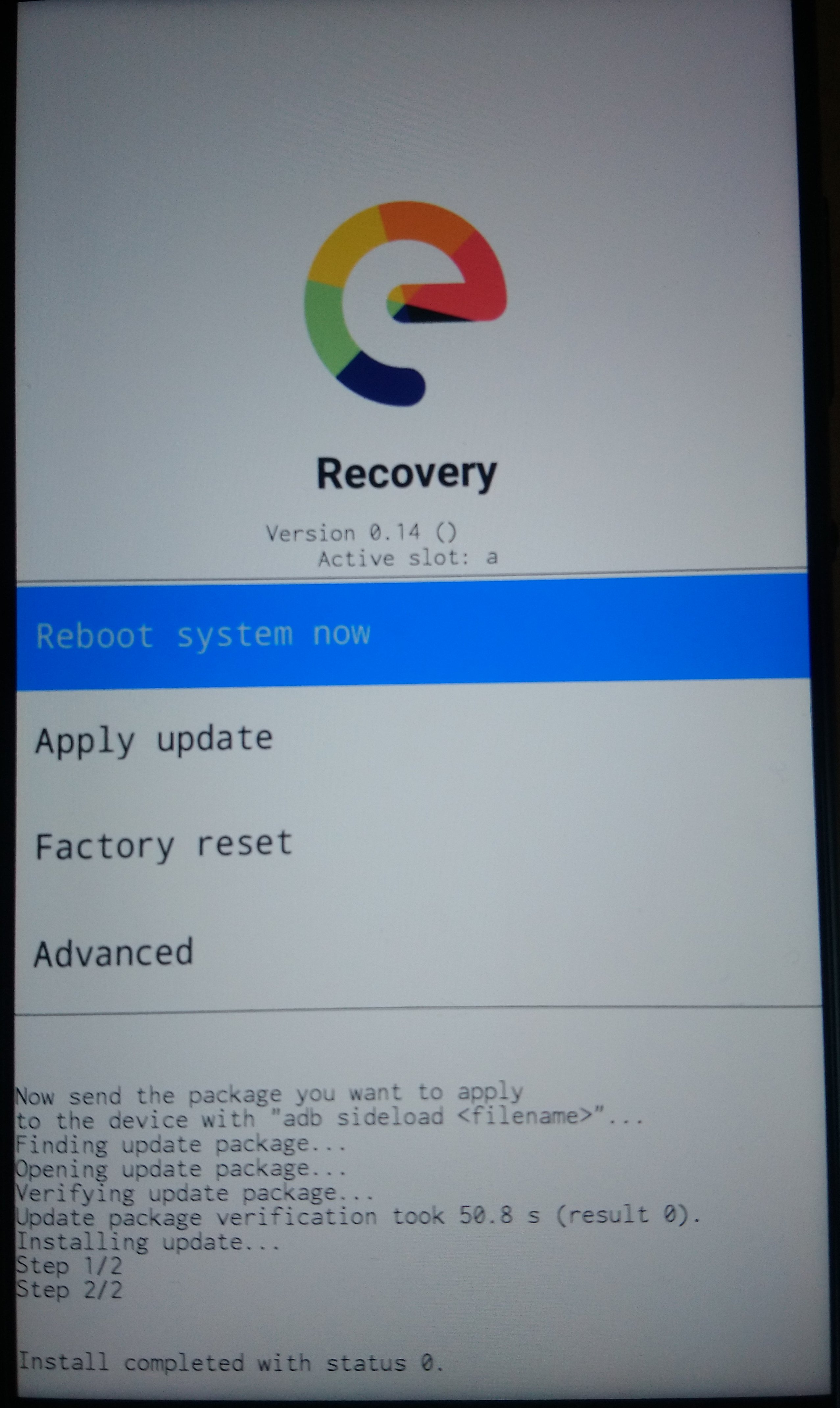
So you need a computer as recovery-e for your device does not have the “apply update from internal storage” feature, use the instructions in “step (9)” of the linked guide [HOWTO] an Unified Install Guide Project for /e/
Install platform-tools on a computer
Installing adb and fastboot on a Linux PC
Installing adb and fastboot on Windows PC
On the computer,
download the latest /e/OS build for your device
/e/OS stable star2lte download
(put it into the platform-tools folder)
.
Boot the phone into recovery mode.
.
Select Apply Update, then Apply from ADB
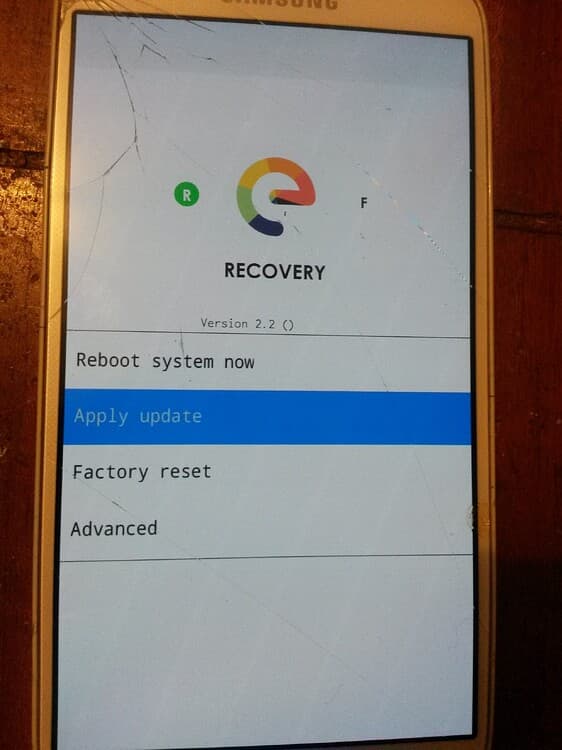
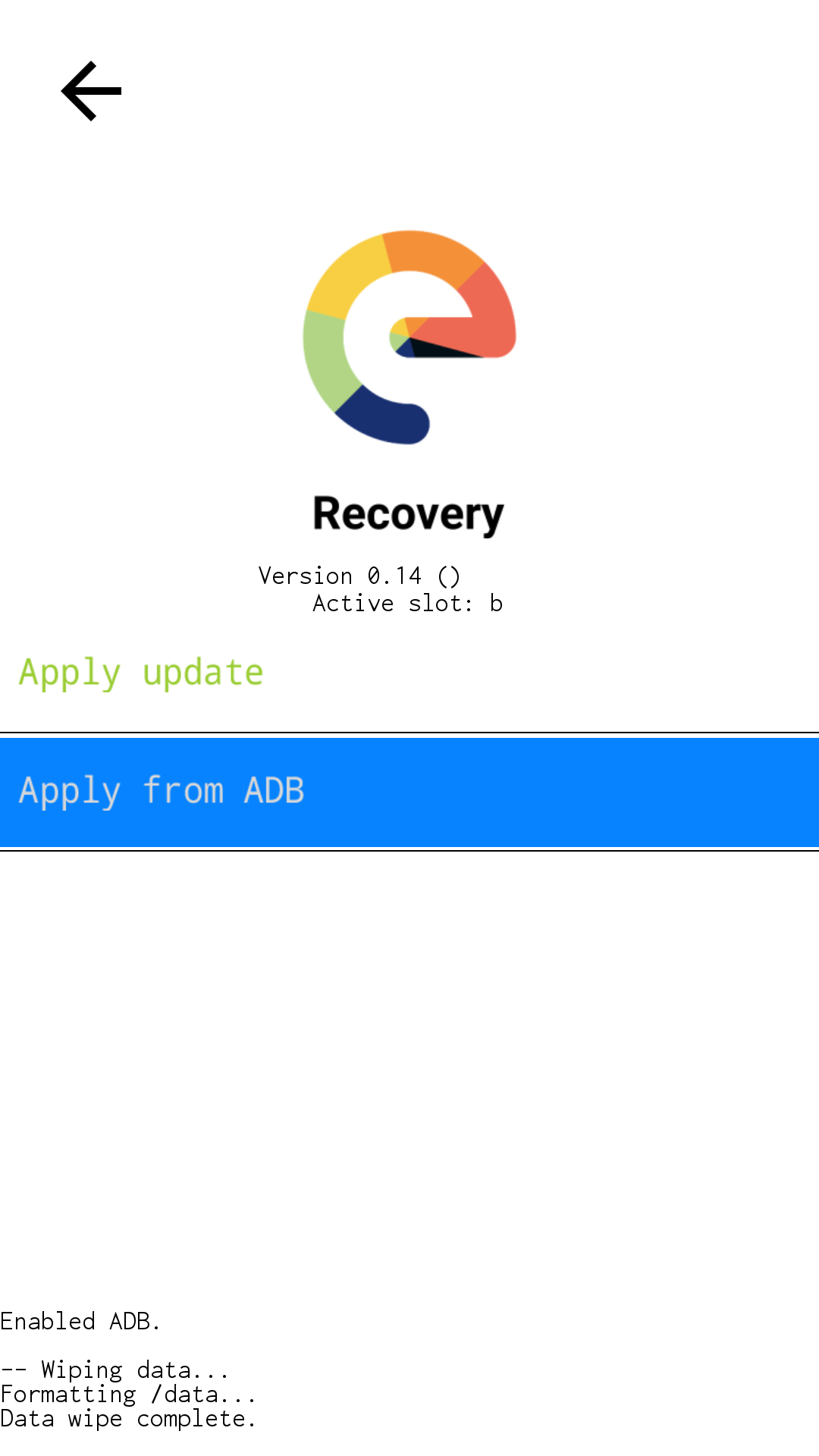
The screen should now change and the output at the bottom ask you to send the package from your computer.
On the computer,
Open a terminal from the “/platform-tools” folder,
issue command to sideload the latest /e/OS-T installation zip.
adb sideload e-2.4.1-s-20241008439849-official-star2lte.zip
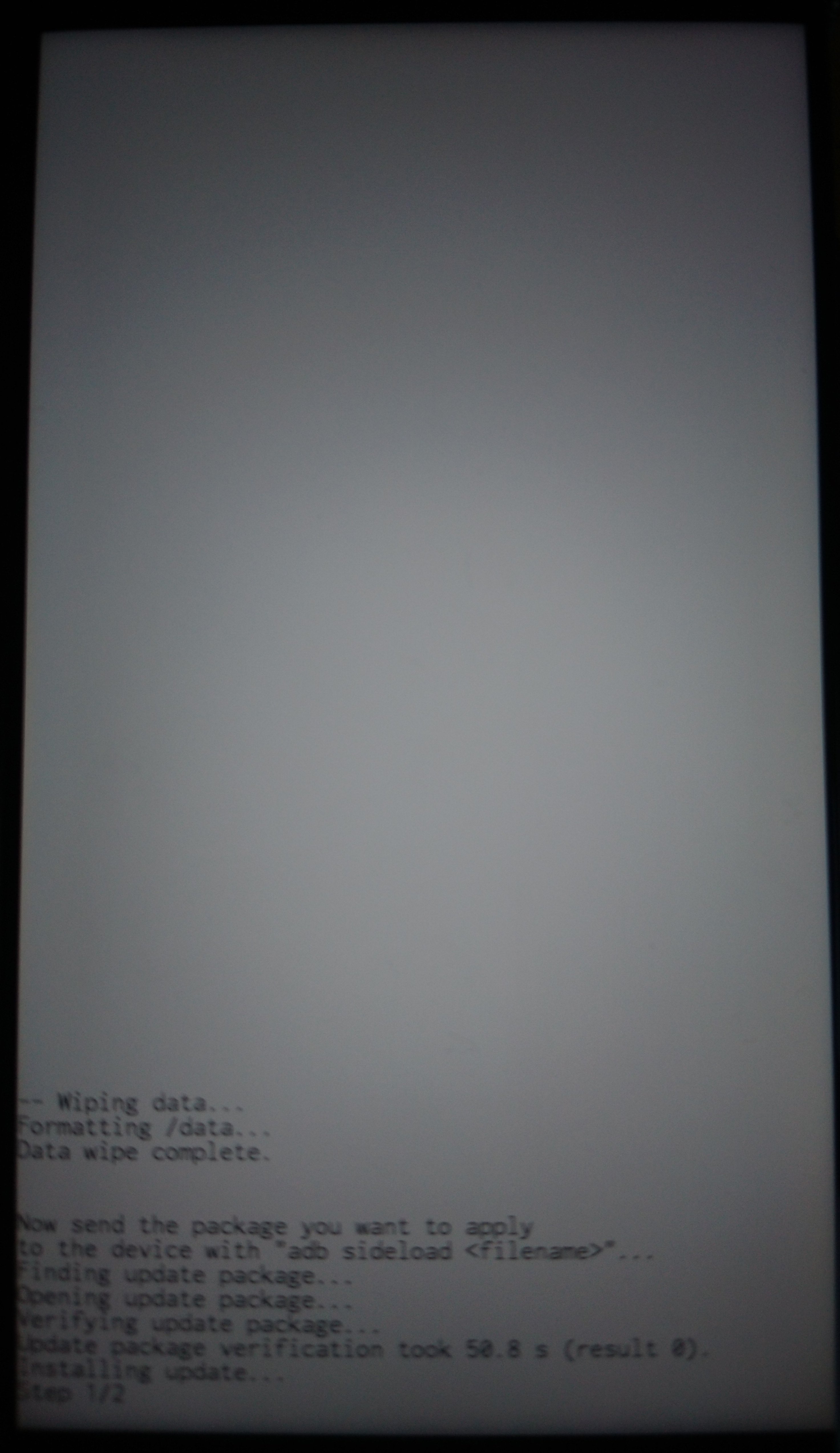
the phone screen will be mostly blank with just the output at the bottom showing progress.
(Do not take attention to the wipe related things on the photo !)
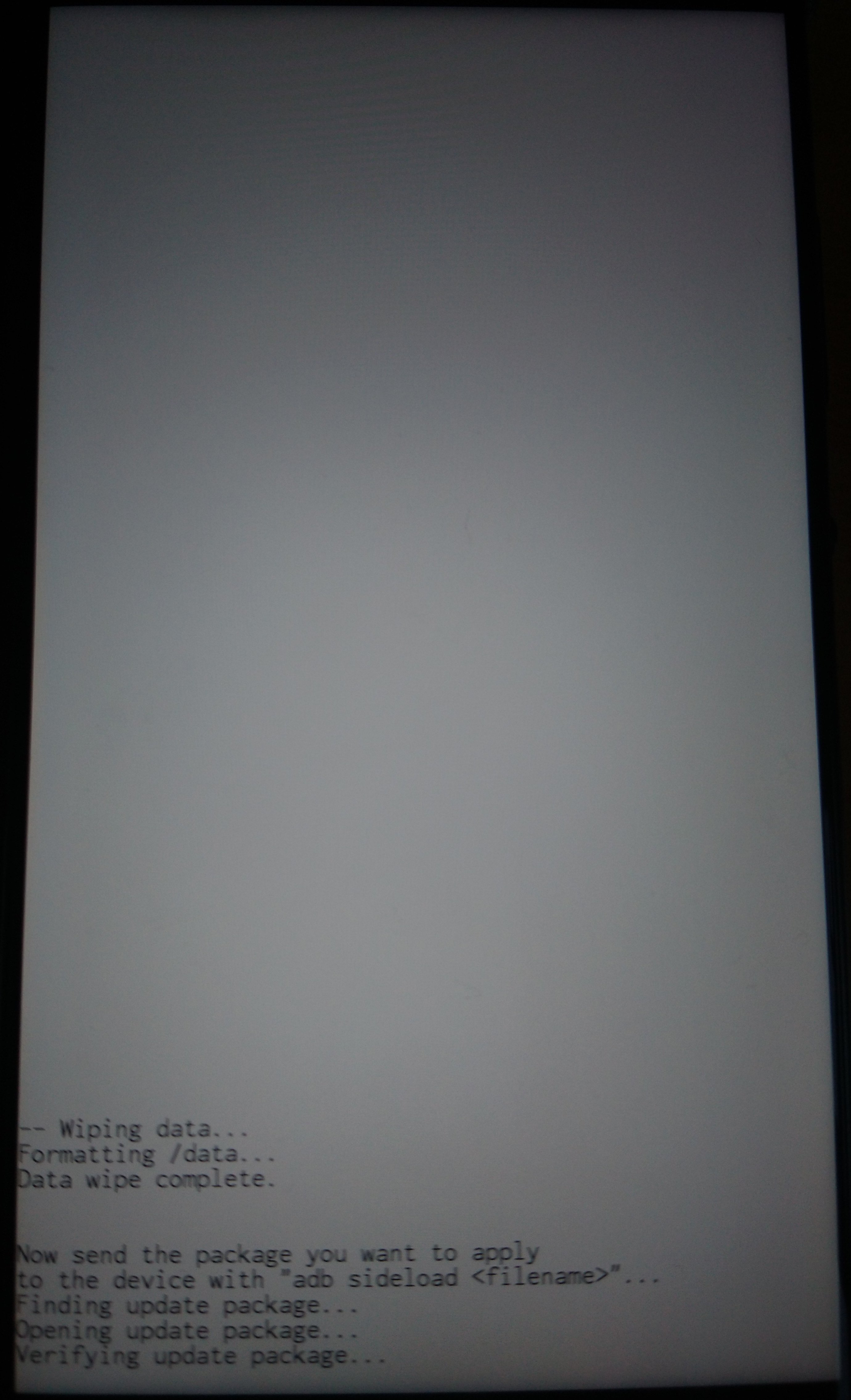
On the computer the sideloading shows progress as a percentage figure that will stop at 47%. The phone will still be installing though (even though it might feel like nothing is happening sometimes!) and you can expect to see the following screens (excepting the wipe related things)
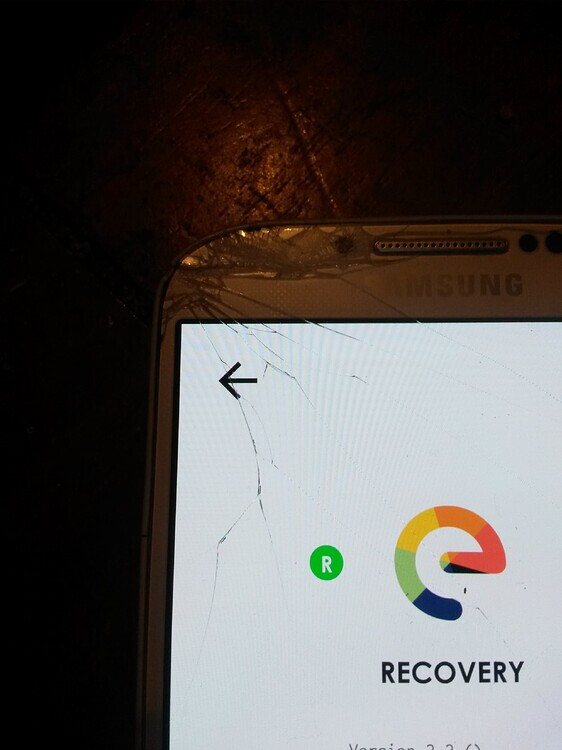
Then press the arrow at the top of the screen to return to Home Screen
Tap Reboot system now to boot into eOS.