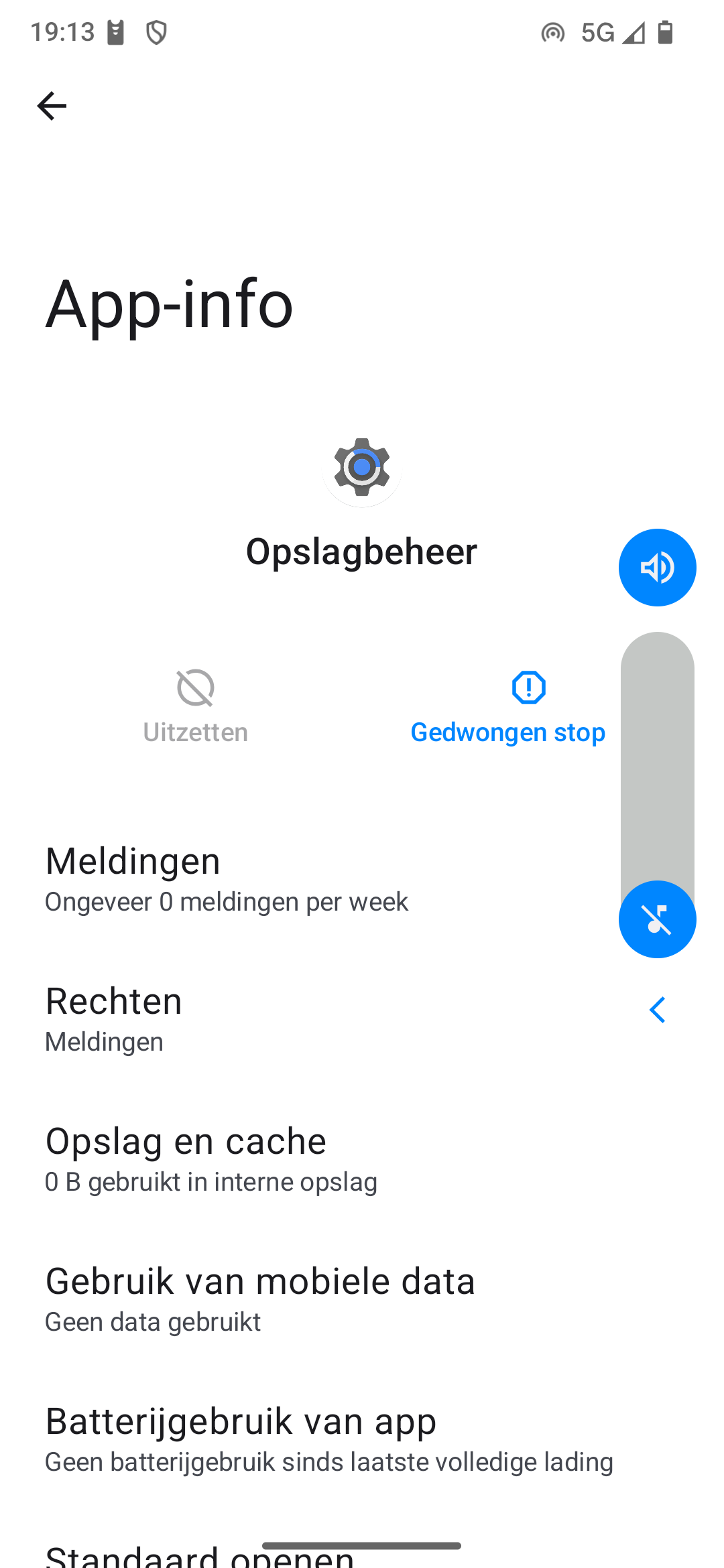
I went into Settings, Apps, “App Lounge” and cleared the entire storage of the app. Then i tried anonymous login, but nothing shows….
I wish to update Signal that cannot be used for a couple of days by now.
If i try: “categories”, it states it cannot connect and that i should check my internet connection. But my browser works fine.
That is quite old, containing the date 20250109, January 2025, and App Lounge came on a lot since then. It will be unlikely to work correctly.
The challenge now is to find why it didn’t update.
FYI here are the builds published since (but do not try to download and install any of these, they are Fresh Install with Format data builds, identified as such with prefix IMG-).
If no updates are showing in the Updater please try this:
Settings > Apps and notifications > See all … apps > 3 dot menu top right > Show system > Updater > Storage & cache > Clear storage | Clear cache
(Updater is Mises ä jour du systême aka Gestionnaire de mise ä jour aka org.lineageos.updater)
Restart the phone and tap the Updater Refresh button quite a few times. If you get a list of updates, install the latest (no need to apply the updates incrementally).
Only if the above has no success
From the already linked thread @piero offered this advice
You are in a similar position, but you don’t have to change Android version.
You just do a manual Local update using official source Builds – Django REST framework and choose and download onto the phone the latest build which shows on the line reading
The reason that trick might work is that “something like” an update was offered, something else happened, the process got stuck, and the Updater app becomes unresponsive. Clear storage in a system app (even if it measures zero) is the nearest we can get to “uninstall and reinstall” the app to restore functionality.
The original fail, if you had an update in January 2025, I suppose happened ~February 2025 unless perhaps the phone was new at that time and you never had an update (??).
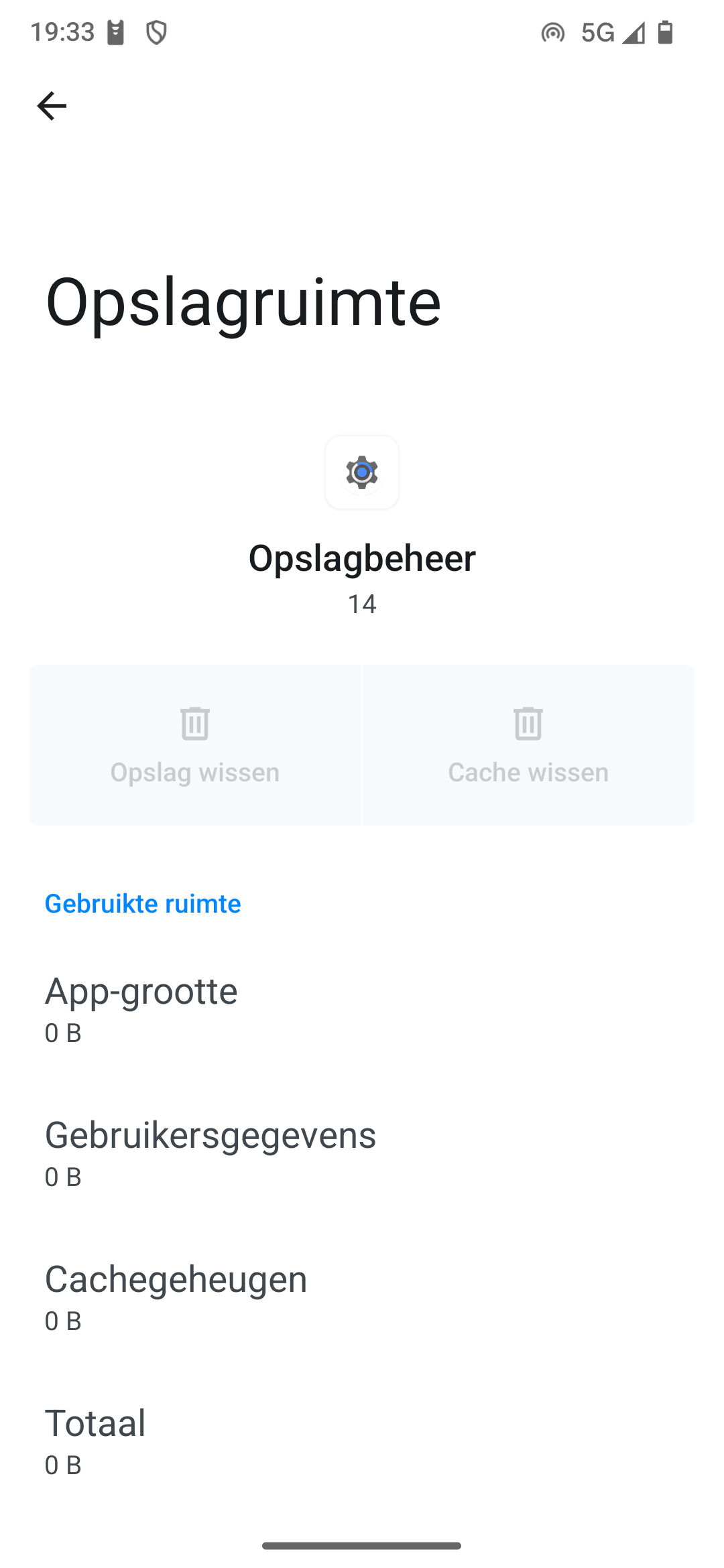
Just to establish that you do see the equivalent of my image in Post #8 (where ofc my image is of the centre of the screen only) but the required option is greyed out. Are we agreed so far?
If yes there may be a more serious problem at build level with the Updater app.
Later edit Also is unusual to see
as this seems to imply that the Updater app itself is zero size
Was it purchased from Murena? or self installed? Have you had successful updates in the past?
I guess your options now might be to use the Murena Contact Us for advice / support, or to consider whether you would attempt the manual update I outlined in my first response.