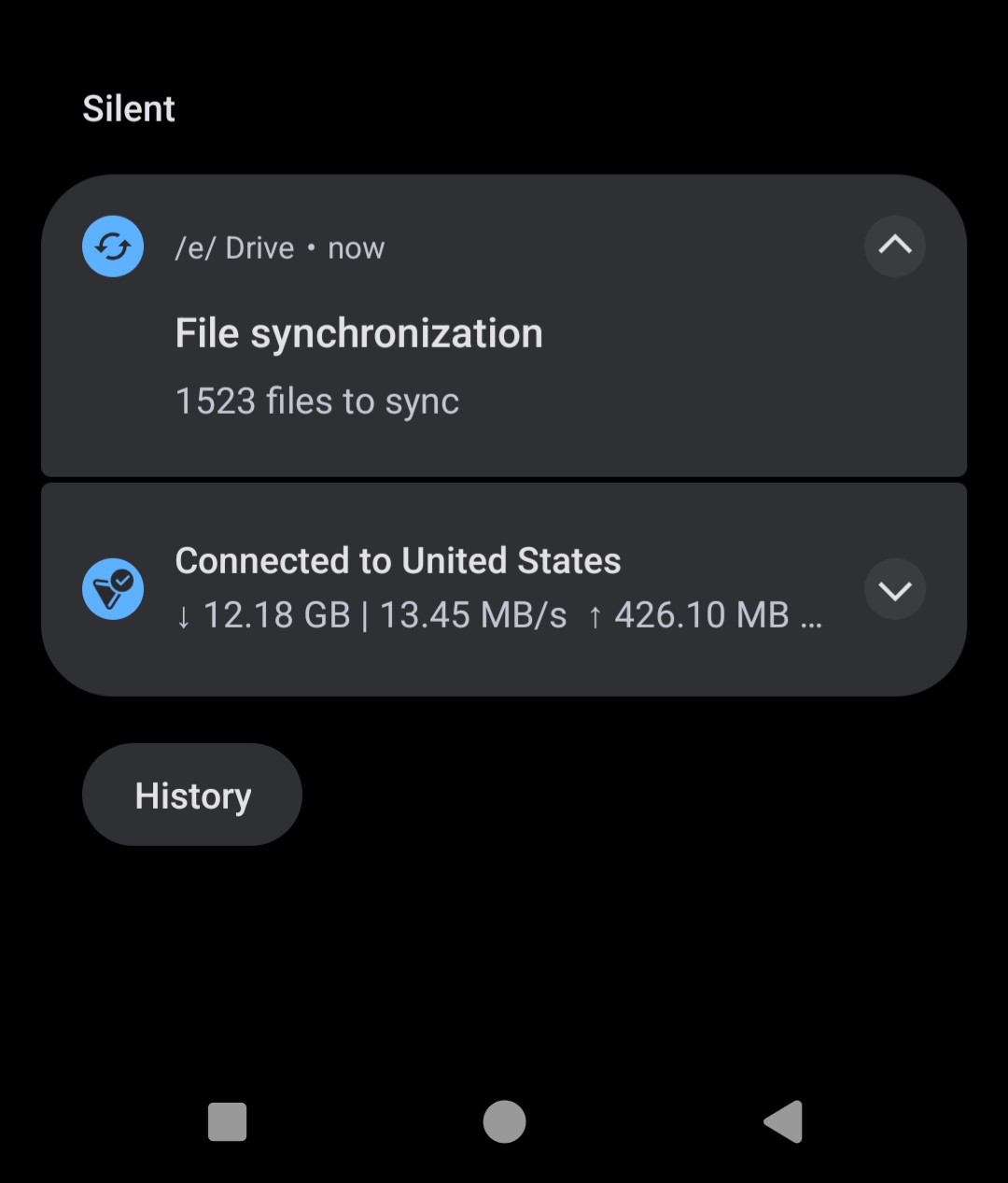
File sync works just fine using Nextcloud Files app on computers (I use both Windows, Mac, and Linux) but not my phone for some reason?
It alarms me that my photos are not being backed up as this was part of the appeal of moving to Murena cloud and e/OS in the first place. If anything happens to my phone, I am a photographer and want my pictures specifically backed up. I am also paying for file storage that isn’t working how I assumed it would.
Would really appreciate any an all input on this. If I can’t find a fix, I might consider Proton Drive or secure file storage another alternative.
I removed my Murena account from my phone early this morning then re-added it.
For reasons unbeknownst to me, it began syncing a few hours after I removed then readded the account. Looks to be working now! Will continue to monitor it to make sure everything comes through
I wonder if it’s the same as an expired oauth token - but those users get an error message. A bugfix for this arrives afaik in v3.1 to not needing to remove / re-add the account manually.
(Certainly doesn’t help that the sync menu shows a recent “Last synced” for Files without an error)
I did at one point sign up for beta updates via the release channel but then disabled that when the next stable build came out. Not sure if that makes a difference.
if I’m not wrong putting you into that error bucket, by the time your newly issued token (by re-adding the account) could expire again you’ll be already on a v3.1
Will give it a few and see if the sync decides to take. I noticed after removing then re-adding my account initially the sync would eventually kick on after about 1 - 2 hours. Probably will check the status in the AM.
Thanks for digging into this! I feel less crazy knowing it’s a known issue and someone is actively looking into it.
fyi, I’m not actively digging into this, but mossroy comments in the linked thread are instructionable, as in what other commands you can try and what you should see by the worker processes. Stubbornly I still think it’s session related, and things will be better in v3.1
originates here - a AM / davx5 sync task that failed too often. This is not eDrive directly. It should show which account entry it’s assigned to in the notification (setSubText(account.name)). I’d remove and re-add that account then.