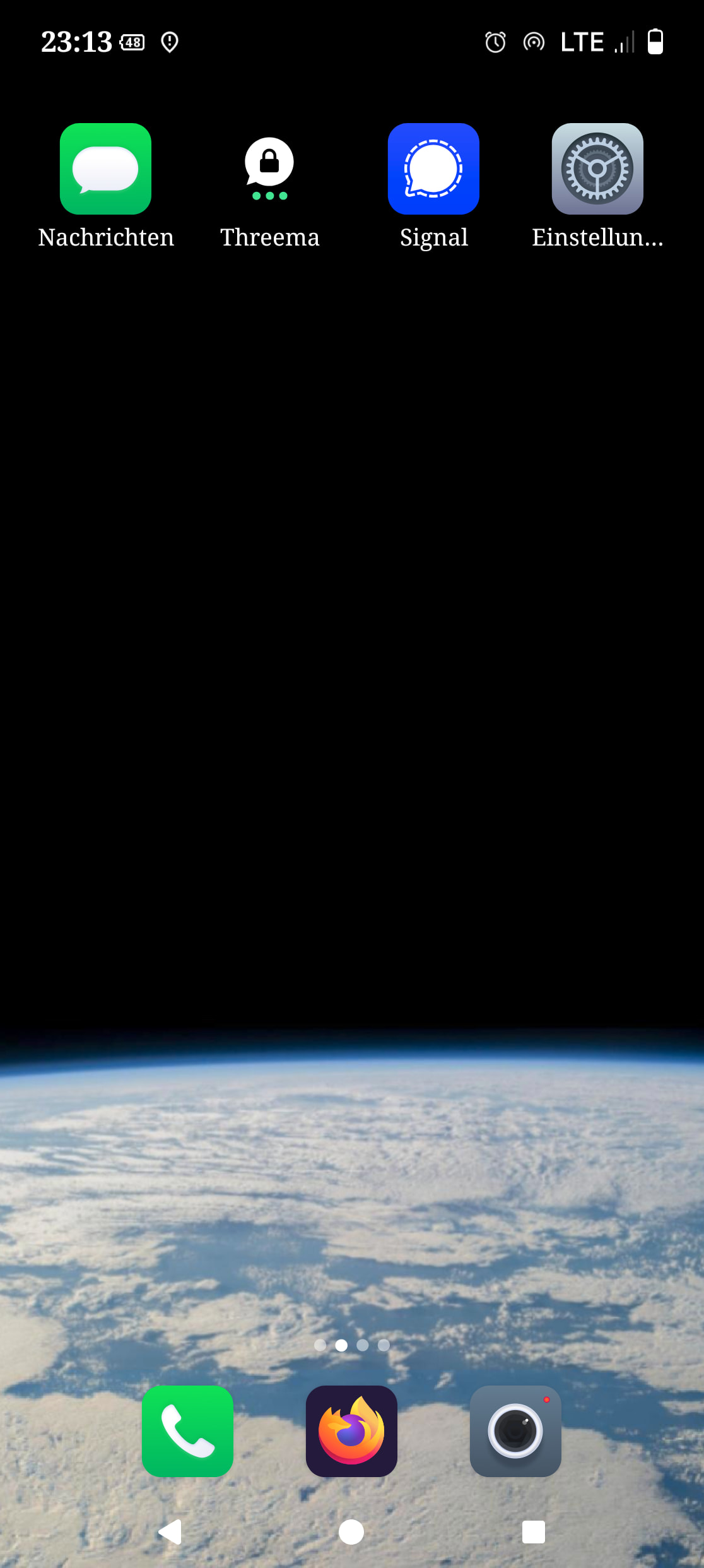
So now I have switched from FP3 to FP6.
Package manager and SMS backup helped a lot, as I have nearly all apps back and all my calls (some 800) and text messages (some 2.500), too.
Great.
Since there exists in fact no manual for it, I wonder a few things:
what is the difference between the two camera apps?
where do I find my old background in the backup of FP3?
how do I get Signal uninstalled (as it doesn’t update or produce or reads QR codes anymore in order to reinstall it)?
The original background would have been chosen from an image previously accessible on that phone. It became the background by means of a symbolic link. Traditionally sym links do not survive the type of sync used in a backup.
Do you have clues in your memory the source of the image used?
One of these is the /e/os default camera app, a fork of OpenCamera. The other is Fairphone’s native FP6 camera app (the same app as on standard Android OS Fairphone 6 devices).
Well from (old phone) Wallpapers and style > Change wallpaper will open a choice of gallery apps … but you would , I guess, still have to remember where you chose it from originally.
There are “On device” options or photo; I have the Gallery app Ente which happens, in my case, to make searching thumbnails reasonably comfortable.
Yes.
The native camera App of a device vendor should (in theory) offer superior photo quality compared to OpenCamera, or certain options OpenCamera doesn’t have. Users tend to want to have the native App, even if only for comparison, Murena and Fairphone delivered.
I went through the complete backup, tried *.jpg,then *.png and found lots of my own pics and nothing like I was looking for. The background gfx don’t seem to be saved as files anywhere in some directory.
In settings you can choose a different pic, e.g. from your’s, but you cannot export the current background.
Then I figured that a workaround might be to save it by the way of a screenshot.
Voilá!
Not yet as I really liked it, anyway:
So, meanwhile Signal works too, after un- (Settings → Apps → Uninstall) and reinstalling it.
Getting increasingly better used to the different button location and experiencing a much better network reception (5G), I’m beginning to enjoy.
Just a few issues so far that are to be taken care of (Matrix doesn’t work properly e.g.), and I will miss the LED for another while.
Does somebody know whether it might be possible to show the percentage-numbers of the battery capacity at the top of the start screen (what was the name?)?
You often suddenly realize that you forgot, how to solve a reappearing difficulty when it appears again after years. Additionally it doesn’t help that different Android-versions also have different features implemented or even not, as I switched from v13 to v15.
So, after failing to get woken up smoothly, I found another question: Is there any chance to get calls as well as the alarm in a slowly rising manor?
So, this is really wierd: I found the Option for the “Gradually increase volume” in Alarm → Settings, but there is no such option for calls in Android 15.
Also I wonder where the option for long screenshots went - it is still available in the stock FPOS, but not on the e/OS.