Installed the latest version (3.1.4) on a motorola one vision and it works pretty smooth. The only thing not working is the hotspot.
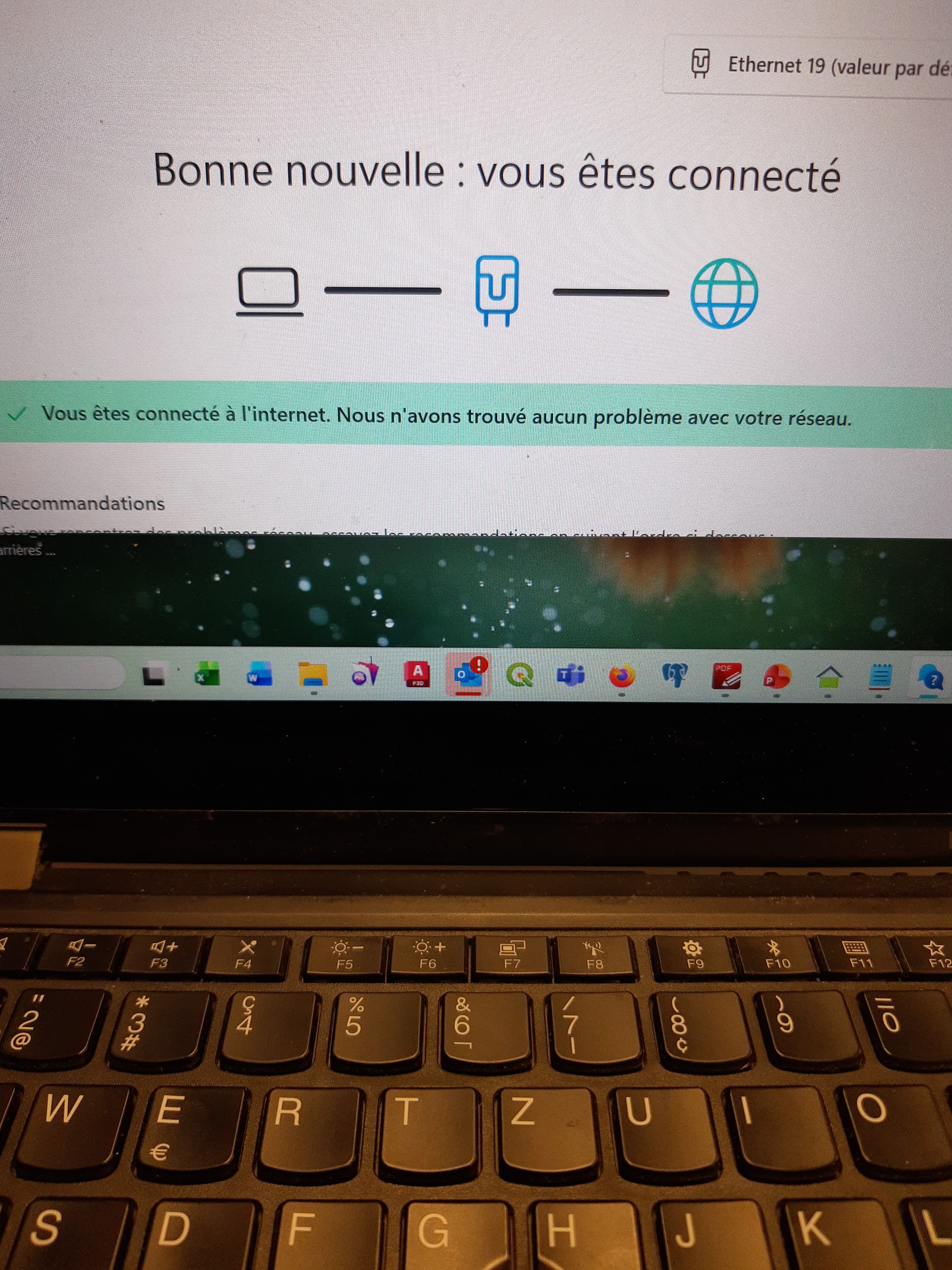
Actually, in the beginning, it sometimes switches automatically off. After switching it one, it then seems to work. I can then connect my computer, but the internet is not working. Tried switching security mode (wpa2) but when switching it stucks on “charging”. If I close and then go back, it switched, but the situation did not change (no internet on the connected computer).
Tried disabling privacy features and switching from 2.4 to 5 Ghz, but did not succeed. Any ideas?
Updated to 3.2. Same problem. Tried Usb tethering. Same problem. Collection is established, but no internet. Seems to me a problem with the VPN of advanced privacy. Tried switching Use VPN fr connected devices on and off. No result.
For Advanced Privacy I only use Tracker block, if you you IP masking that might cause problems for internet sharing (it also causes problems with App Lounge and certain app downloads, not sure I remember correctly). From your comments I don’t understand if you tried to turn off IP masking and Advanced Privacy or not
Allready disabled everything. No result. Then forced advanced to stop, same result. And internet works perfectly on the smartphone itself, so only disabling manually does not solve anything.
And I never used IP Masking because it really slows internet down.
So I tried using tethering and Wifi on the phone and it worked! Contacted my mobile contractor for asking if maybe the apn of the sim card is badly configurated and they will send me a new SIM card right away. I will keep you informed when the new card arrives.
I installed a new SIM Card. Same result. Then I tried the same SIM Card with my Samsung S9 (which has e-os 3.2 installed, but battery problems) and it worked (tethering and hotspot).
So I conclude:
Hotspot/ Tethering with e-os 3.2 works on Samsung S9
Hotspot/ Tethering with e-os 3.2 does not work with motorola one vision
I will have to go back to stock Rom or use two phones then.