I’ve just received a second hand OnePlus Nord model AC2003.
Before messing out downloading a firmware update on the phone, I unticked the automatic install while the downloading has already started and it resulted in a firmware upgrade ready to install, but let’s hurry up to wait before proceeding !
So first, as i’m new to this brand and model, lets get some reading and basic testing :
If it wasn’t difficult to find out how to power on the device, powering it off was a bit more tricky !
I’ve ended with the long vol up button then power button. Let me know if there is a more straight way to do this.
Then I try to boot in recovery. I followed the guide to learn how to do this on this device and it worked, but there isn’t any useful info here.
After that, I tried to boot in fastboot mode, again, OK.
But I then read this :
Product_name : lito
and I think to myself, what have I bought ?
After further reading the internets, I realize it was a reference to the chip, shared with Billie model (OnePlus Nord N10 5G).
Can anyone confirm ?
For now, I’ve charged the phone up to 100% and it rest 24 hours to check ether the battery leak or not.
Let’s get back to work With another second hand Avicii, in poorer condition and also bought cheaper : it’s perfect for trying, no fear of loosing !
But let’s try to do things properly :
Current OS version : OxygenOS AC2003_11_F.12
downloadable version : OxygenOS AC2003_11_F.14
Both are Android 12, should be OK
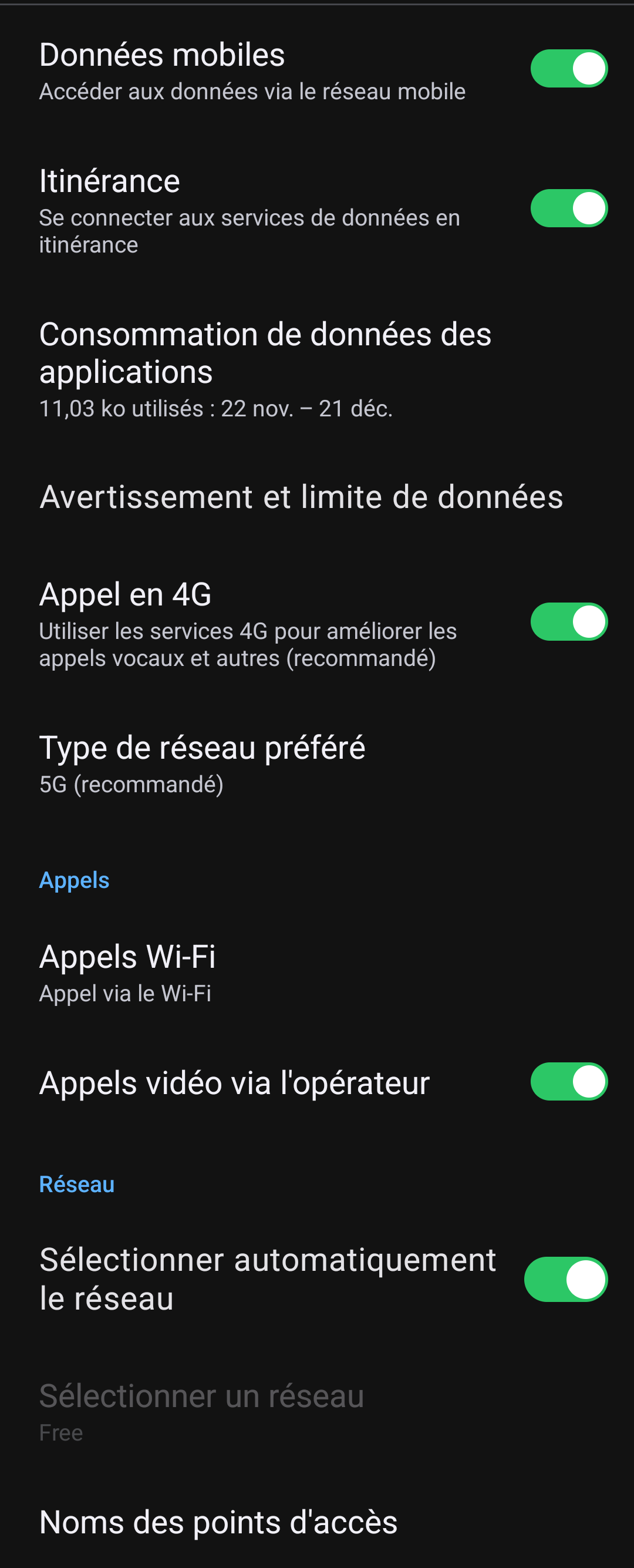
Make sure that you can send and receive SMS and place and receive calls (also via WiFi and LTE, if available), otherwise it will not work on /e/OS as well. Additionally, some devices require that VoLTE/VoWiFi be utilized once on stock to provision IMS.
I’ve been checking with the help of this ressource Article : How to Check for Working VoLTE Calling on Android | Medium
My result is that with my data sim card (French carrier FREE), the VoLTE is enabled, calls and text are working.
I did briefly check this previously, you are quoting product name but all installs are fundamental to device codename which you can check. Some further links in this guarded reply. Unable to install /e/OS on OnePlus Nord - #6 by aibd.
Thank you for those answer.
Indeed, it seems that all is normal, as your research tend to the same conclusion as me. And also with a visual exemple in the post pointed by aibd.
I will confirm with adb shell getprop once the 24 hours rest is over.
Do I understand correctly that the fact that the latest version is now 3.1.1 (instead of 3.2) does not mean that avicii will not receive further updates? It merely means that we should wait a bit until the development and testing for A14 for this device is finished?
I’m just a bit puzzled that the 3.1.1 version is available on A14 official already.
Last week I found a second hand Nord avicii at an online marketplace. It was really straightforward to put /e/OS official on it.
But unfortunately the phone doesn’t see any wifi-networks..
After that, I managed to revert back to stock OxygenOS and tried again after thoroughly testing WiFi and LTE (did that too after unlocking the bootloader). Same result..
So, as far as I now, I did everything to make it work but Wifi-networks can not be found. I tried a few different versions of /e/OS official and community.
Does anyone know if it is possible to only flash the partition that is containing the firmware for WiFi? I’m getting a bit tired of going back and forth between e/OS/ and stock without getting anywhere.
It turned out that the phone actually wasn’t on Android 12. Although I had installed all OTA updates A12 was not supplied by it. I had to install it using the local update feature.