Open Camera vs. Official Fairphone App

I find Open Camera to be the superior app to the official Fairphone app on 2 counts;

  1. Clearer pictures. The standard Camera Fairphone app creates noise around images taken:

Whereas the open camera gives cleaner results:

  1. Image resolution. There is no way to enable larger resolution resulting in low file size (Unsplash won’t accept anything lower than 5 Mb).

Where the Official Fairphone app does shine is Panorama function, and continuous rapid capture, no panorama option on Open Camera and continuous shot very clunky which can lead to the capture of a blurred image.

Regain your privacy! Adopt /e/OS the deGoogled mobile OS and online services

The OpenCamera port has two known major problems:

  • the noise reduction algorithm is not very sophisticated and allows the user just to select “a level of blurriness” he can still accept
  • the algorithm for finding and sharpening edges creates artificial bright structures which are not in the original picture

Both effects are to be seen in your first picture. If you’re not sure about the second one have a look

  • at the white body under the black collar of the magpie or
  • at the left side of the magpie’s tail or
  • at the right side of it’s head or
  • at the upper and the bottom side of that black branch going from the tree to the left.

In many cases you get better results using another camera app.

See also here and here.

I would say both photos are of poor quality ;- )

So which external app do you recommend? I had the best experience with 1+ 3 which deteriorated with 1+ 3T in respect of tearing with their 360° function.

I use mostly one of the Gcam port availaible here. I have also still FreeDCam installed but this tends to rather dark pictures.

Thanks but I see it needs Google Photos to be installed. Think I will stick with what I have got but thanks for the suggestion.

Of course not. I don’t have any Google crap except this Gcam port. It works great with my Aves as gallery. BTW: the Gcam port also safe, I had not a single request of any external server from this app in three years (RethinkDNS would have recorded this).

3 Likes

It’s just what is stated as an advisory on that page you sent the link to. Just trialling Secure camera from Graphene OS from the App Lounge. Looking good so far.

This seems to be the latest topic on the /e/ camera replacements, which makes it of interest to me.

In this app, is pulling the options the only way to zoom in and out or am I missing something? I’d like to think the latter but then there’s this issue on GH

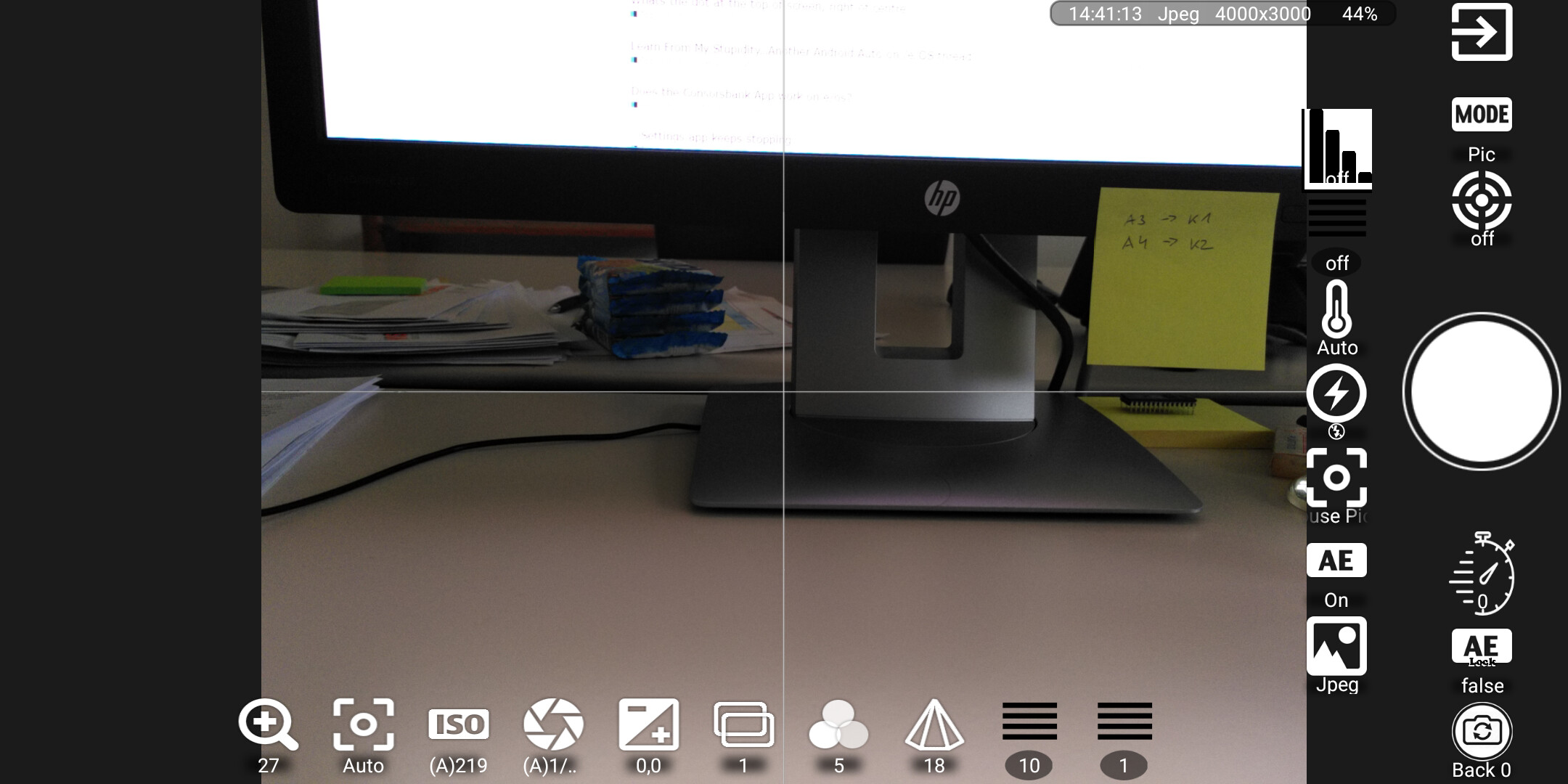
When you want to take a picture and you swipe from the bottom upwards you get some additional icons at the bottom. The left most icon with the loupe and the + allows “zooming”, when you tap on it you get a scale with numbers, you can select how much.

But one thing is clear: on the very most devices this isn’t zooming at all, it’s just cropping the picture. I never used this for anything.

FreeDCam seems regrettably to be dead. No updates for years.

1 Like

Thanks, yes, that’s what I meant. The lack of ‘pinch to zoom’ is basically an automatic disqualifier for me. (Even if it’s faux zooming, I still use it a lot because I don’t normally post-process photos in any way – I crop them like that on the fly and use as is).

1 Like

This topic was automatically closed after 90 days. New replies are no longer allowed.