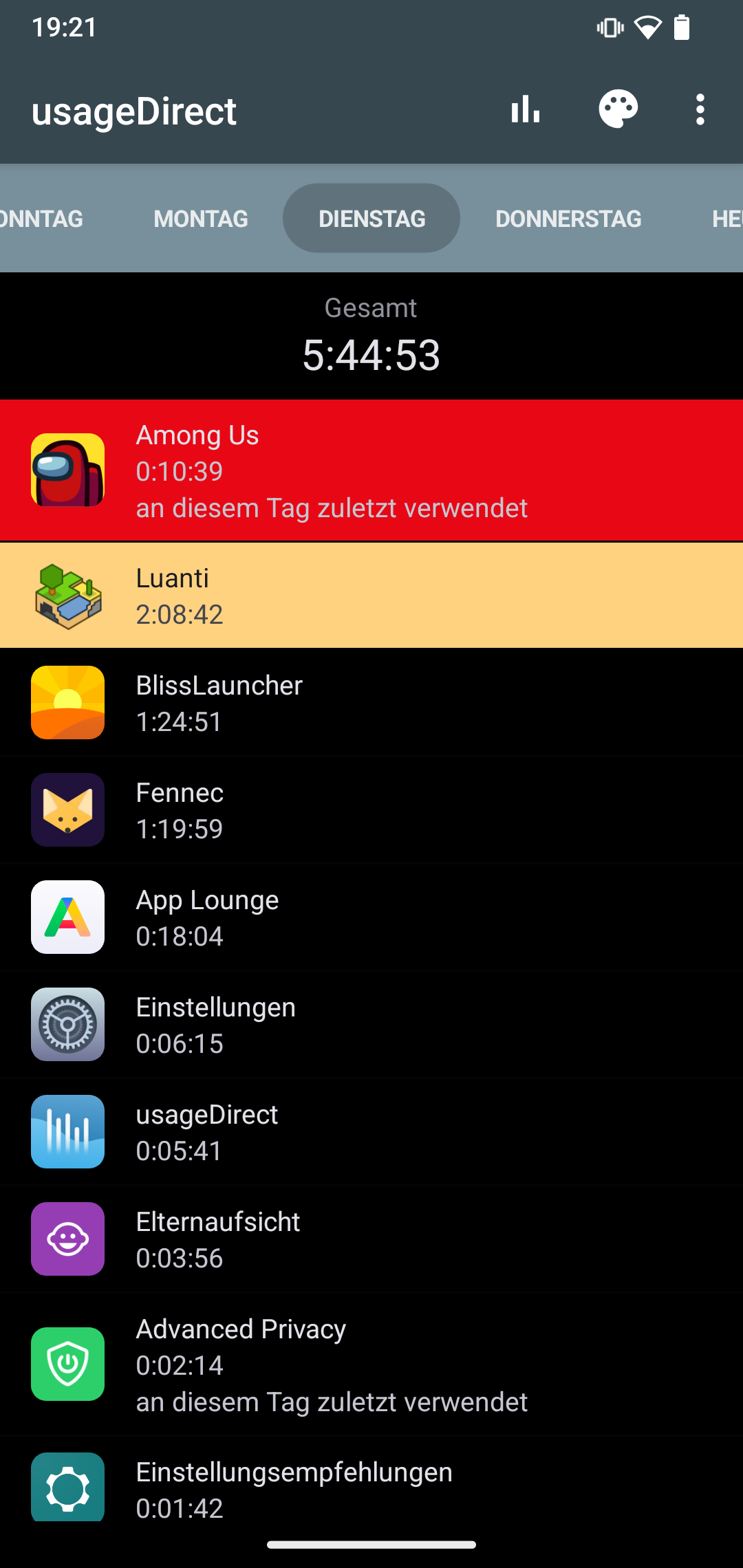
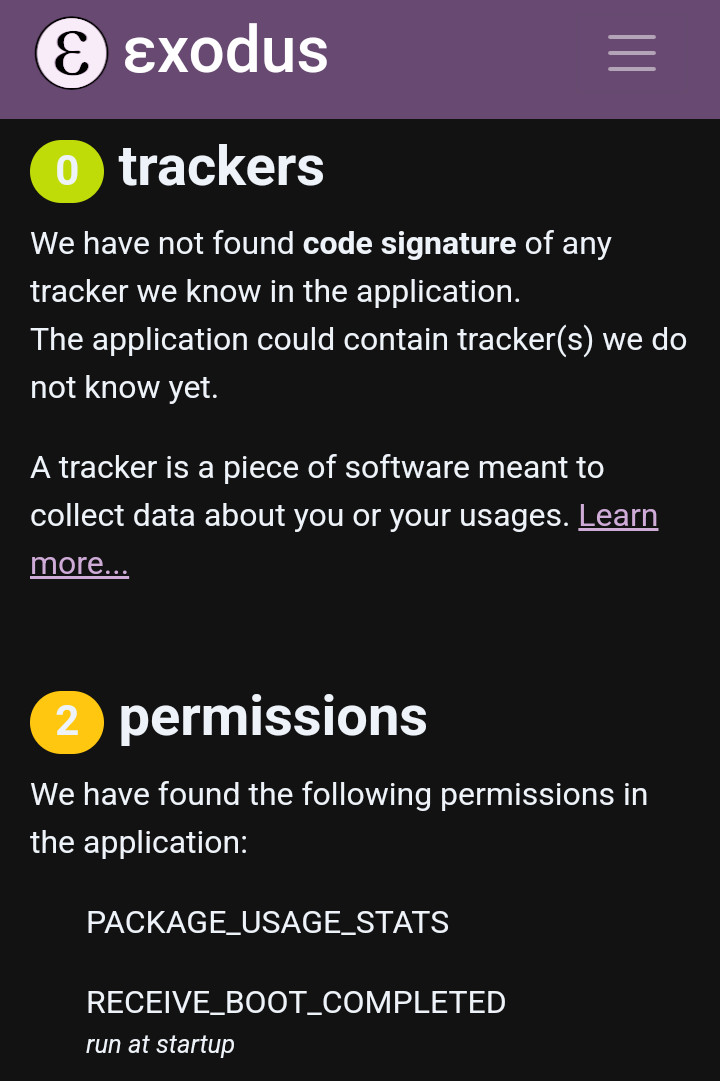
from the initial setup of parental control but “Screen time management doesn’t work”. Removing parental control and setting it up again with a screen time limit of 1h does not work either. I set the screen saving yo 30 minutes and just waited at least two ‘cycles’ or let the child play and watch videos for several hours.
Is it broken or known? Cant find anything here. How to resolve this and how does EOS screen time limit work in general?
there was a bugfix on screen time count that imo made it into 3.0.x versions, so either this didn’t land and v3.1 will have it or the fix was incomplete. The feature is pretty new, give it 1-2 releases to be ironed out. If you can mention what App you ran it probably helps the devs
With regards to TimeLimit it could be a perfect companion as of now as the restriction of installing apps works and limiting app usage like games, browser, social media … could be a better solution than a global screen time limit. We will see.
The upgraded parental control feature seems to be unstable.
Once set up and locked, it works for approx 24h (screen time limit, apps greyed out)
After that it deactivates and stops working, until deactivated/activated again, working for another day. Unfortunately very unreliable.
Yes, parental control has been used on the phone before updating to /e/OS v3, in case thats important.
Any solution for this?
"
I gave Timelimit.io a try before eOS 3.x
it has its own flaws and seems to be hackable if not set up correctly.
Nature will find a way…
I am on 3.04 with fp5 (fresh install with parental control) and a bit “surprised” that while I can lock / unlock newly installed apps (grey out) - whatever is newly installed from the app lounge is per default allowed! (default should be banned!) - does anybody else have this issue ?
Also I cannot grey out the app lounge itself…