Today I read Magic Earth has added a form of premium functions where you have to pay for. Not the end of the world, 14,99 euro and now only 6,00, but what will this mean for the maps function in /e/os? Will we be able to get this premium functions, or will we have to install magic also, having twice the same app?
Maybe this helps…
3 Likes
traffic cata (congestion, etc.)
Are we going to get this update somehow?
I had the update on my herolte but maybe not through app lounge, aurora instead.
I recently updated Magic Earth through aurora. It’s gone, that is, it is replaced by an app called “Karten” (German word for “maps”), which is, in my oppinion, completely useless unless you pay for it. As I do not want to pay, I’d like to remove it. But that’s not possible, because it’s a system app (or whatever that is called). Is there any possibility to get rid of this app (or to replace it)?
1 Like
2 Likes
I cannot reproduce this, so maybe research a little deeper. For me (in German language) Magic Earth is still so named.

Can you research in Settings > Apps > All apps (if necessary > top right 3 dot menu > Show system) the name of the “problem app” vs Maps.
Might you have installed this or another?

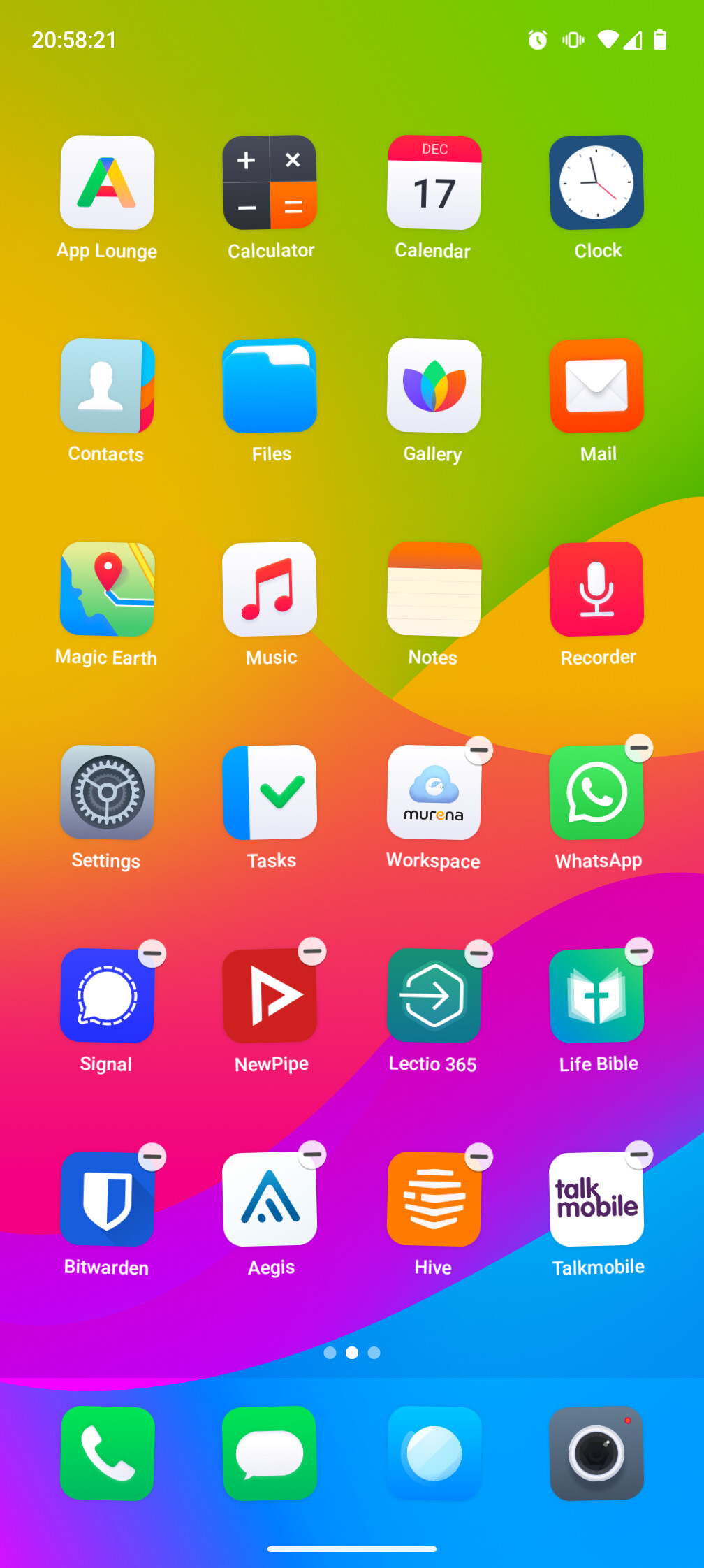
In this list it is still called “Magic Earth”. In the launcher it looks like this however (bottom right):

Since I wrote I now see (in my copy of Aurora Store) Magic Earth started to use that icon.
I cannot explain how that icon replaced the /e/OS Maps icon. Are you perhaps using a beta /e/OS build?
Perhaps a reminder to set Aurora (and App Lounge) “Don’t check for updates for apps from sources other than Aurora” and don’t allow automatic updates.
I would expect the next update to reinstate all system apps.
I emailed Magic Earth support about the new pricing concept and their reply included
Magic Earth now operates on a Freemium model. Core features remain free, while advanced features such as offline maps, traffic-aware navigation, and some terrain/satellite layers are part of the Premium subscription.
For more details on what’s included in the Premium subscription, please visit Magic Earth Pricing
I also updated Magic Earth thru Aurora on my spare testing device which also uses builds from the testing channel. I wanted to test what happens when I update to v3.3. And the Magic Earth from Aurora was not replaced…
Even though I also have German languge it never showed for me as ‘Karten’. Tried even other Launchers than Bliss since there is no App Drawer.
1 Like
Strange. The app details say, it’s version 1.0.0 from com.generalmagic-magicearth. Installed from Aurora Store.
PS: There was now an update available. I updated. The icon changed back to what the usual icon was, but the name is still “Karten”. And version number didn’t change.
In Aurora Store, manually download & install version 2025122009, then blacklist the app.
4 Likes
This has been mentioned elsewhere. I now see that the current Aurora Store available .apk, in the description includes
version 7.1.25.xxx → 1.0.0
com.generalmagic.magicearth

Hopefully the /e/OS system app will not include this “update” as is predicted by @mihi’s test.
There was no statement /e/OS team would do it, also nothing in the release notes about it.
I forgot to check the version of Magic Earth after I reseted the device… I’ll edit it when I am home again
How to blacklist the app from being updated? I only see how to deactivate automatic update.
I just updated “maps” through the app lounge and it updated just fine. Versions 1.0.0 and the icon on bliss launcher remained the same as before. Oops!
It shouldn’t be possible via applounge, I guess you updated before with Aurora?
Nope. I fresh installed eOS yesterday. I searched Magic Earth in the app lounge and pressed update and it worked.

Just tried myself, it won’t update in ‘updates’ but if go to the right spot you can choose update…