Hi.
I’m a long time user of /e/ OS and had many phones running /e/OS. Until recently I was very interested in installing the latest builds as soon as they were available, however lately I wanted to wait a bit more or for various reasons I didn’t want to risk getting bugs (for example if I was away from home).
My daily driver is a Oneplus 7 Pro phone running /e/OS4.0-a16 and the only available update it shows me is the /e/OS 4.1.1 that was released July 18. I would like to upgrade to 4.3 which is available for quite some time now, but I don’t want to go trough 4.1.1 → 4.2 → 4.3 . That would be a completely unnecessary waste of resources first for Murena bandwith ( I would have to download 3 times the ISO) and also a lot of time wasted installing something that is not going to be used.
Can something be done about it? I can use the local update but many people might not know how to do this.
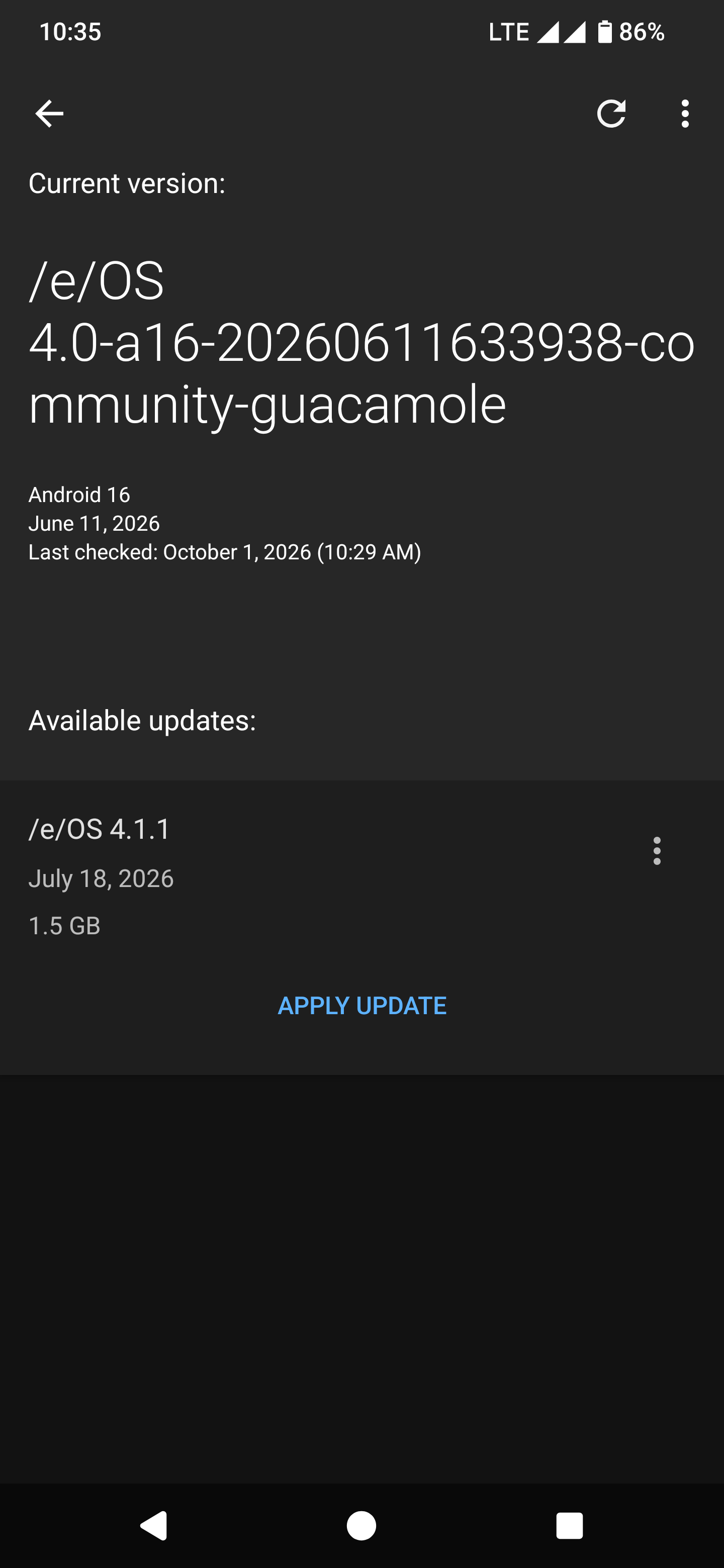
On my phones running iode OS I don’t have this problem. It’s also possible that on other of my phones running /e/OS more updates are appearing but I have to double check.