Thanks for clearing that up.
However, for understanding as well as for avoiding confusion and unnecessary troubleshooting wasting a lot of users time in the future …
Why is the file available to users while some testing results are still pending?
(Users can install this update file via recovery afterall. That it is available would suggest it’s safe to install.)
Is https://ota.ecloud.global/api/v1/FP6/official/ the OTA update server an FP6 /e/OS updater connects to?
If it is, how can users see that a release delay is in effect while the update file is already available?
If you don’t mind loss of all data, you can do an upgrade from latest A14 (4.0) to new A16 4.1.1 with the script in the manual. Anyway: I have done so with my avicii. Perhaps there is a risk but for me it worked
Could you please look into Android Auto compatibility again. At least on FP5 and 4.1.1 you get an Error 14 again. On another FP4 device with 4.1.0 AA is still working.
Forgive me sounding pedantic, please can you clarify that to use the documentation Edit button users must first ask for specific Gitlab fork permission.
I have updated the content in the initial post. The developers need to put in some more refinements to make the click and start editing feature. For now, it will be ‘send me your gitlab ID and I can get the required access’.
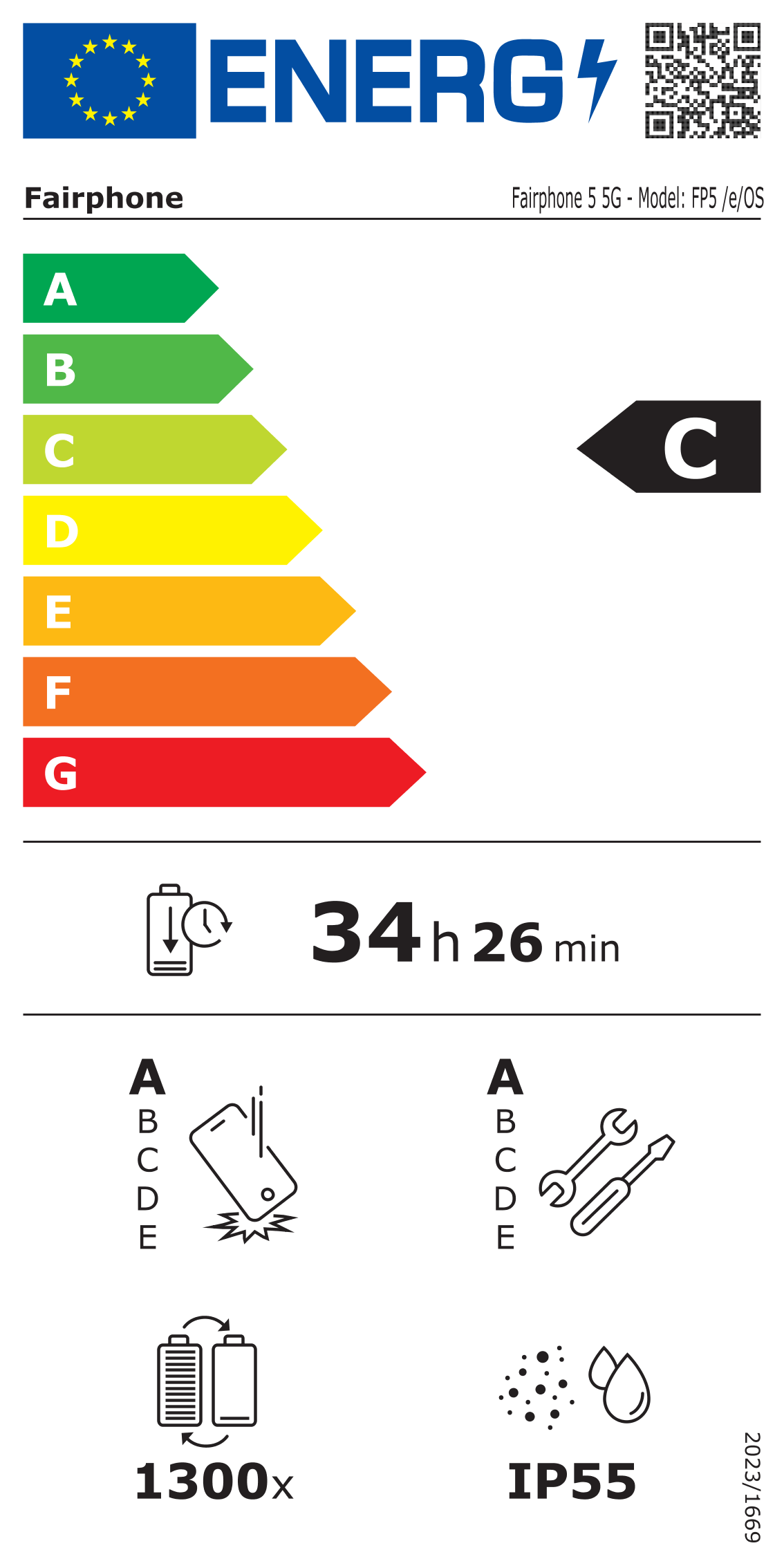
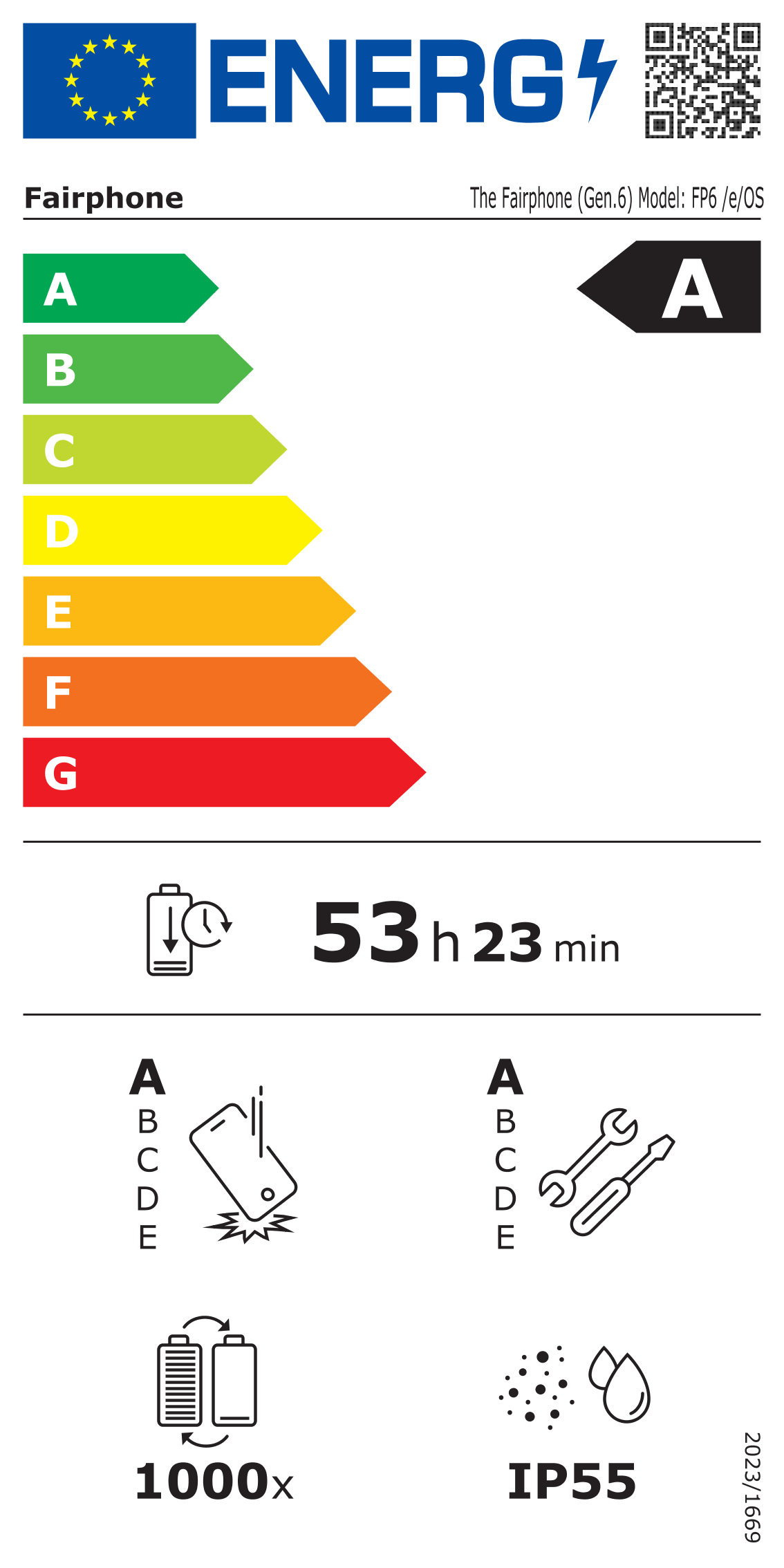
Unfortunately, no. We await an EU Energy Label test results in order to proceed with roll-out for FP6 v4.1.1 build.
These reports are available here. It has been made mandatory recently by for the newer devices we sell or sold. And should go out with each release - major or minor.
The team is working on getting the reports ASAP so that the rollout may continue and also working on a mechanism by which it would not get delayed in each release.
We expect to publish the FP6 v4.1.1 build by tomorrow - Friday after receiving the report.
Thanks for pointing that out @Chris8@olli0371. We do not edit those pages or links. Will pass it to the teams who can update the info on the EU energy label site.
The Murena Shop is where we sell phones with /e/OS preinstalled on them. You can check the murena website and go to the shop link in the tab.
Further information regarding the Murena Shop and services would be available with the helpdesk team which is accessible through the contact form here.

 :
: