The A70 (Samsung Galaxy A70 SM-A705FN/DS) is a wonderful phone with a big battery, great camera, and it’s very affordable!
Any official support planned?
Regain your privacy! Adopt /e/ the unGoogled mobile OS and online services
The A70 (Samsung Galaxy A70 SM-A705FN/DS) is a wonderful phone with a big battery, great camera, and it’s very affordable!
Any official support planned?
Regain your privacy! Adopt /e/ the unGoogled mobile OS and online services
Bump !
Some (re)souces that may help:
Yes, it would be great to have at least a community build, because I’m using this phone as a backup and almost everything works except 3D acceleration.
Unofficial build as I mention works great, but without 3D acceleration (broken stutters), so it would be the easiest build for you. https://community.e.foundation/u/ronnz98 did build (Android 15) for it and most of the things works.
Bonjour,
J’essaye d’installer sur un A70, sans TWRP comme recommandé sur le site de lineage os, mais ça plante avec l’erreur:
verifying update package failed to verify whole-file signature signature verification failed error 21 Installation aborted.
(a70s) ou (a70q) ?
as-tu utilisé le recovery contenu dans le build de ronnz98 ?
A70q. Pour le recovery c’est à dire? Je ne comprends pas. J’ai téléchargé le zip, j’ai installé directement sur le smartphone sans installer twrp, j’ai évidement effacé les datas.
ou celui fournis par le developpeur ?
J’avais tenté avec e-3.4-a15-20260124-UNOFFICIAL-a70q.zip. C’est peut-être ça le problème?
je vois que sur le lien vers xda, l’installation est un peu plus complexe!
je vois plus traditionnelle…
[HOWTO] an Unified Install Guide Project for /e/
You need to unlock your bootloader by enabling OEM unlocking on developer settings, then power off the phone.
Then we must enter download mode by holding volume up and down and then plug in a usb cable connected to your computer. You should see a green screen with instructions to unlock the bootloader, by following them your data will get wiped and the device will boot to setup, set it up so that it has network connection, no need to add acounts or anything. Check that OEM unlocking is now enabled and gray.Now we must enter download mode again and flash both vbmeta.img and recovery.img, you can do so by adding them to a tar archive and writing it to AP using Odin on Windows or by using heimdall 2.0.2 or later like this: heimdall flash --VBMETA vbmeta.img --RECOVERY recovery.img
One warning here, you must boot into recovery right after doing this, so right when the screen turns black as it is going to reboot, press and hold power and volume up without unplugging the cable.
heimdall flash --VBMETA vbmeta.img --RECOVERY recovery.img
Ah d’accord. Du coup je récupère le vbmeta et le recovery dans le fichier zip? Et après alors j’exécute le adb sideload? Je suis un peu perdu.
je crois que ce n’est pas ton premier Samsung,
il est necessaire de deverouiller le bootloader et de flasher un custom recovery avant de pouvoir installer /e/
Oui ce n’est pas mon premier samsung, mais d’habitude je mets twrp. Je n’ai jamais réussi à débloqué le bootloader. D’ailleurs depuis qu’il s’est réinitialisé le samsung n’a plus l’option OEM dans les options developpeur. J’aurais besoin qu’on me guide pas à pas.
à quelle occasion s’est il reinitialisé ?
Après que ma tentativ d’installer e à échoué au redémarrage.
je constate aussi qu’en download mode je n’ai plus les indications en haut à gauche comme avant.
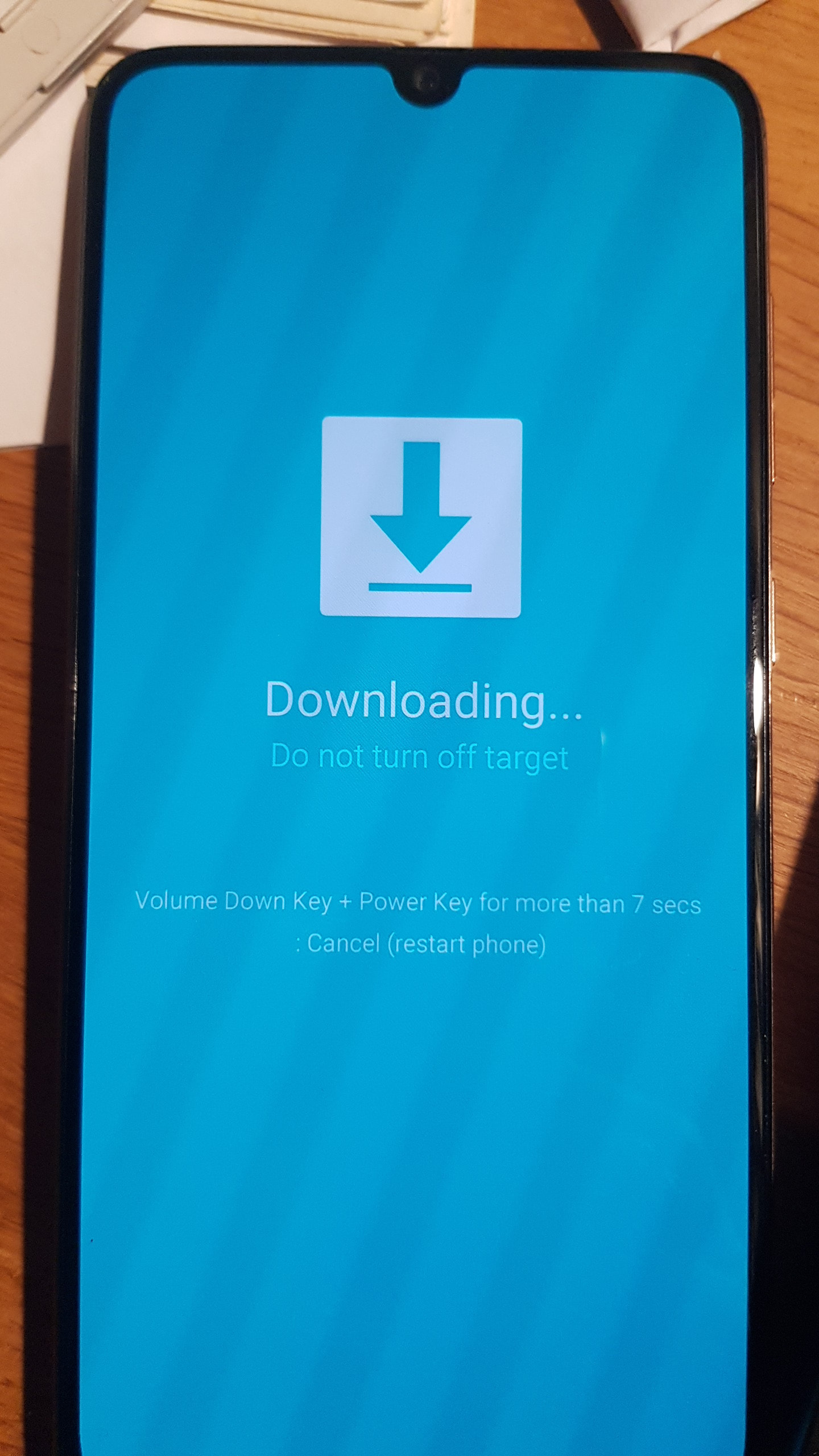
peux-tu prendre une photo de l’écran en mode download ?
ZUT, rien sur l’état du bootloader ni du “KG/RMM STATUS”…
que se passe-t-il si tu essayes :
heimdall flash --VBMETA vbmeta.img --RECOVERY recovery.img
Some devices may take up to 2 minutes to respond.
Please be patient!
Session begun.
Downloading device’s PIT file…
PIT file download successful.
Uploading VBMETA
100%
VBMETA upload successful
Uploading RECOVERY
37%
ERROR: Failed to confirm end of file transfer sequence!
ERROR: RECOVERY upload failed!
Ending session…
ERROR: Failed to receive session end confirmation!
Releasing device interface…
Je constate que le recovery à la même taille que le twrp que j’ai téléchargé pour ce modèle.
es-tu sûr de ton cable ?