since android T (13), lineageOS builds on witch /e/OS are based are expected to include the needed updated firmware partitions to make the build compatible without having to go back reinstalling the Stock OS (usefull for first install, AND even more for upgrading custom android version) for most of the supported devices..
In order to be sure it is really possible in your case, you must answer those 4 questions :
.
What was the android version of the StockOS installed before /e/ ?
What is the latest available StockOS android version but not higher regarding to the android version of the /e/OS build you want to install ?
Or what is the precise StockOS version required as a base to install the /e/OS build you want to install
If answers to 1 and 2 are the same, you can have a go for dirty upgrade !
If answers to 1 and 2 are differents, you must answer to questions 3 or 4
does Lineage wiki offer a firmware upgrade solution for this device ?
if answers to 3 and 4 are no, you will have to install latest available full Stock OS (relative to the android version of the /e/ build you want to install → not higher), then reinstall /e/OS from scratch.
if answer to 3 is yes, you can have a go to dirty upgrade /e/OS.
if answer to 4 is yes, you can have a go for dirty upgrade the firmware, then dirty upgrade /e/OS !
download the latest /e/OS build for your device
it must be named like e-3.2-a15-20251023539369-community-instantnoodle.zip
if you found something named like IMG-e-3.2-a15-20251022539003-official-FP6.zip
use the right clic to copy the link, paste it in the adress bar of your browser, remove the 4 IMG- carracters and press enter to download e-3.2-a15-20251022539003-official-FP6.zip or
find the direct link to the OTA file there : https://ota.ecloud.global/api/v1/your_device_codename/your_build_type/
exemple : https://ota.ecloud.global/api/v1/FP6/community/
.
Recomended Method, download the file on the phone, go to “→ settings → system updater” and use the feature called “locale update” (if you have it in the “3 dot menu” at top right of the screen).
or
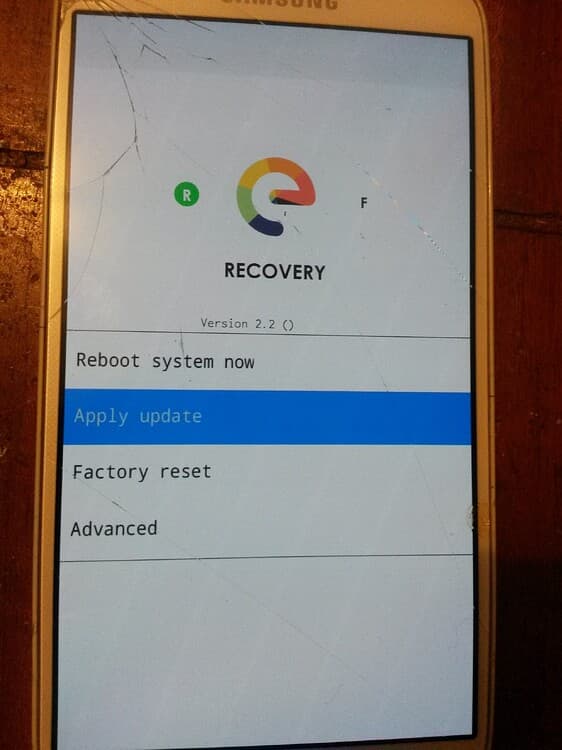
download the file on the phone, reboot the phone into the recovery mode and use “apply update” then “from internal storage” (if your “recovery mode” have the feature).
or
download the file on a SDcard, reboot the phone into the recovery mode and use “apply update” then “from External SDcard” (if your “recovery mode” have the feature).
or
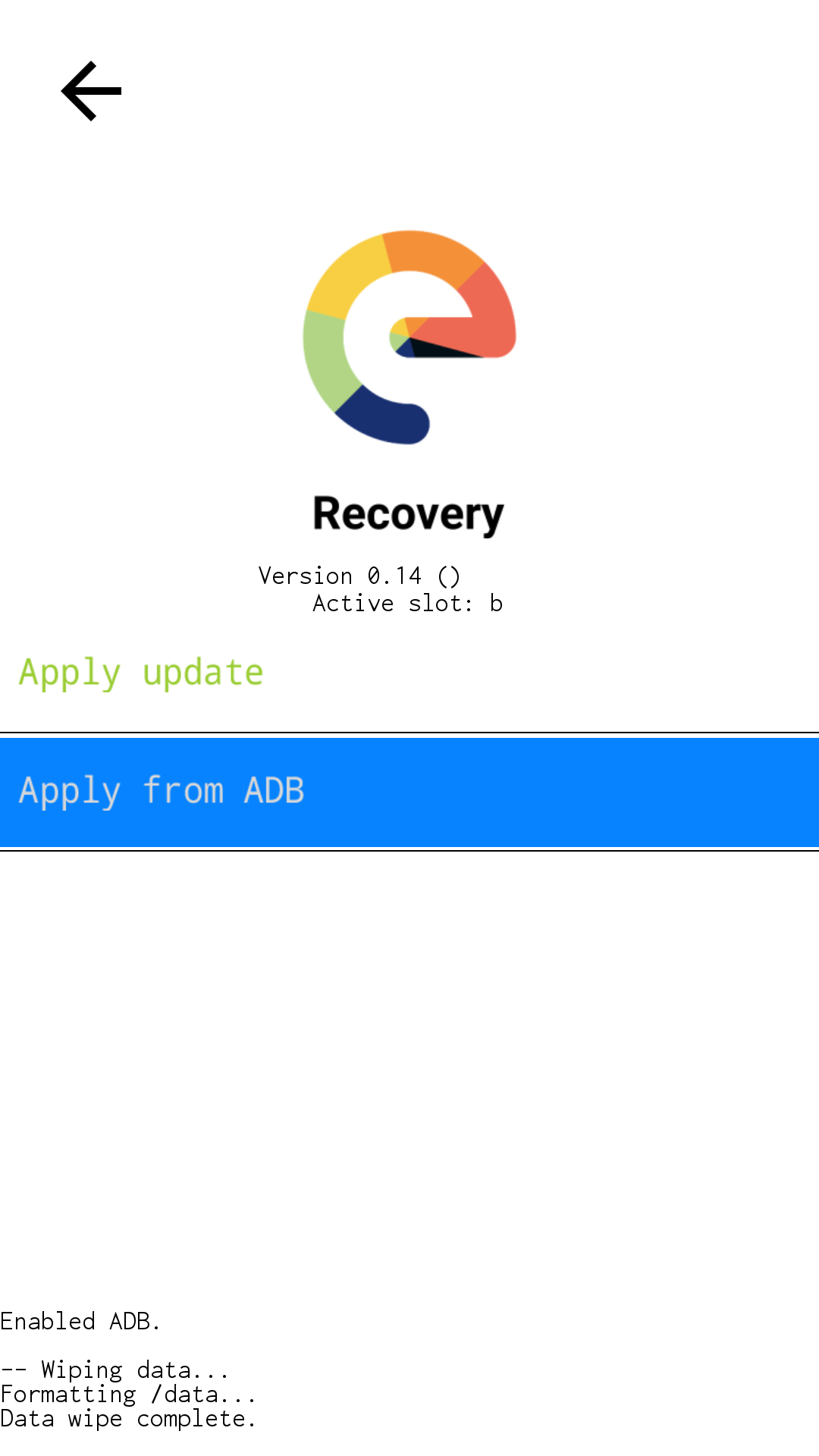
Universal Method, download the file on a computer, boot the phone into the recovery mode and use “apply update” then “from ADB” :
not a major issue if not properly "installed in your path” as explained above, but only downloaded and extracted,
simply add ./ at the beginning of all your adb or fastboot commands,
it will use the version included into the relative folder (the latest) instead of the one installed on your system (that can be outdated)
On the phone,
in the → Settings → System → Developer Options → “USB debugging”
download the latest /e/OS build for your device
(put it into the platform-tools folder)
it must be named like e-3.2-a15-20251023539369-community-instantnoodle.zip
if you found something named like IMG-e-3.2-a15-20251022539003-official-FP6.zip
use the right clic to copy the link, paste it in the adress bar of your browser, remove the 4 IMG- carracters from the URL and press enter to download e-3.2-a15-20251022539003-official-FP6.zip
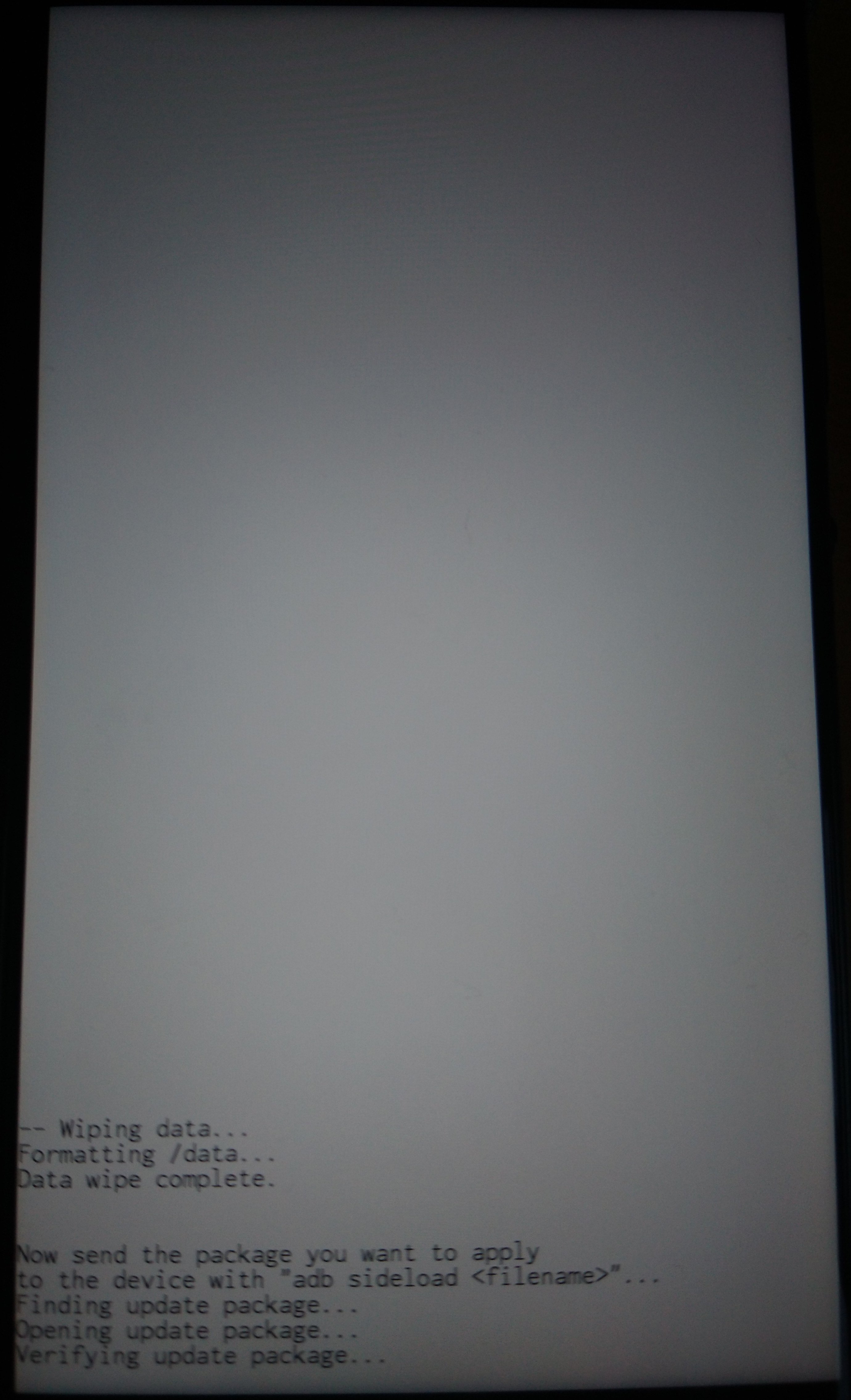
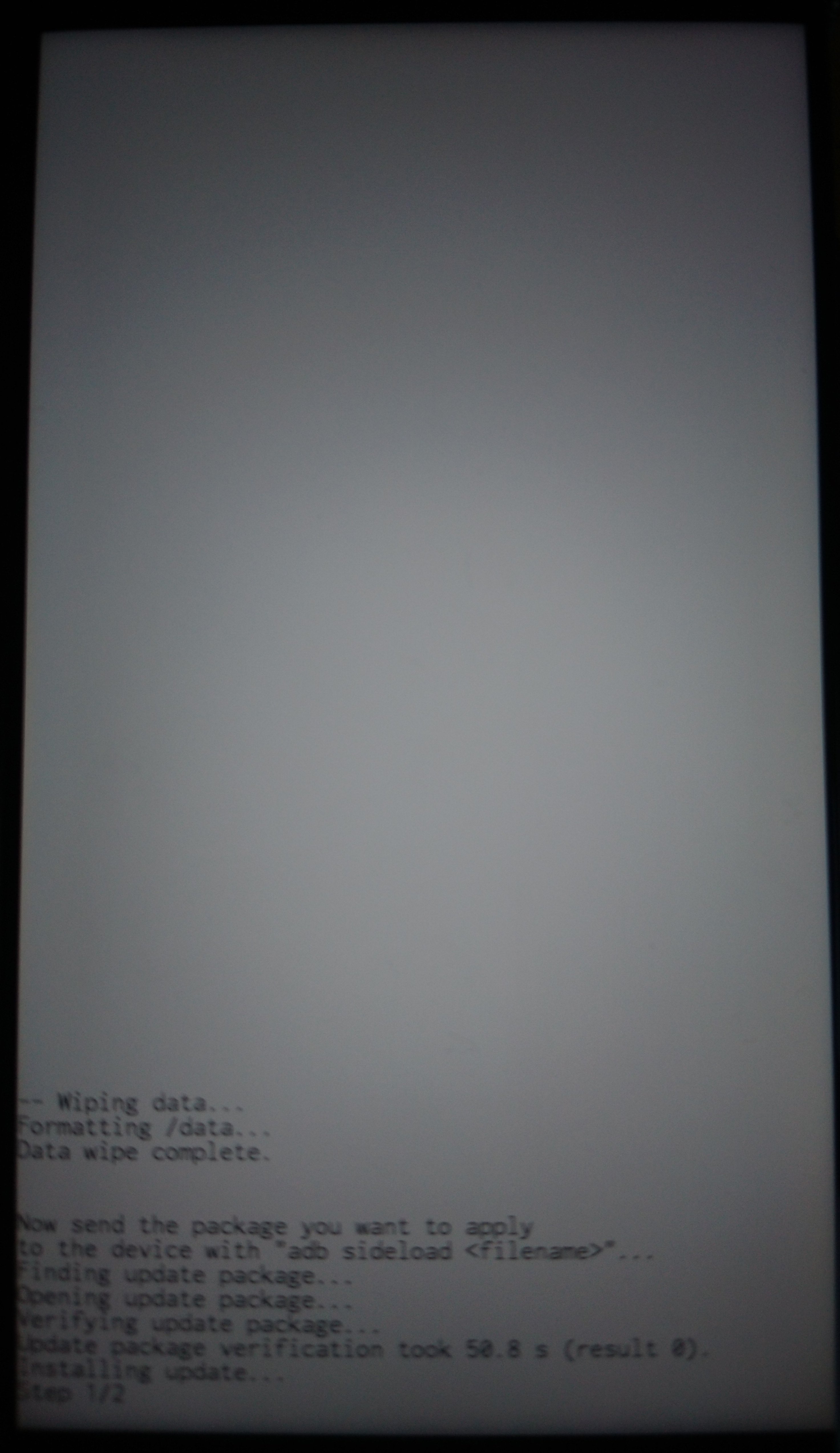
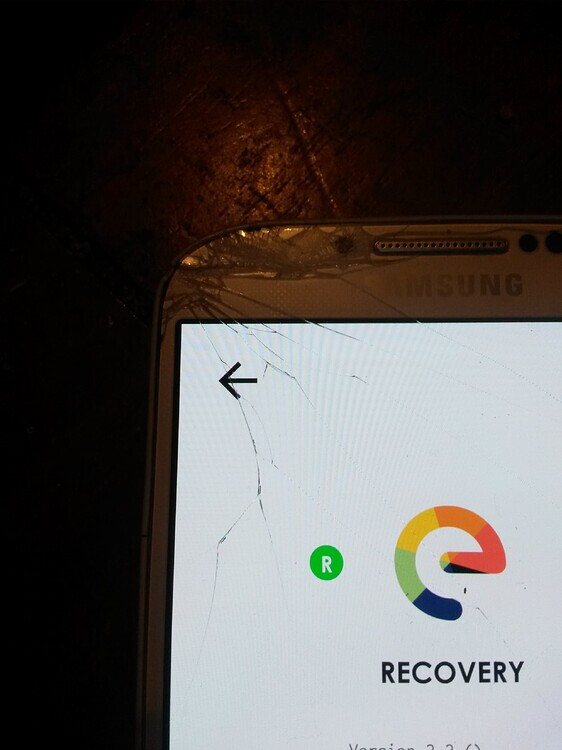
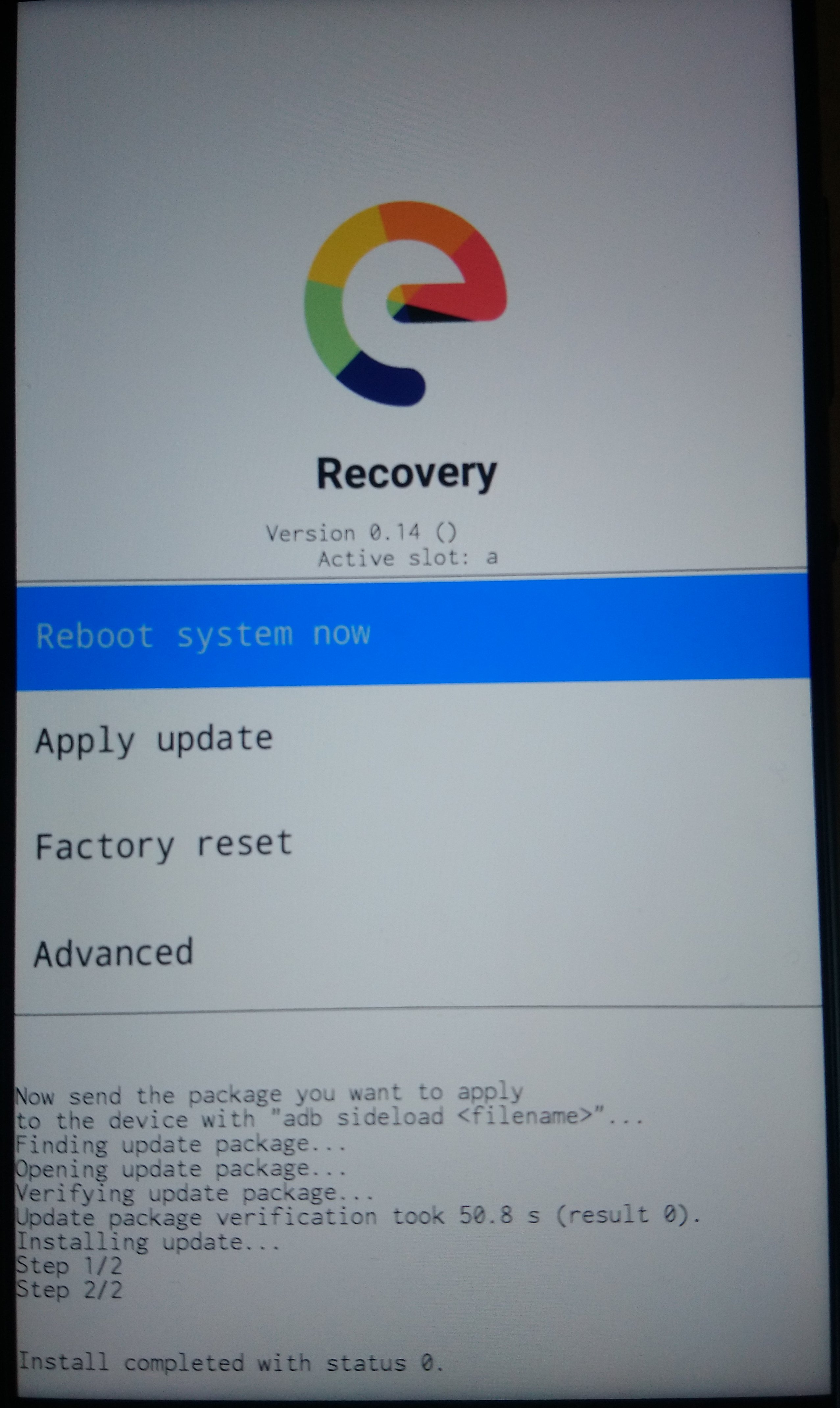
On the computer the sideloading shows progress as a percentage figure that will stop at 47%. The phone will still be installing though (even though it might feel like nothing is happening sometimes!) and you can expect to see the following screens
We have no experience regarding android 16
Last “big change” that made format /data mandatory was migration to android 11 because it introduiced /data encryption by default
I tried to see if I could update my Pixel 6 from /e/OS 3.0 to 3.3. However, I got stuck on step three. I downloaded the build (e-3.3-a15-20251212556760-community-oriole.zip) and took a look inside. There was no firmware directory, but also no install directory or img files. Instead, there was a payload.bin, so I used the payload dumper to get the partitions and got the following:
The issue is that I don’t really know what I am looking for. It does have some partitions from the positive example that are not in the negative example (abl and modem for example), but it is also missing others (like fw_4j1ed and fw_4u1ea).
Could you add the information about what to look for?
Since the Asus Zenfone 8 already contains the necessary firmware blobs, I was able to update from A13 to A16 using the local update feature.
It was a nice, smooth upgrade - thanks a lot for the guide!
That is surprising me,
(I don’t have access to a computer these days to check myself)
is it the same for e-3.7.3-16-community-FP4 ?
so you could take it to “dirty” upgrade through recovery and adb sideload, then do a “normal” OTA update to e-4.0-a16-community-FP4 through system uptater
your article is used for “normal” flashing from scratch. iam able to use adb flash in general, but the problem is i wanted to “dirty upgrade” from 3.7.3. a14 offical (current version of my fp4) to 4.0 a16 community without losing data. Mabye ill just do fresh install next week.