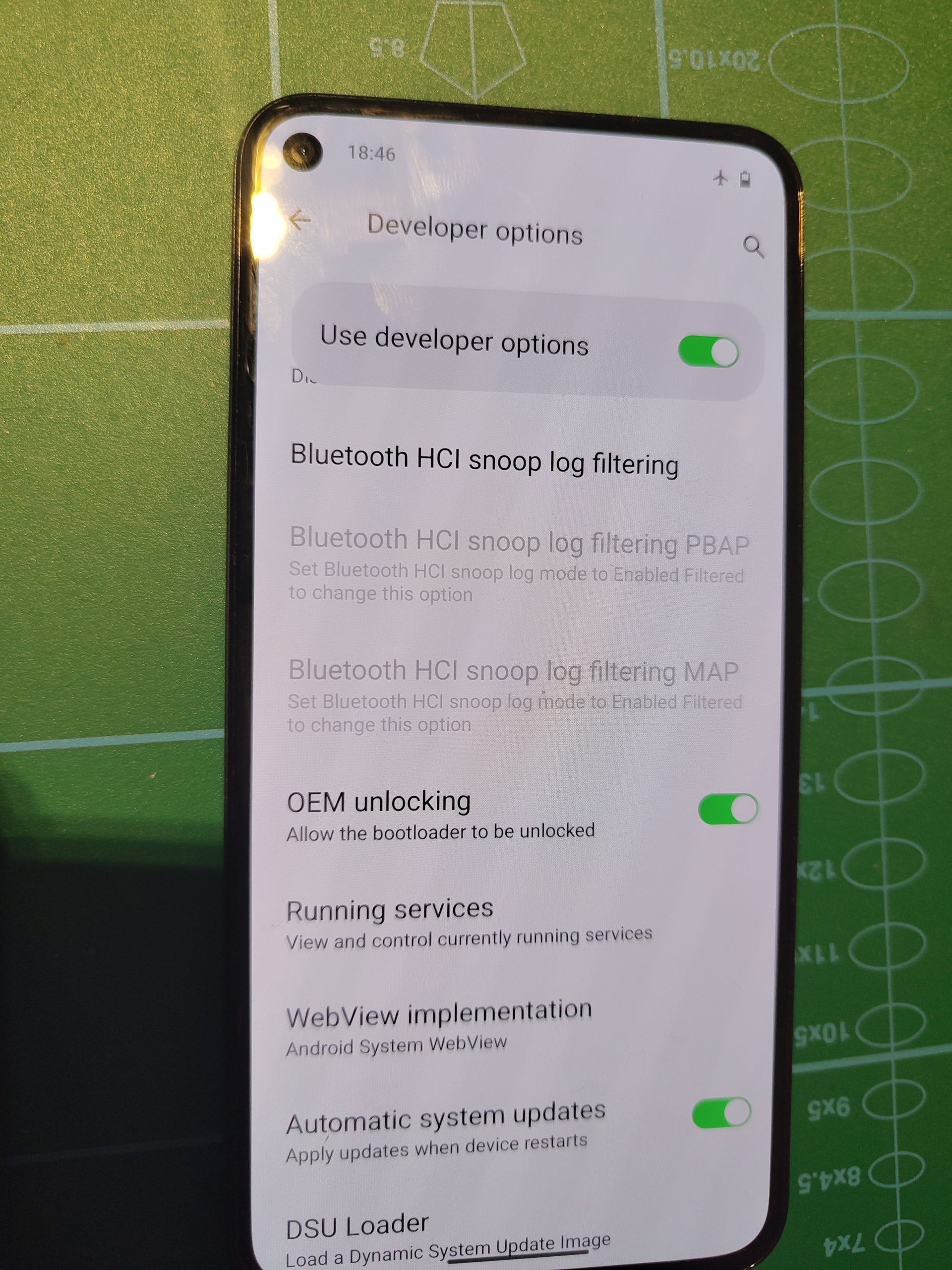
Maybe I’m making a mistake somewhere. I want to install e/os on my pixel 8a. I need the bootloader to be unlocked. I‘m not able to do this. Android SDK tools, fastboot and adb are installed.
adb devices shows my pixel. adb reboot bootloader brings me in Fastboot Mode. The device is unlockeble. Sadly fastboot devices does not show then pixel. So Im cannot unlock the device.
when in Recovery fastboot devices shows my pixel but in this mode fastboot oem unlock
FAILED (remote: 'Unable to do OEM command Status(-8, EX_SERVICE_SPECIFIC): '1: Error Unknown OEM command.
What is going wrong here? Google helpdesk was not able to help and adviced me to send it in for repairs. Today my phone came back but still the same issue…
Anybody any idea what is wrong here? I had lineageOS on it. After this I relocked the bootloader
this is not posible !
fastboot commands only works on bootloader / fastboot mode.
when adb commands works on recovery mode and normal android system mode
Connect my running fone to my PC it’s recognized (adb devices), In Fastboot Mode (reboot with vol - and power pressed) it is not recognized (lsusb does not show the fone), From Fastboot Mode select recovery and choose enter fastboot. The fastbootd menu is shown (fastboot devices shows my fone) it, however, will not unlock the bootloader. Not with fastboot oem unlock and not with fastboot flashing unlock. fastboot flashing unlock
FAILED (remote: ‘Unrecognized command flashing unlock’)
fastboot: error: Command failed.
I reset my pixel8a. So it is clean and i did not do anything after this, it’s in the language menu and no sim installed. I started the bootloader, recovery, fastboot. The phone is recognized.
Same results:
fastboot oem unlock
FAILED (remote: ‘Unable to do OEM command Status(-8, EX_SERVICE_SPECIFIC): ‘1: Error Unknown OEM command’’)
I was on LineageOS. With an unlocked bootloader my bank app refused to work so I relocked the bootloader. I read somewhere that this could be a problem. On the other hand, the phone was checked twice by the Google repair store in Poland because of this problem. They found nothing wrong with my Pixel.
I’m in the dark here…
(4) Download a custom recovery manager. TWRP seems not possible on my pixel. I cannot find anything else. Anny idea?
i think it is not to possible relock the bootloader using stock official lineageOS build,
the relock ability have to be included during the building process (so should be possible using a specific Unofficial custom LineageOS build)
The whole problem is a locked bootloader. This was done by me after installing LineageOS. I tried to install stock android so I could install e/os. This was not possible because the bootloader was locked. I managed to load the latest pixel8a os via adb sideload. Thats the status now. The bootloader is locked (unlockeble)